Trend AuroraPlus User Guide
4-38 429850
ISDN
AuroraPlus
Nick
Steve
(
o
n
h
o
l
d
)
e
s
t
a
b
l
i
s
h
e
d
c
a
l
l
e
s
t
a
b
l
i
s
h
e
d
c
a
l
l
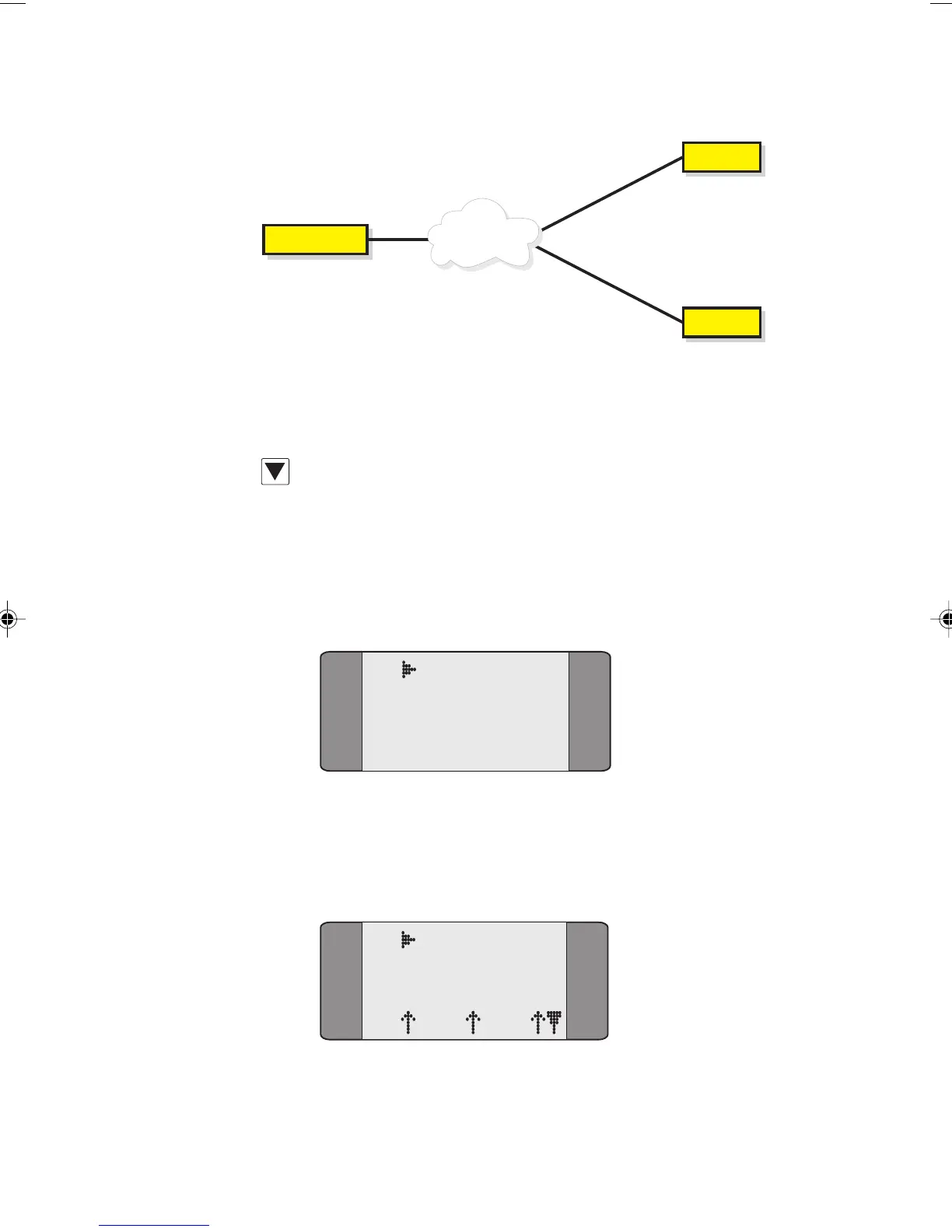
The Third Party option removes the On-Hold status from the
first call allowing all three parties to communicate.
When you have two calls established (one of which is
on-hold), press SCROLL from the Connected screen to
display the
SUPP SVCS option.
Choose the SUPPSVCS option, the following screen is
displayed:
B1 CONNECT
1 KEYPAD
2 HOLD
3 3PARTY
Choose 3PARTY to send a Three Party request to the network.
A screen similar to the following is displayed (sometimes
only for a split second):
B1 3PTY ACT
SPEECH
L1 L2 L3
Chap04s2.P65 30/04/01, 16:3738



 To Next Page