Trend AuroraPlus User Guide
4-30 429850
Tip
To return to the previous screen, press CLEAR.
CALL DEFLEC
NUM:
Press ENTER ( ) to return to the previous screen.
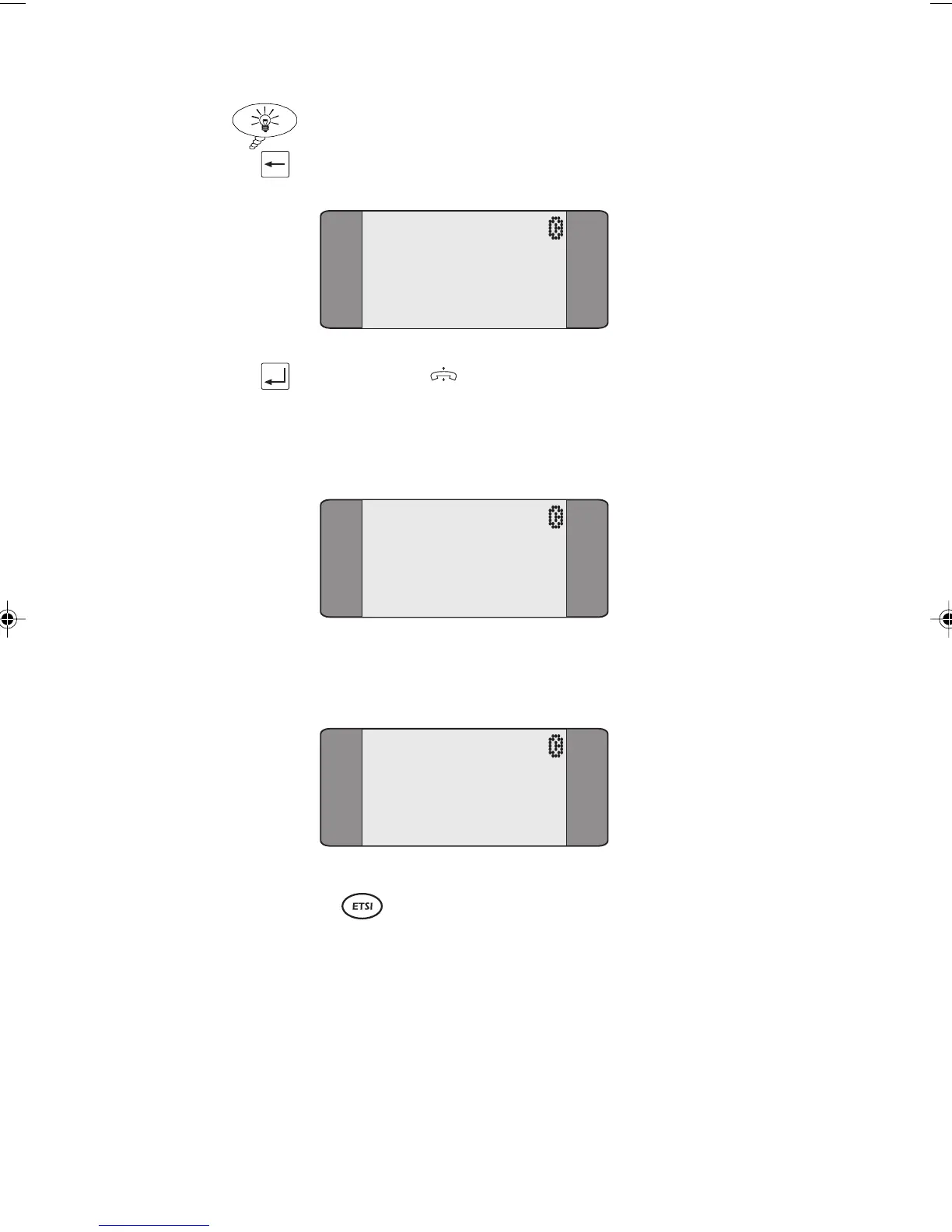
To invoke Call Deflection, choose INVOKE, the following
screen is displayed.
CALL DEFLEC
RES:
INVOKED
If the Call Deflection is successful, the following screen is
displayed:
CALL DEFLEC
RES:
AVAIL
Keypad Facility
The Keypad facility enables you to send requests to the
network to initiate and test the operation of 'Stimulus'
controlled Supplementary Services. The Keypad facility can
be used either with or without an active, established call.
Chap04s2.P65 30/04/01, 16:3630



 To Next Page