Call Establishment
Issue 5 - 04/01 4-29
Call Deflection
Call Deflection enables a user receiving an incoming call to
send the call to another number. Call Deflection can only be
performed when a call is received, unlike Call Forwarding
that is set up in advance.
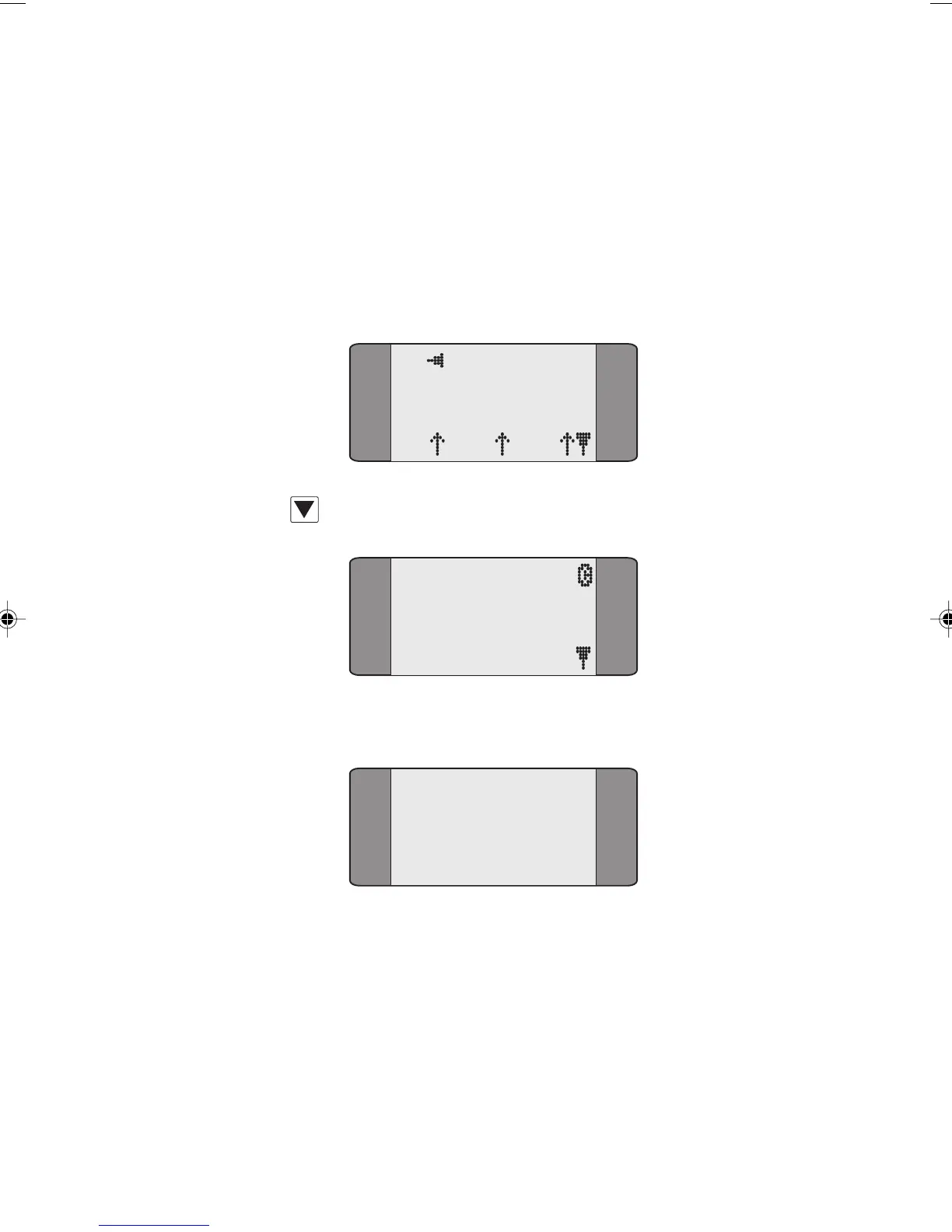
When an incoming call is presented:
B1 CALL
SPEECH
L1 L2 L3
Press SCROLL.
SUPP SERVIC
1 CALL DEFL
2 UUS SRV 2
Choose CALL DEFL.
CALL DEFLECT
1 ADDRESS
2 INVOKE
To choose the number you want to transfer the call to,
choose ADDRESS, then enter the number (up to 19 digits).
Chap04s2.P65 30/04/01, 16:3629



 To Next Page