Trend AuroraPlus User Guide
3-4 429850
• OFF: Incoming calls are answered manually and then
connected to the microphone and earpiece. This setting
is normally used for voice calls. Service Checking for
outgoing calls operates normally, but Call Screening can
only be used with voice calls (i.e. speech or 3k1).
Screening only operates if you selected
TELCHK from
the
CALLS menu.
Changing the Loop Options
+
Choose ISDN from the Setup menu to display the following
screen:
1 PROTOCOL
2 LINE TYPE
3 LOOP
4 CALL SCRN
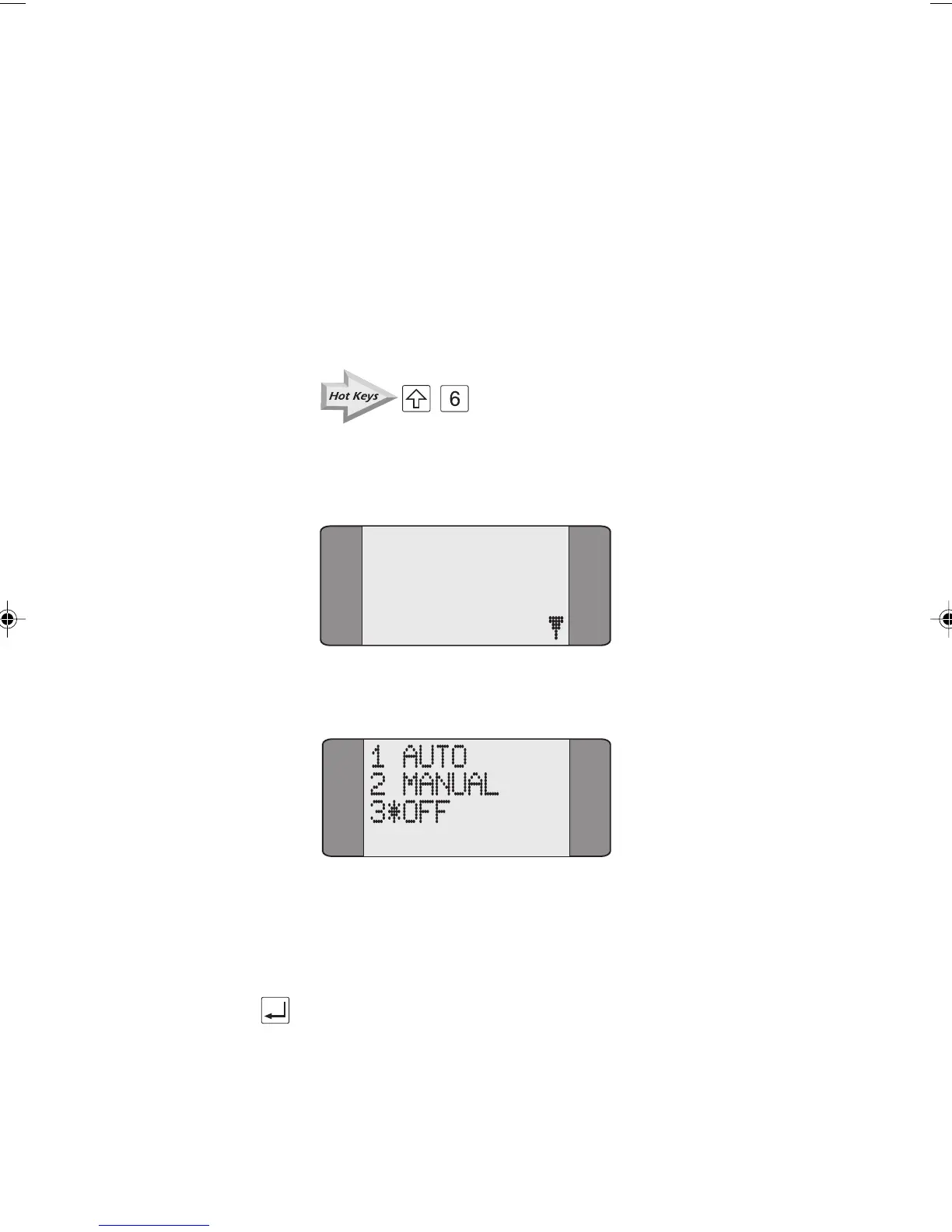
Choose LOOP. The loop options are displayed.
Choose the appropriate option. An asterisk (*) symbol is
displayed against the current selection. The above example
shows
OFF selected.
Press ENTER to save your selection. You return to the
previous screen.
Chap03.P65 30/04/01, 16:314



 To Next Page