Test Functions
Issue 5 - 04/01 5-17
Navigating through the Decode
Up to 99 lines of decode may be stored in AuroraPlus's memory
and this is likely to span several pages. Use the following keys
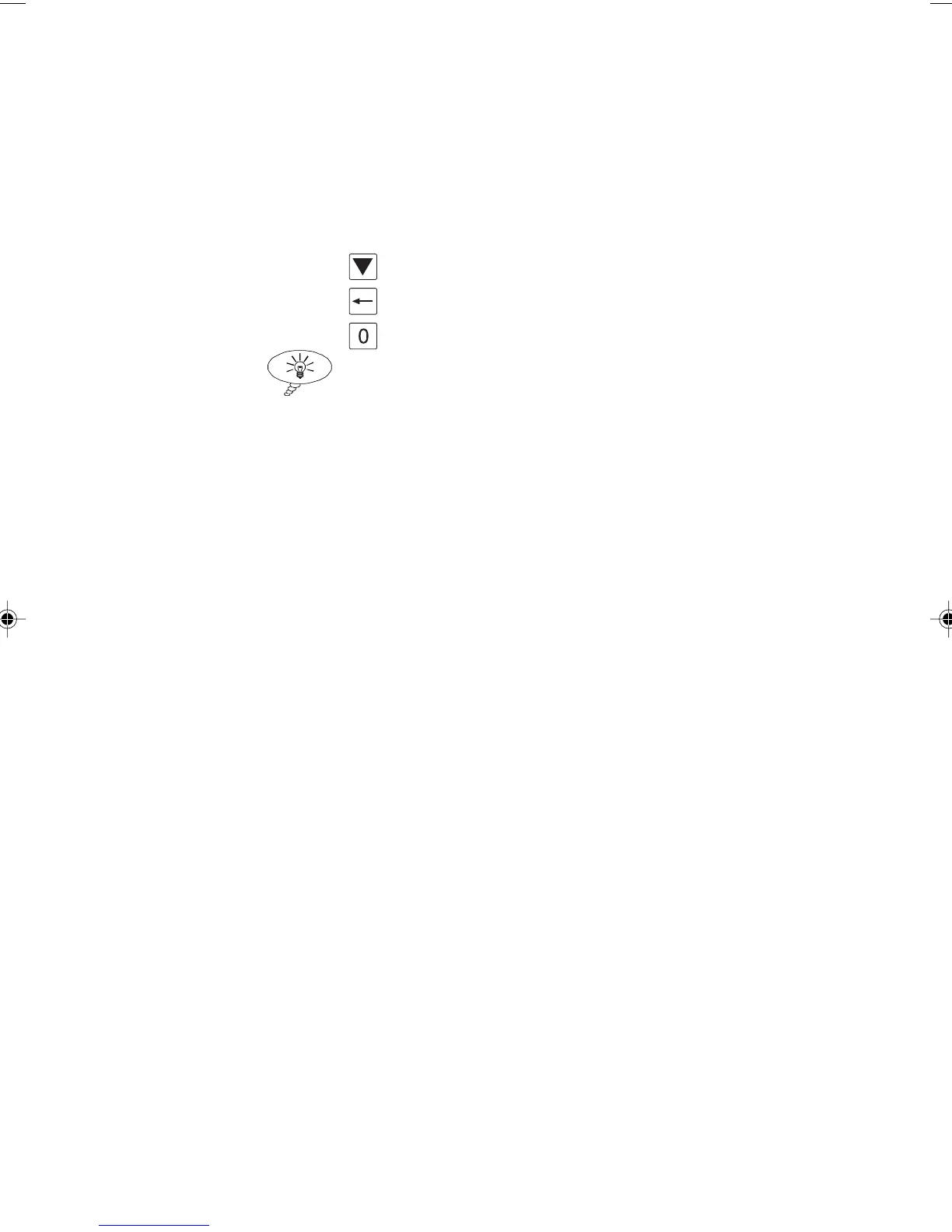
to cycle through the decode:
To page down, use the SCROLL key.
To page up, use the CLEAR key.
To go to the first page, press 0.
Tip
To go directly to a line of decode, press the first digit of the
line number. For example, to go to line 20, press 2.
Downloading Tracer Results to a PC
First connect AuroraPlus to the PC using the serial connector
supplied.
Set the PC to the following:
Baud Rate 9600
Data Bits 8 bits
Parity None
Stop Bits 1
Protocol ETSI (Basic rate)
Layer 1 On
Layer 2 Full
Layer 3 Full
filters no filters selected
capture download, with display, with
statistics
Preferences Embedded Hex
Chap05.P65 01/05/01, 09:1217



 To Next Page