Trend AuroraPlus User Guide
5-18 429850
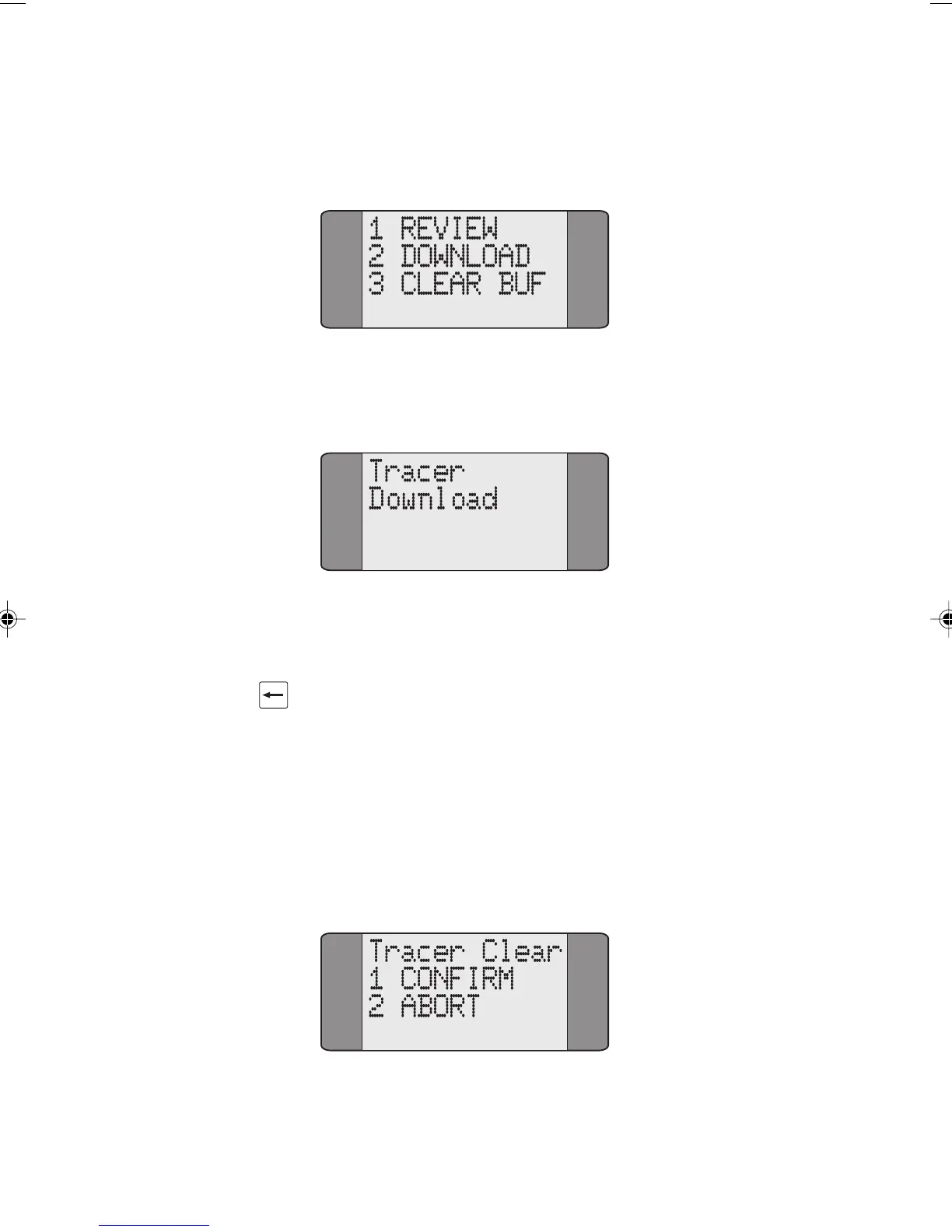
Choose DOWNLOAD to begin downloading the stored decode
through
AuroraPlus's serial port to the PC.
When AuroraPlus begins downloading to the PC the following
screen is displayed:
Check the PC screen to determine when downloading is
complete.
Press CLEAR to exit the Download Screen.
Clearing Tracer from Memory
Choose CLEAR BUF to erase the stored Decode from
AuroraPlus's memory.
The following screen is displayed, asking you to confirm
whether you want to clear the buffer or not :
Chap05.P65 01/05/01, 09:1218



 To Next Page