Trend AuroraPlus User Guide
3-2 429850
Choose the PROTOCOL option.
1*ETSI
2 1TR6
The list of protocols displayed may vary, depending on the
software loaded on your
AuroraPlus.
Changing the Protocol
Choose the required protocol. An asterisk (*) symbol is
displayed against the current selection. The above example
shows the selection of the ETSI protocol.
Press the ENTER key to confirm your choice.
Changing the Line Type
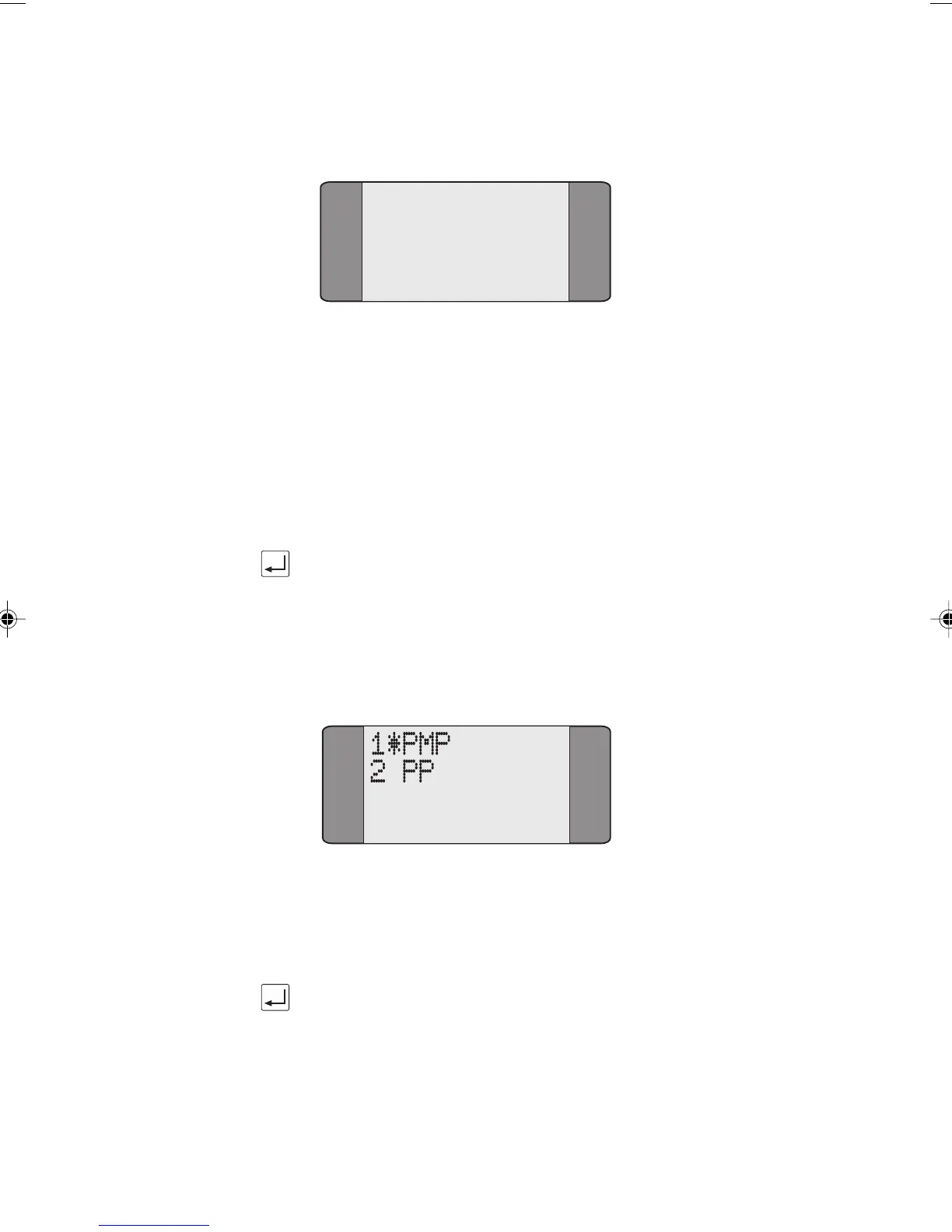
Choose LINE TYPE from the ISDN SetUP menu to change the
connection type. The following screen is displayed:
Choose the appropriate line type - either
Point-to-Multipoint (
PMP) or Point-to-Point (PP). An
asterisk (
*) symbol is displayed against the current selection.
Press the ENTER key to confirm your choice.
Note
LINE TYPE is part of the layer 2 configuration of the
connection. PMP is the same as 'S' reference point operation
and PP is the same as 'T' reference point operation.
Chap03.P65 30/04/01, 16:312



 To Next Page