Test Functions
Issue 5 - 04/01 5-1
Test Functions
This section discusses the various functions and tests
provided by
AuroraPlus that allow you to quickly check the
line under test. These tests give you information about the
line such as the protocols, the bus configuration and the
teleservices that can be used. The BER Test, Tracer and Self
Test functions are also discussed.
Autotest
Setting up the Autotest
From the main menu choose SETUP.
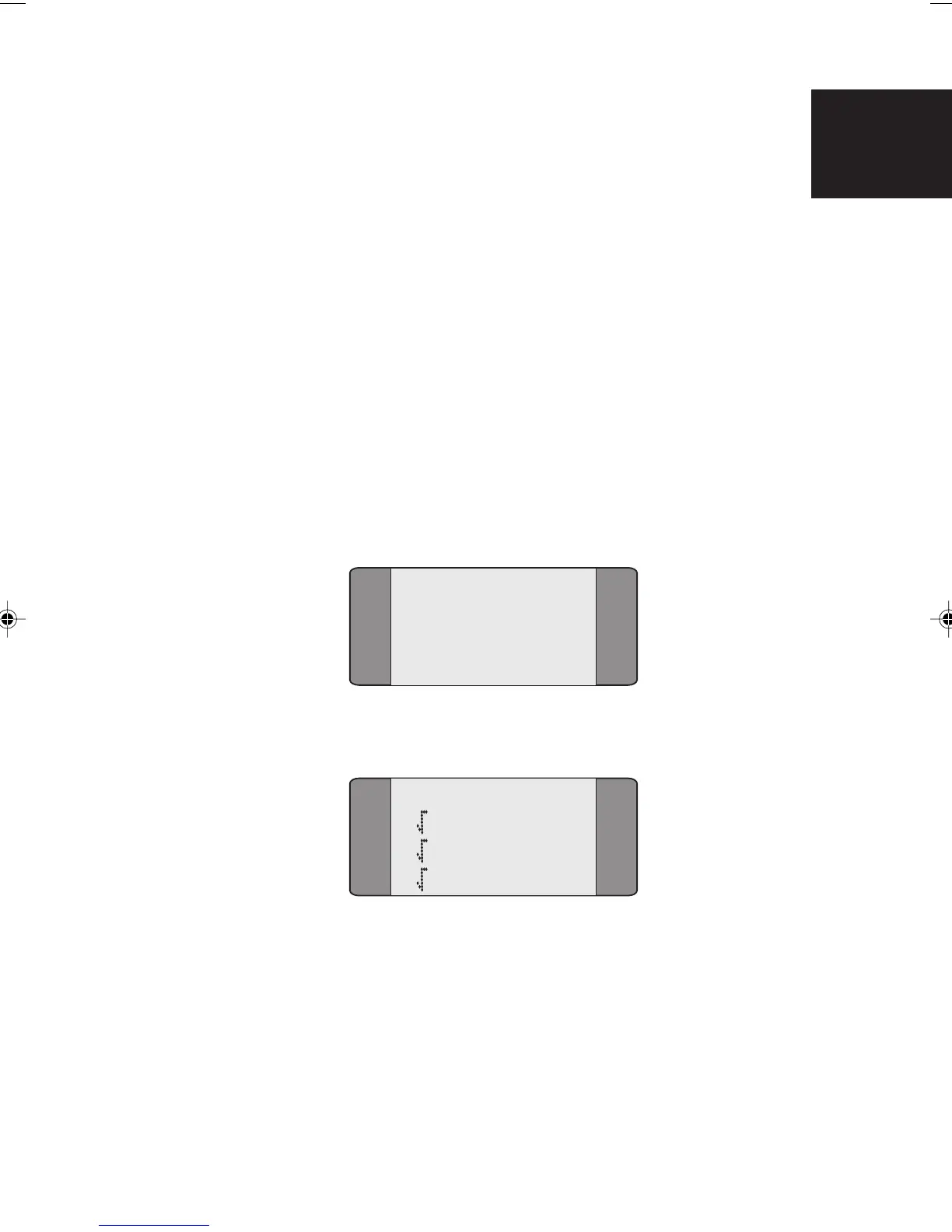
Choose AUTOTEST, following menu is displayed:
AUTOTEST
1 SELECT
2 SRV:T-ISDN
3 BERT
To select the tests included in the autotest, choose SELECT.
AUTOTEST
1 CALLS
2 SERVICE
3 BERT
To choose an item, press the key for the item, to deselect the
item press the key again.
To choose the bearer service you want to use for the call,
choose SRV, and choose the service you want to use.
5
Chap05.P65 01/05/01, 09:101



 To Next Page