Test Functions
Issue 5 - 04/01 5-11
Choose DIAL and enter the Called Party Number - please
refer to Dialling in Chapter 4 for further details.
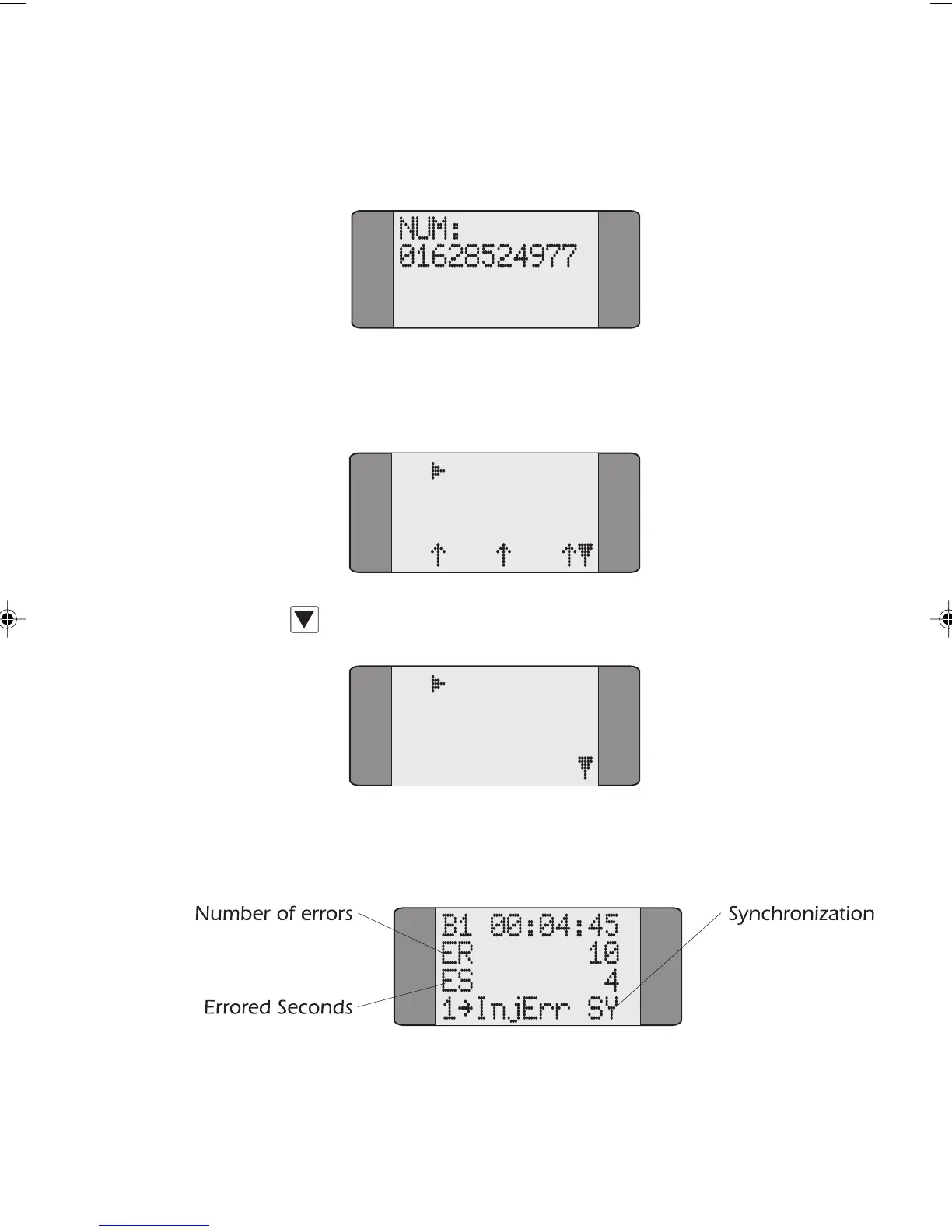
When the call is established a screen similar to the following
is displayed:
B1 CONNECT
SPEECH
L1 L2 L3
Press SCROLL to display the Call Control options:
B1 CONNECT
1 BERT
2 LOOP
3 SUPP SVCS
Choose BERT to begin the BER Test. A screen similar to the
following is displayed:
The test runs for the duration set in the Bert Setup Screen
(please refer to Setting the BER Test Length in Chapter 3 for
further information) and the call is then cleared.
Chap05.P65 01/05/01, 09:1111



 To Next Page