Trend AuroraPlus User Guide
5-12 429850
To inject errors into the BER pattern, press 1.
Press ENTER at any time, to stop the test.
Note
SY is displayed when the BERT pattern is synchronized. Sync
Lost
is displayed otherwise.
Specifying the BER test before the call has been
connected
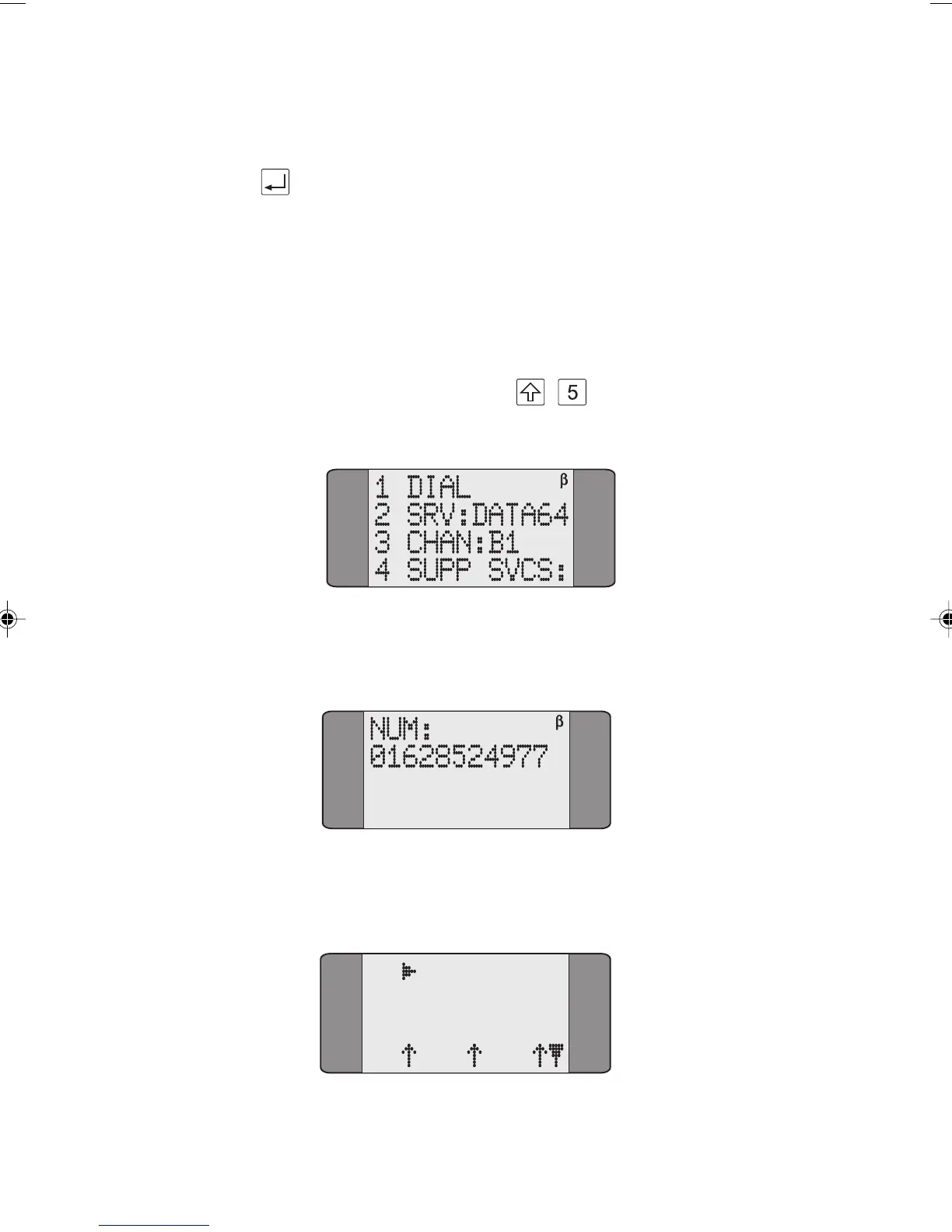
From the main menu press + , the following is
displayed:
Choose DIAL and enter the Called Party Number - please
refer to Dialling in Chapter 4 for further details.
When the call is established a screen similar to the following
is displayed:
B1 CONNECT
DATA64
L1 L2 L3
Chap05.P65 01/05/01, 09:1112



 To Next Page