Call Establishment
Issue 5 - 04/01 4-13
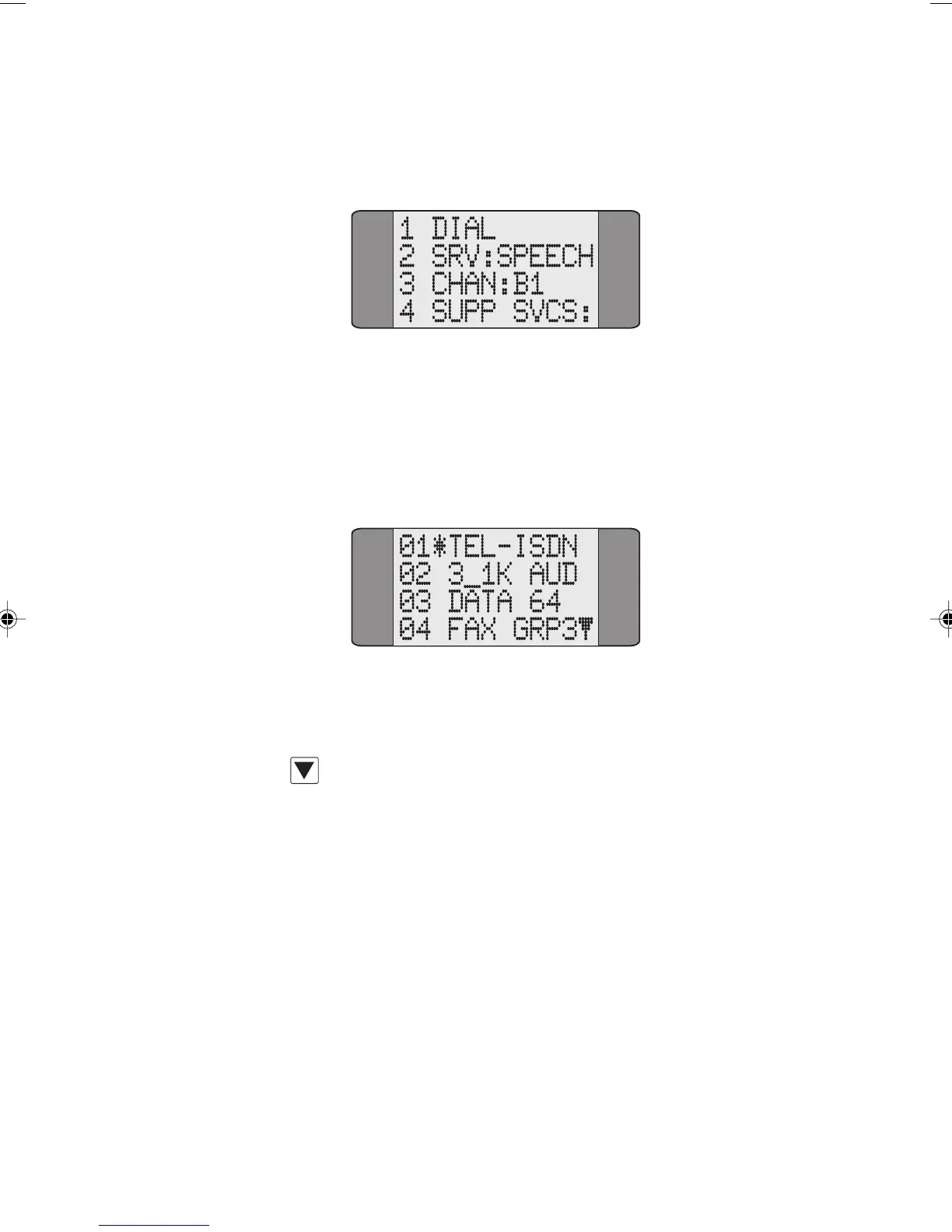
Choose CALLS from the Main Menu to display the following
screen:
SRV: shows the currently selected service. In the above
example,
SPEECH has been chosen.
To change the service type, select
SRV:. The following screen
is the first of a set showing the services available:
An asterisk (*) is displayed against the currently selected
service.
Press the SCROLL key repeatedly to scroll through the
service screens.
To choose a service, input the number which corresponds to
it - for example, input 01 to select
TEL-ISDN. The service is
selected and
AuroraPlus displays the previous menu showing
the selected service type.
Notes
• You do not have to display the screen containing the
option you wish to select. Simply input the number
associated with it. For example, you may have options
01 to 04 displayed, but you can input and select 15
from this screen.
Chap04s1.P65 30/04/01, 16:3413



 To Next Page