Trend AuroraPlus User Guide
5-24 429850
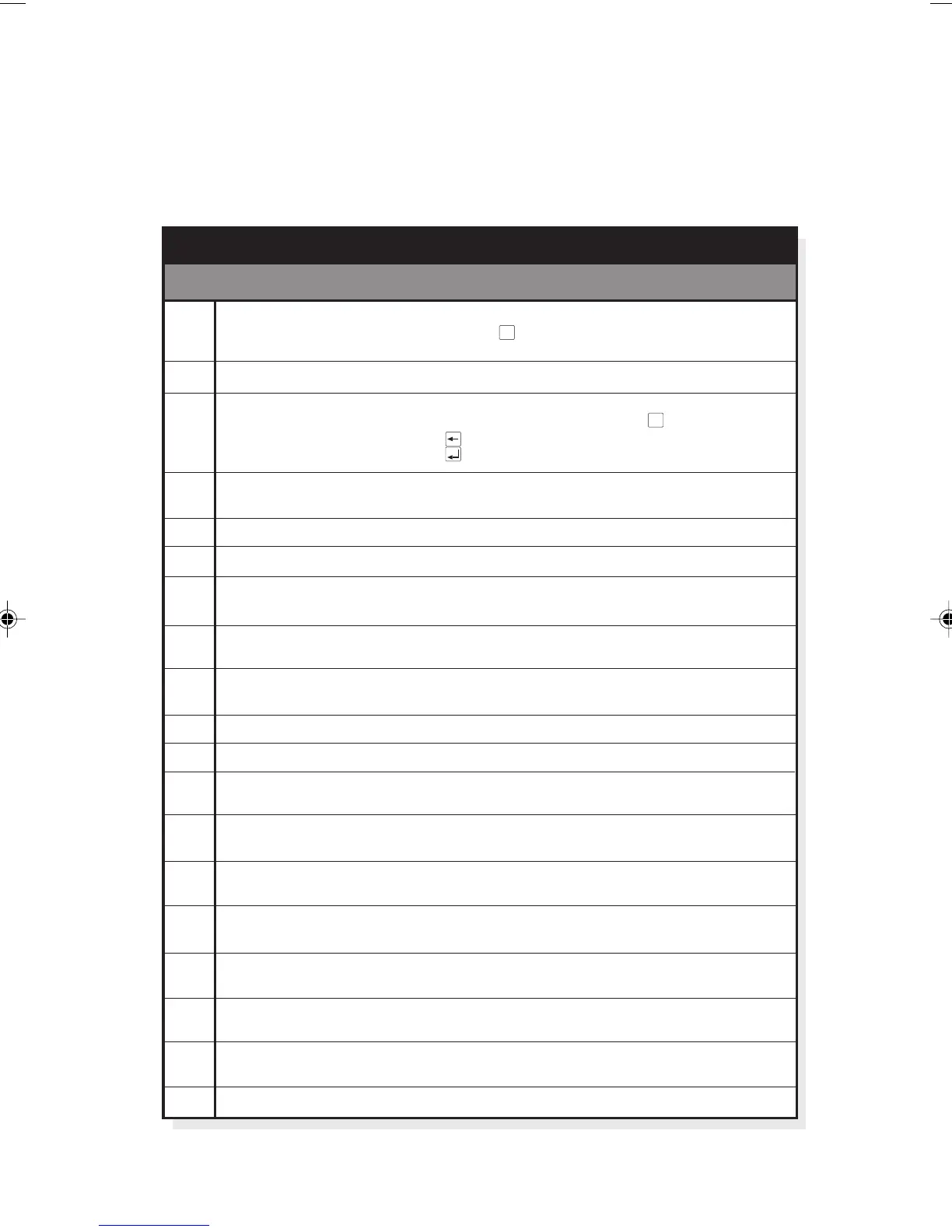
Enter the appropriate two digit code which corresponds to
the facility you wish to perform. The table overleaf lists all
the available tests and their corresponding codes:
01
02
03
04
05
06
09
12
13
40
41 µ
45
50
51
59
60
61
continued on next page...
Display Test
FLASH Checksum
Keypad Test
Internal Hardware
Check
Software Release
Ringer Check
96 kHz at S Interface
Polarity Check
Resets EEPROM
Set Serial Number
A-Law Encoding
-Law Encoding
40KHz Tone On -
Insert 0 or 00
Remove 0 or 00
Flash Time 100ms
.
Flash Time 300ms
.
Flash Time 600ms
.
Lets you scroll through a list of characters to test all elements of the display.
Use the button to step through the display. Press to
end this test.
Displays FLASH checksum. Use this to check that the software has no errors.
Use this to check the keypad. For each button press a corresponding
description is displayed on-screen. For example, press and is
displayed; press and is displayed. Stop the test by pressing the
button .
Performs automatic test of internal hardware and reports a result
e.g. or .
Displays the current release of software e.g.
Continuously sounds the ringer to verify it's operation. Displays .
Transmits a 96kHz signal at the S Interface for wiring/connectivity check.
Displays
Checks a signal input polarity against an internal reference.
Displays / .
Restores to original factory settings. This is useful if the unit's state
unknown. Displays / .
Enables you to enter a Serial Number. Note: to enter ‘/’ press SHIFT+*
Sets encoding type to A-law for use in Europe. Displays .
Sets encoding type to µ-law for use in the US, Japan and Asia.
Displays .
12dBm tone generation for testing the attenuation of lines. Press then
to end this tone generation. Displays .
Automatically adds 0 or 00 to the display of incoming national or
international calls. Displays .
Removes 0 or 00 for incoming national and international calls.
Displays .
Defines the Timed Break used by modern analogue exchanges to access
additional services. Region specific. Displays
Defines the Timed Break used by modern analogue exchanges to access
additional services. Region specific. Displays
Defines the Timed Break used by modern analogue exchanges to access
additional services. Region specific. Displays
SCROLL ENTER
ENTER
2
ENTER
7
CLEAR
TEST OK ERROR
REVP:V1.02:G
CONTRING
S96KHZ
SPOLARITY OK NOT OK
SET DEFAULT OK ERROR
SET A-LAW
SET µ-LAW
40KHz
NUM PLAN ON
NUM PLAN OFF
FLASHTIME 100MS
FLASHTIME 300MS
FLASHTIME 600MS
.
.
AuroraPlus
20
is
Description
AuroraPlus Self Test Facilities
Test
Code
Function
7
▲
Chap05.P65 01/05/01, 09:1224



 To Next Page