Setting up your AuroraPlus
Issue 5 - 04/01 3-11
The call uses the currently selected service. The BER Test is
performed using a 2047 bit Pseudo Random pattern
according to ITU G.821/O.152.
Note
Your settings will also apply to the fixed link BERT. For
more information, see Testing Fixed Links in Chapter 5.
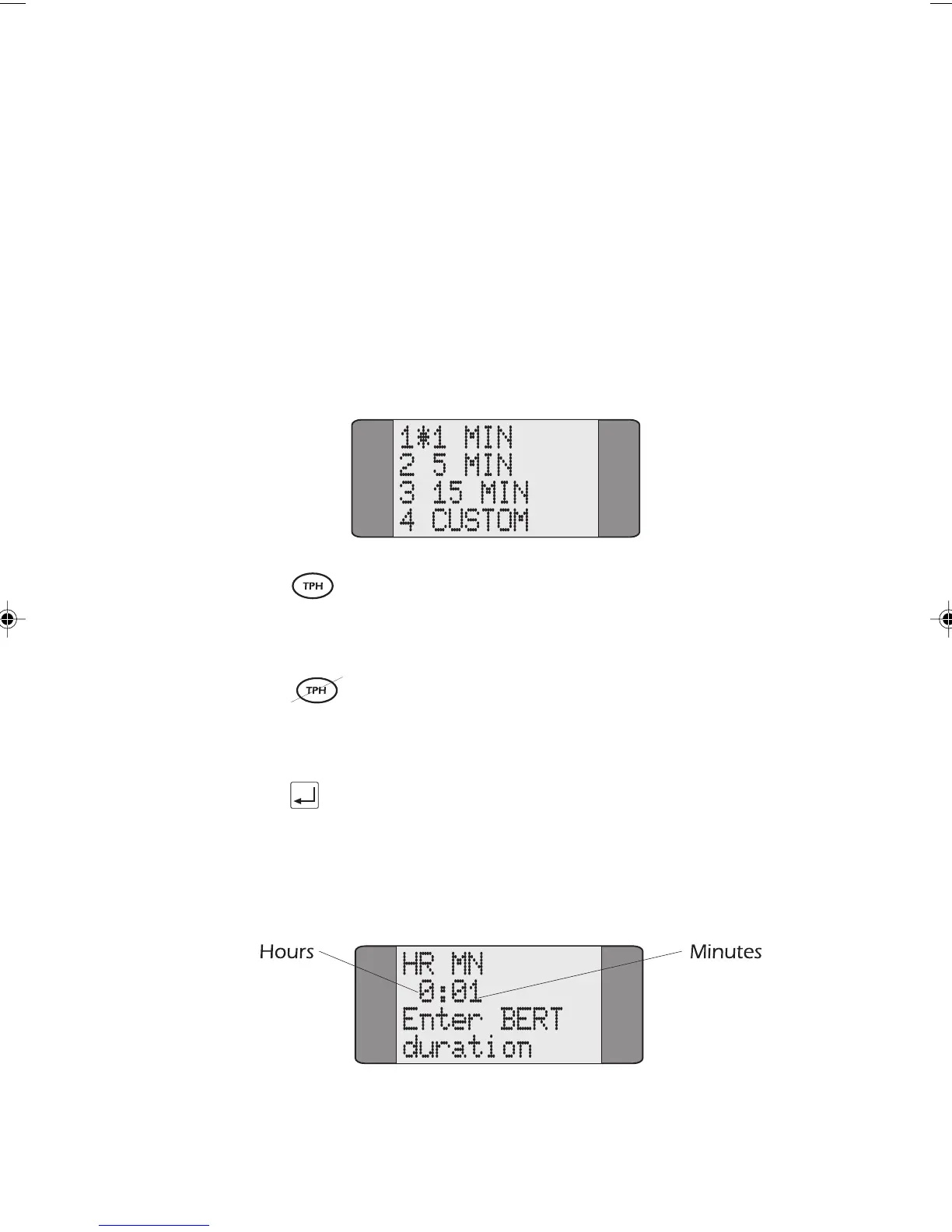
Choose BERT from the Setup menu to display a list of preset
durations.
You can select from the following durations - 1 MIN, 5 MIN
or 30 MIN. An asterisk (*) is displayed next to the current
selection. The default duration is 5 minutes.
You can select from the following durations - 1 MIN, 5 MIN
or 15 MIN. An asterisk (*) is displayed next to the current
selection. The default duration is 1 minute.
Press the ENTER key to confirm your choice. AuroraPlus
returns to the previous menu.
To specify a different duration for the BER Test, choose
CUSTOM. This displays the following screen:
Chap03.P65 30/04/01, 16:3211



 To Next Page