Trend AuroraPlus User Guide
5-32 429850
• CALL REDIR is displayed, together with the call
forwarding number, if AWS2 is active.
•
MCI is shown if Malicious Call Identification is
currently activated.
•
CUG is displayed if a Closed User Group is activated.
•
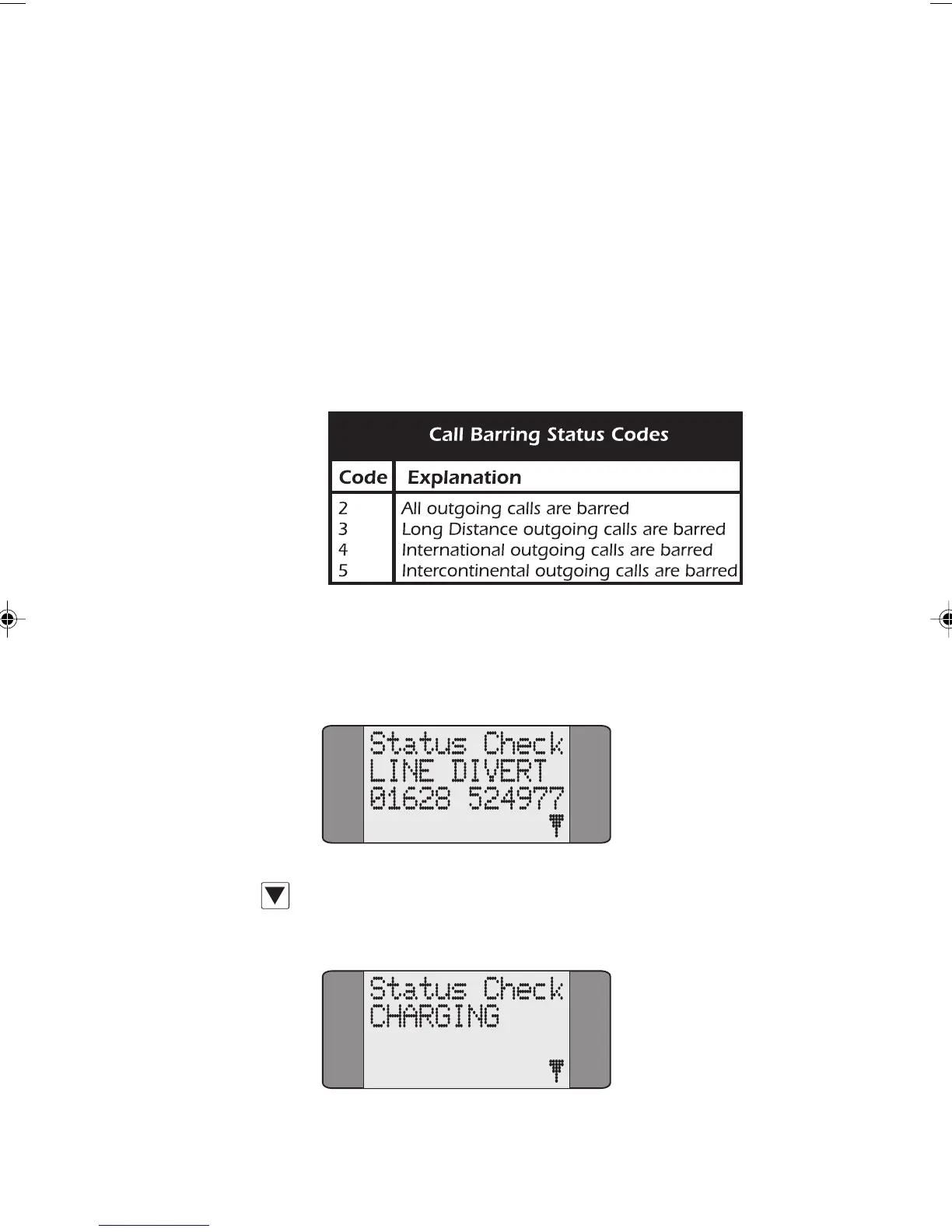
CHARGING is shown if Call Charging is active.
•
BLOCK is displayed if any call barring settings are active
on the line. The following table explains the call
barring codes which may be displayed.
Choose CALLS/SUPP SVCS/CALL FWD from the Main Menu.
Choose
STATUS. After a short delay, while AuroraPlus checks
the network, a screen similar to the following is displayed:
Press SCROLL repeatedly to display all the active facilities
on the line.
Chap05.P65 01/05/01, 09:1332



 To Next Page