Test Functions
Issue 5 - 04/01 5-27
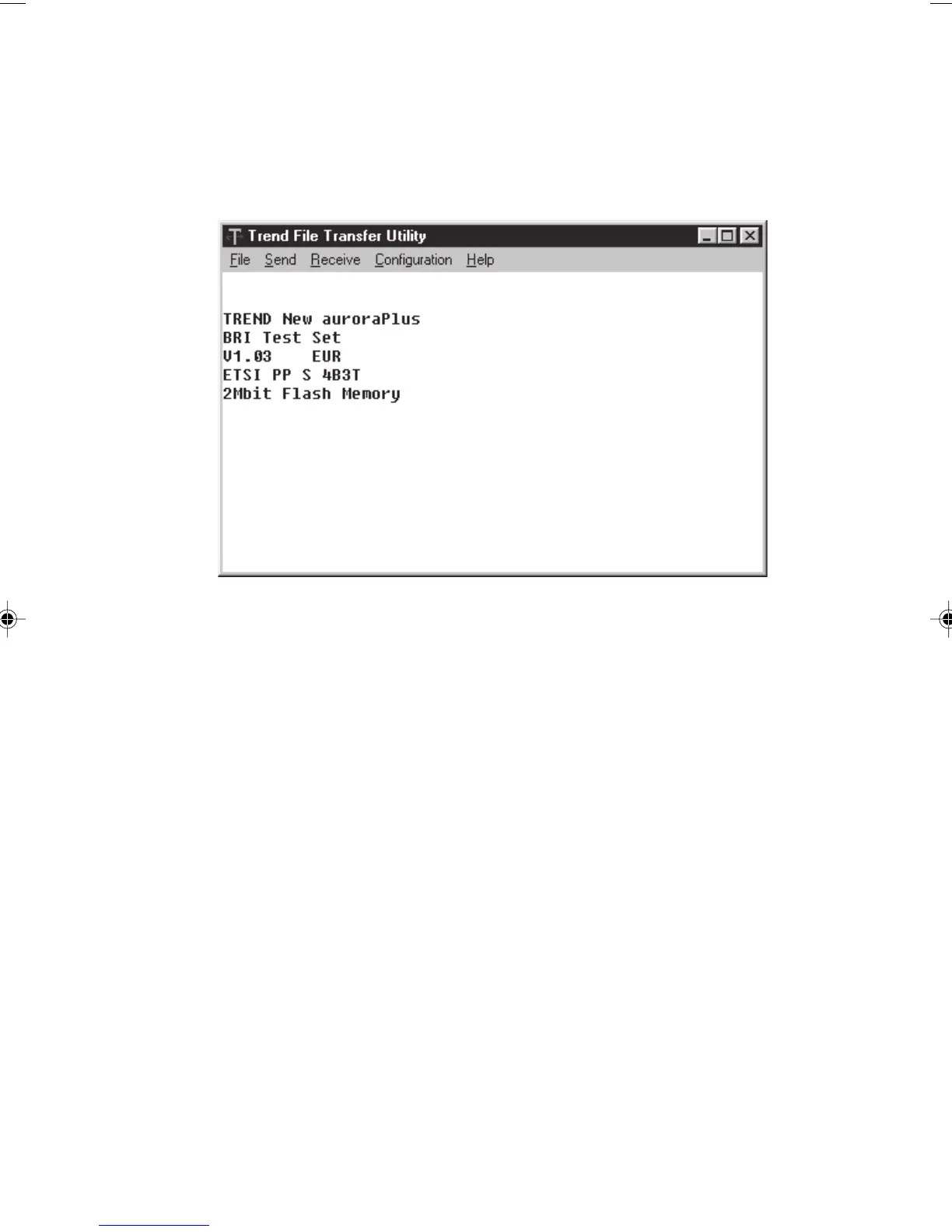
Now switch AuroraPlus
on. AuroraPlus sends information to the
PC and a screen similar to the following is displayed:
Installing New Software
Trend Communications Ltd. provides new software via the
Internet (www.trendcomms.com). To download new
software you need to copy the appropriate file to the PC
running the TrendSend application:
Copy the file containing the new software into the
TrendSend\transfer directory on the PC - the file must be
called
Pluscode.hex so rename it if necessary.
Connect
AuroraPlus to the PC, as described in the previous
section.
To start downloading the software, display the Send menu
application and choose
Plus.
Chap05.P65 01/05/01, 09:1327



 To Next Page