Trend AuroraPlus User Guide
5-28 429850
When you are prompted to start downloading by TrendSend,
on
AuroraPlus, choose SETUP on the main menu; then the
Selftest option and enter a FAC code of 1590 (the code for
checking and downloading to flash memory). The following
screen is displayed:
DOWNLOAD
CODE
1 CONTINUE
4M FLASH 8
Press 1 to update the software.
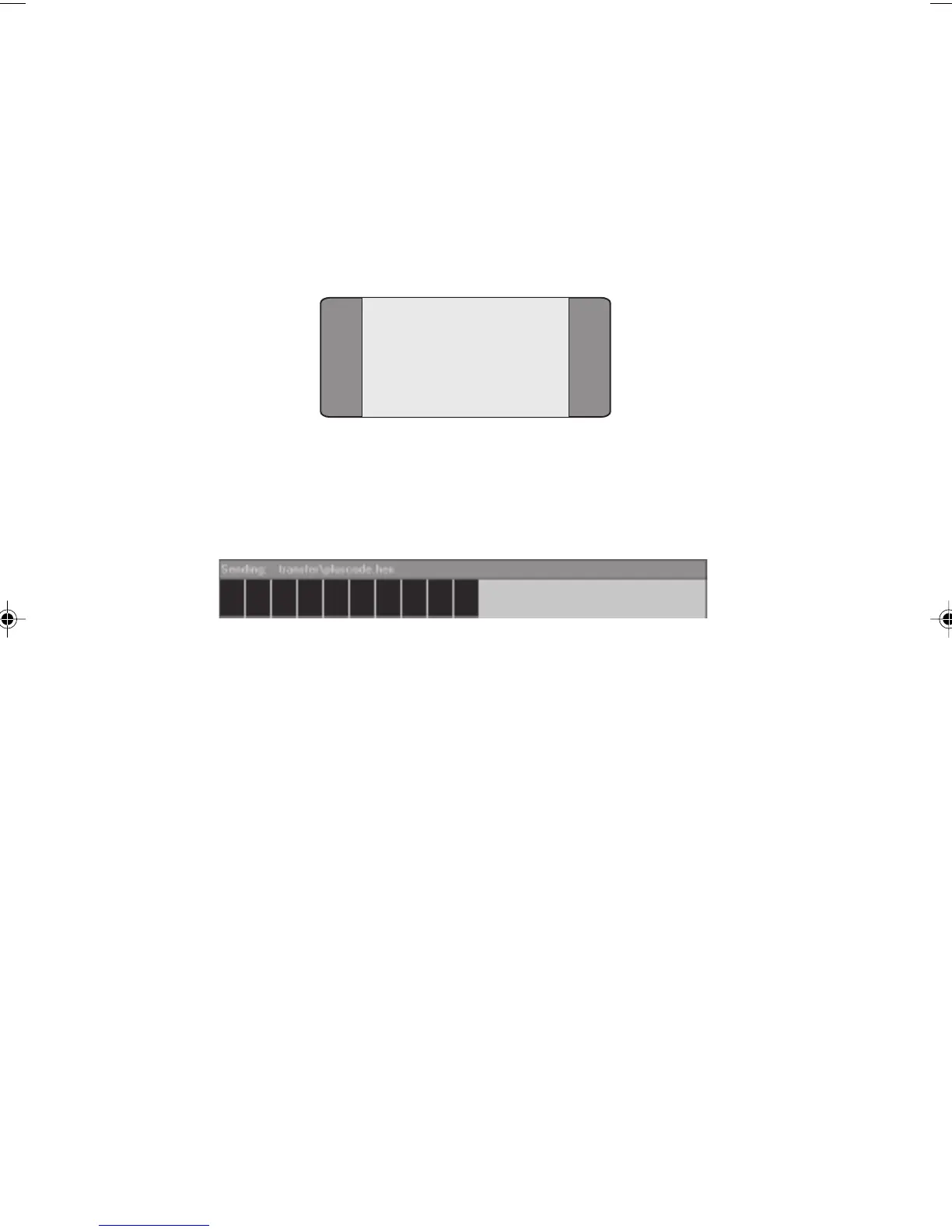
The software download begins and the PC displays a progress
bar:
If you are using Windows 95 the download procedure takes
about 15 to 20 minutes to complete, if you are using
Windows 3.1 the procedure may take longer. It is important
to ensure that the power supply and serial cable remain
connected during this operation.
When downloading is complete the PC displays
Sent
transfer\pluscode.hex,
followed by the number of bytes
transmitted.
AuroraPlus displays DL END and then resets itself.
Note
If you encounter problems during the download procedure,
choose
File\Abort from the TrendSend application. Switch
AuroraPlus off and then choose Send\Plus and switch AuroraPlus
on. The download procedure restarts.
Chap05.P65 01/05/01, 09:1328



 To Next Page