Call Establishment
Issue 5 - 04/01 4-43
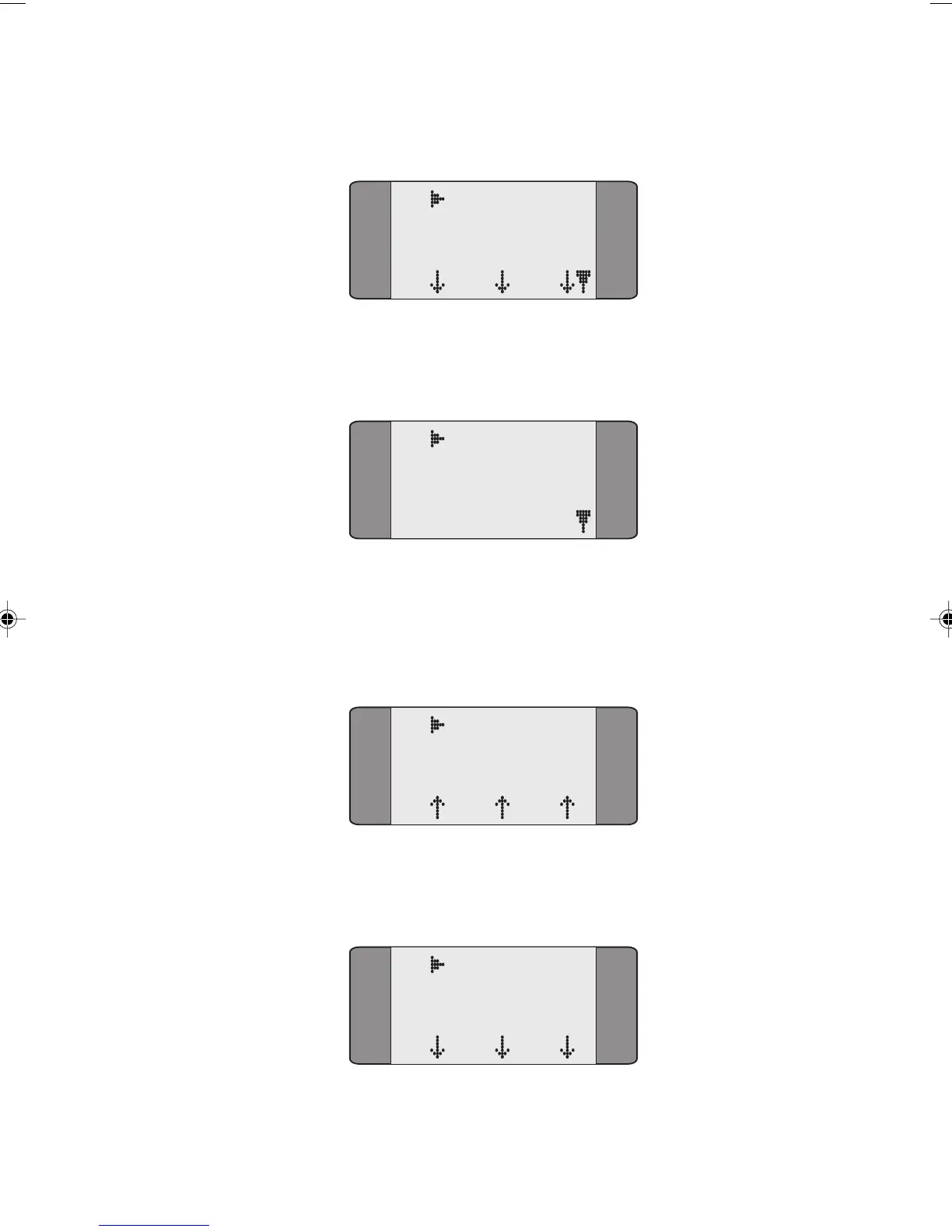
The following Idle State screen is displayed.
B1 CCBS Idle
SPEECH
L1 L2 L3
To deactivate the CCBS request, press SCROLL to display
the following screen.
B1 CCBS Idle
1 CLEAR
Choose CLEAR to stop the CCBS request.
The following screen is displayed briefly to indicate that
deactivation has been sent.
B1 CCBS DReq
SPEECH
L1 L2 L3
When the CCBS request has been deactivated successfully,
the following screen is displayed.
B1 CCBS DAct
SPEECH
L1 L2 L3
Chap04s2.P65 30/04/01, 16:3843



 To Next Page