Call Establishment
Issue 5 - 04/01 4-3
Connected screen & Call Control Options
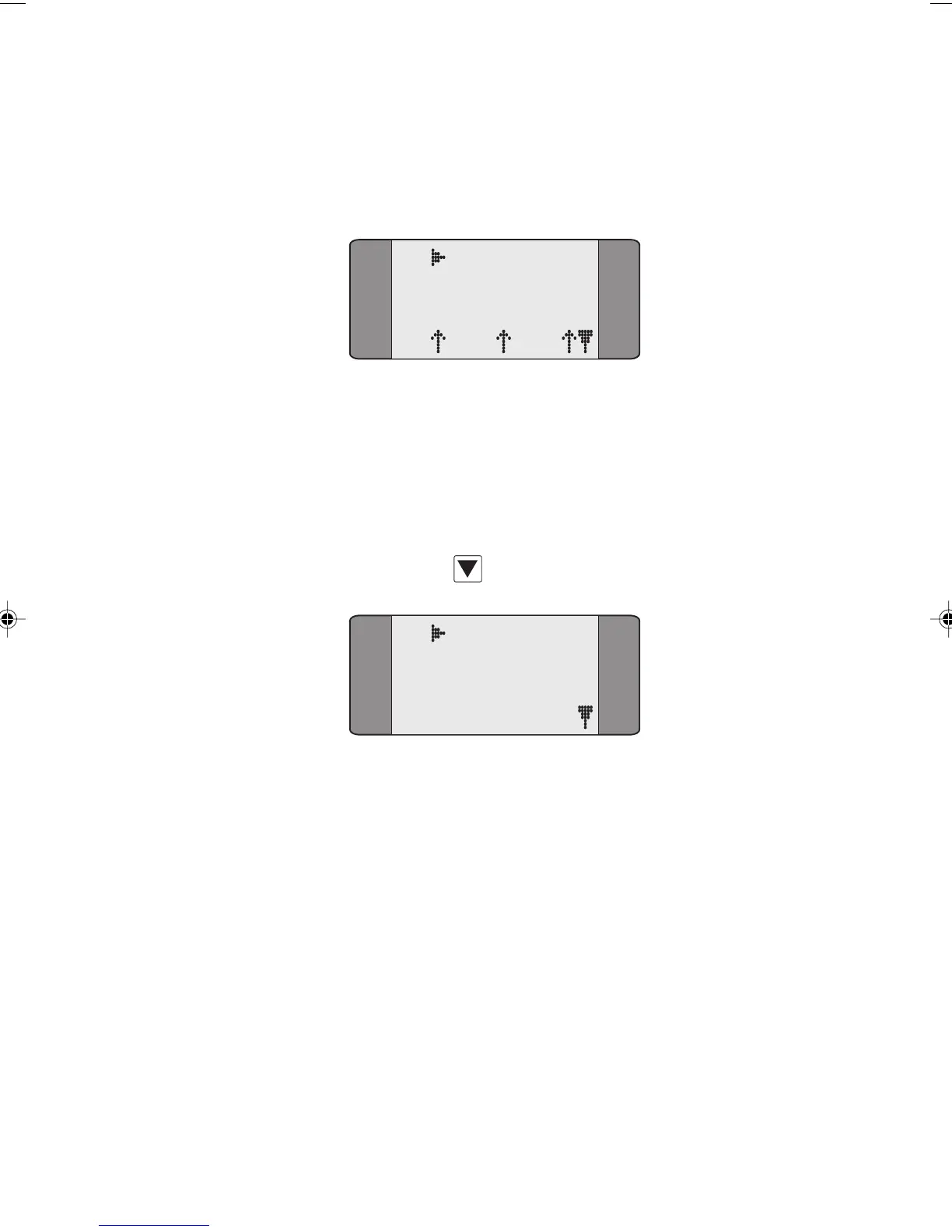
When the called party lifts the handset the call is connected
and a screen similar to the following is displayed:
B1 CONNECT
SPEECH
L1 L2 L3
In the above example, a call has been connected on channel
B1.
Once a call is connected, the following options are available:
running a BER Test, activating a Loop, or selecting a
Supplementary Service. To access these options, press the
SCROLL key
to see the Call Control Options screen:
B1 CONNECT
1 BERT
2 LOOP
3 SUPP SVCS
To perform a BER Test, choose BERT - the BER Test Status
screen is displayed. See Performing a BER Test in Chapter 5
for more information.
To activate a Loop, choose
LOOP - the Loop Activation
screen is displayed. See Setting Up a Loop in Chapter 3 for
more information.
To select a Supplementary Service, choose
SUPP SVCS - you
can choose either the
KEYPAD, HOLD, SUSPEND, UUI, or UUS3
SRV 3
options. See Supplementary Service Selection later in
this chapter.
Chap04s1.P65 30/04/01, 16:333



 To Next Page