Trend AuroraPlus User Guide
2-10 429850
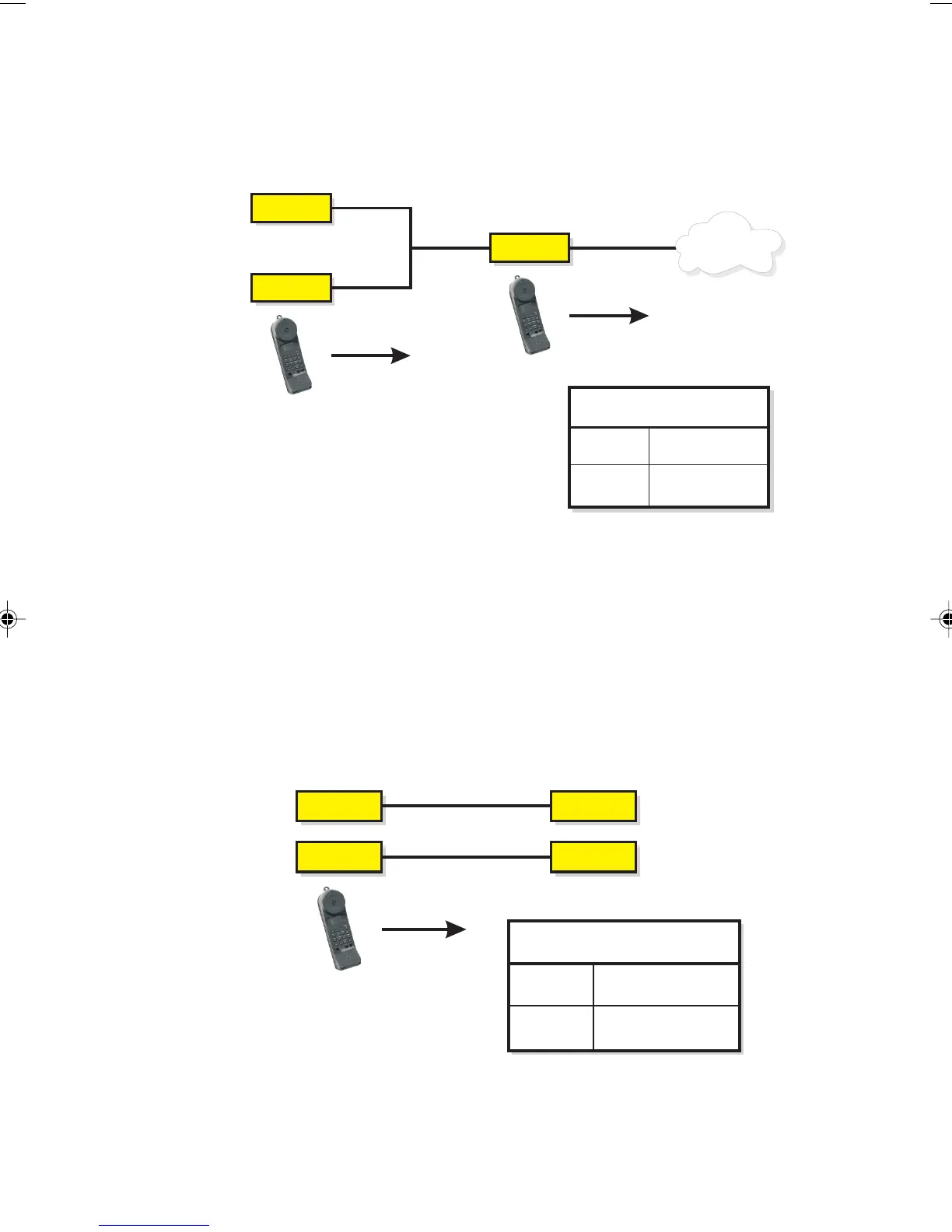
The following diagram shows the points on the ISDN where
you can connect and test using
AuroraPlus:
ISDN
S
AuroraPlus
AuroraPlus
U
TE
NT
TE
TE Terminal
Equipment
NT Network
Termination
Key
Note
When connecting to the U interface, AuroraPlus may take a
few minutes to initialise before you can begin testing. During
this process the screen displays a message telling you that the
U interface is initialising.
The following diagram shows how to connect
AuroraPlus for
analogue (POTS) testing:
POTS
POTS
PBX
PSTN
PBX Private Branch
Exchange
2 wire analogue
2 wire analogue
Key
PSTN Public Switched
Telephone Network
AuroraPlus
Chap02.P65 30/04/01, 16:3010



 To Next Page