Getting Started
Issue 5 - 04/01 2-15
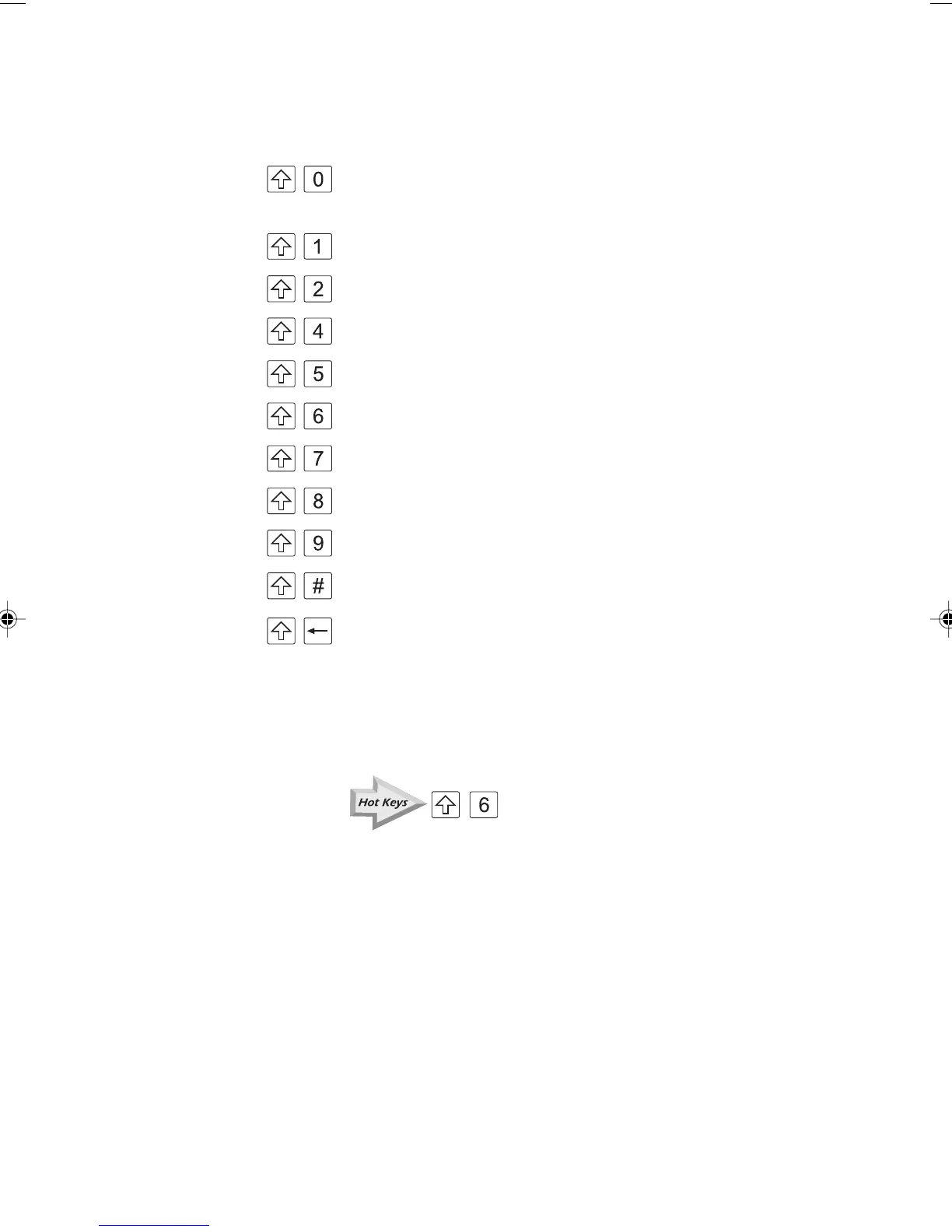
The Hot Keys are as follows:
+ Displays information on the last or current call on the
selected B channel
+ Switches the backlight on and off
+ Switches the loudspeaker on or off
+ B Channel selection
+ Select BER test
+ Loop options
+ X.25 Test
+ Service Check
+ Line Configuration Check
+ AuroraPlus configuration and line voltage
+ Returns 'home' to the Main Menu
The Hot Keys are printed in yellow text on the keypad.
The Hot Key combinations are clearly marked throughout
this guide using a special symbol. For example:
+
Chap02.P65 30/04/01, 16:3015



 To Next Page