5 Using 3D Guidance in theField
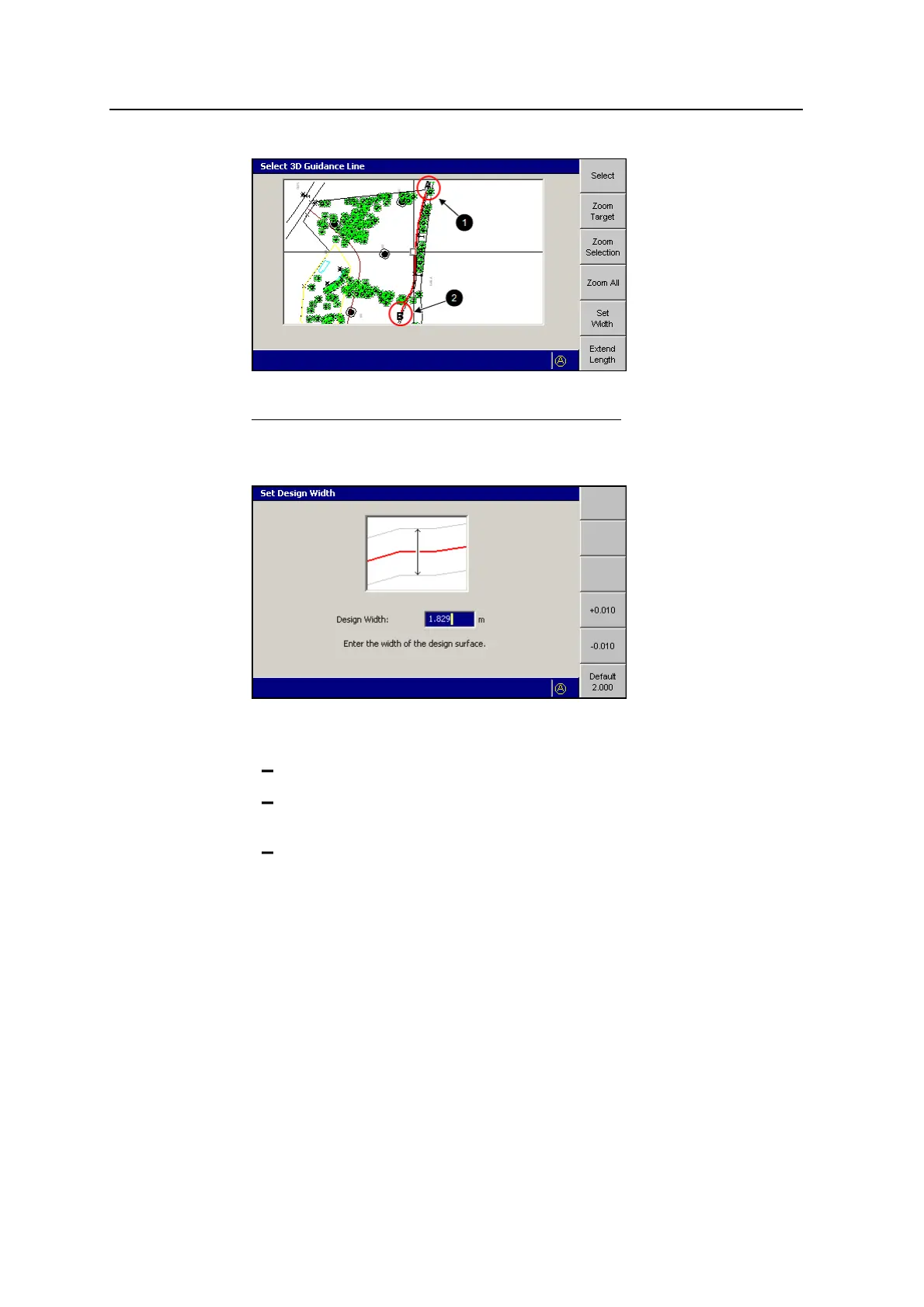
1
A (start)
2
B (finish)
Figure 5.3 Selected 3D line
3. Press Set Width.
4. If required, use one or more of the following tools to specify the width of the
design:
Edit the Design Width field directly.
To add or subtract 10mm (0.4inches) to or from the current width, press
+0.010 or -0.010.
To set the width to 2.0m (6.5ft), press Default 2.000.
To confirm the settings, press \; to exit without saving changes, press =.
5. Press Extend Length.
120 GCS900 GradeControl System for Excavators Operator's Manual



 To Next Page