5 Using 3D Guidance in theField
Creating a level design surface
To create a level surface design file:
1. From the Select Design File dialog, press New Level, New Slope, or New Map.
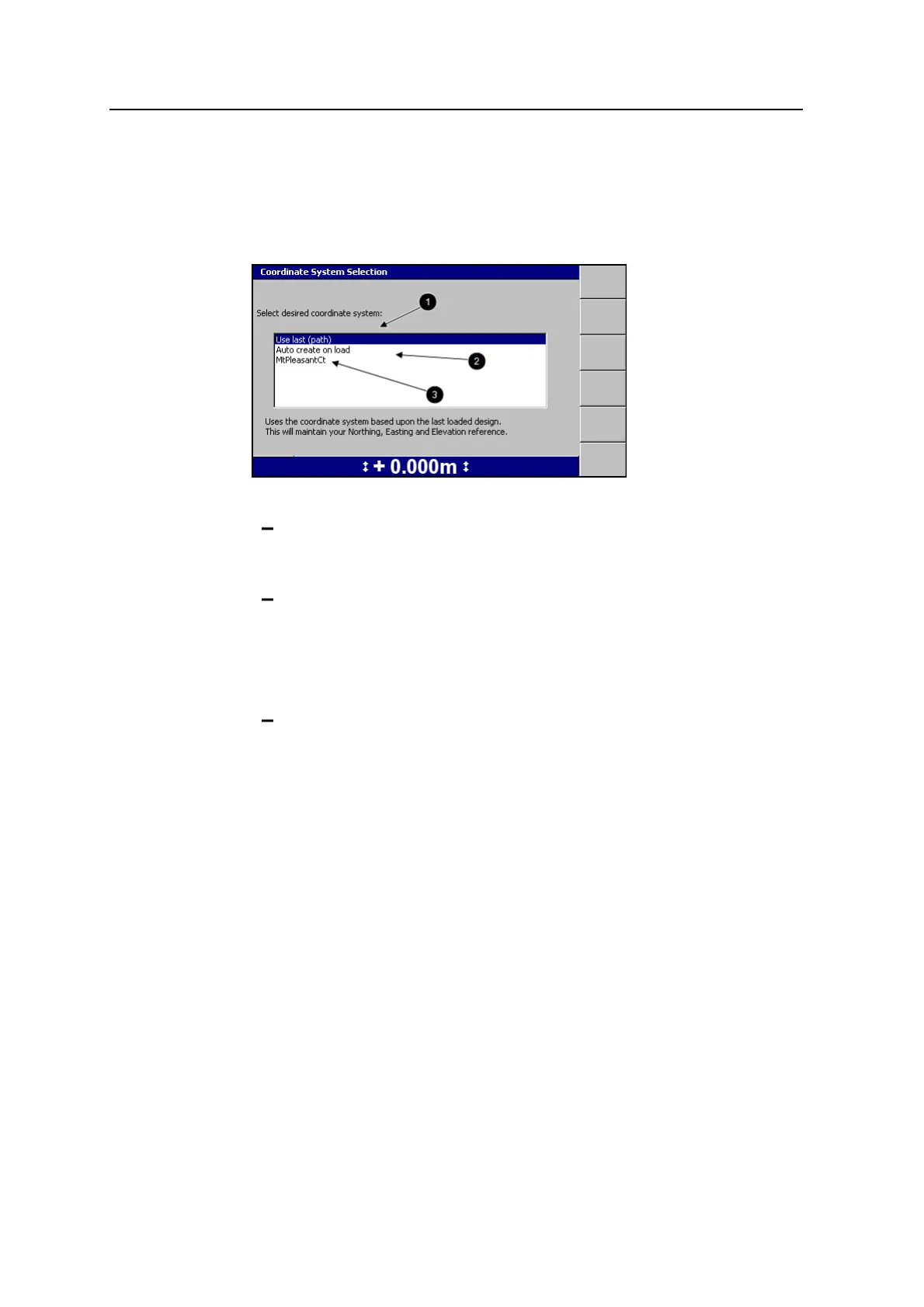
2. Select one of the following options:
1: To use the same coordinate system as the last loaded design, select
Use last (<name>). This option maintains your Northing, Easting and
Elevation reference.
2: To automatically create a new coordinate system based on your current
position, select Auto create on load. (MS9x2-based systems only, with
firmware version 4.40 or later).
Note – This option is only available when no site wide avoidance zone is
loaded.
3: To use an existing coordinate system stored in the root directory of the
control box file system, select the coordinate system name.
3.
Press \. The New Map dialog, the New Design: Level Surface dialog, or the
New Design: Sloping Surface dialog appears.
122 GCS900 GradeControl System for Excavators Operator's Manual



 To Next Page