Using 3D Guidance in the Field 5
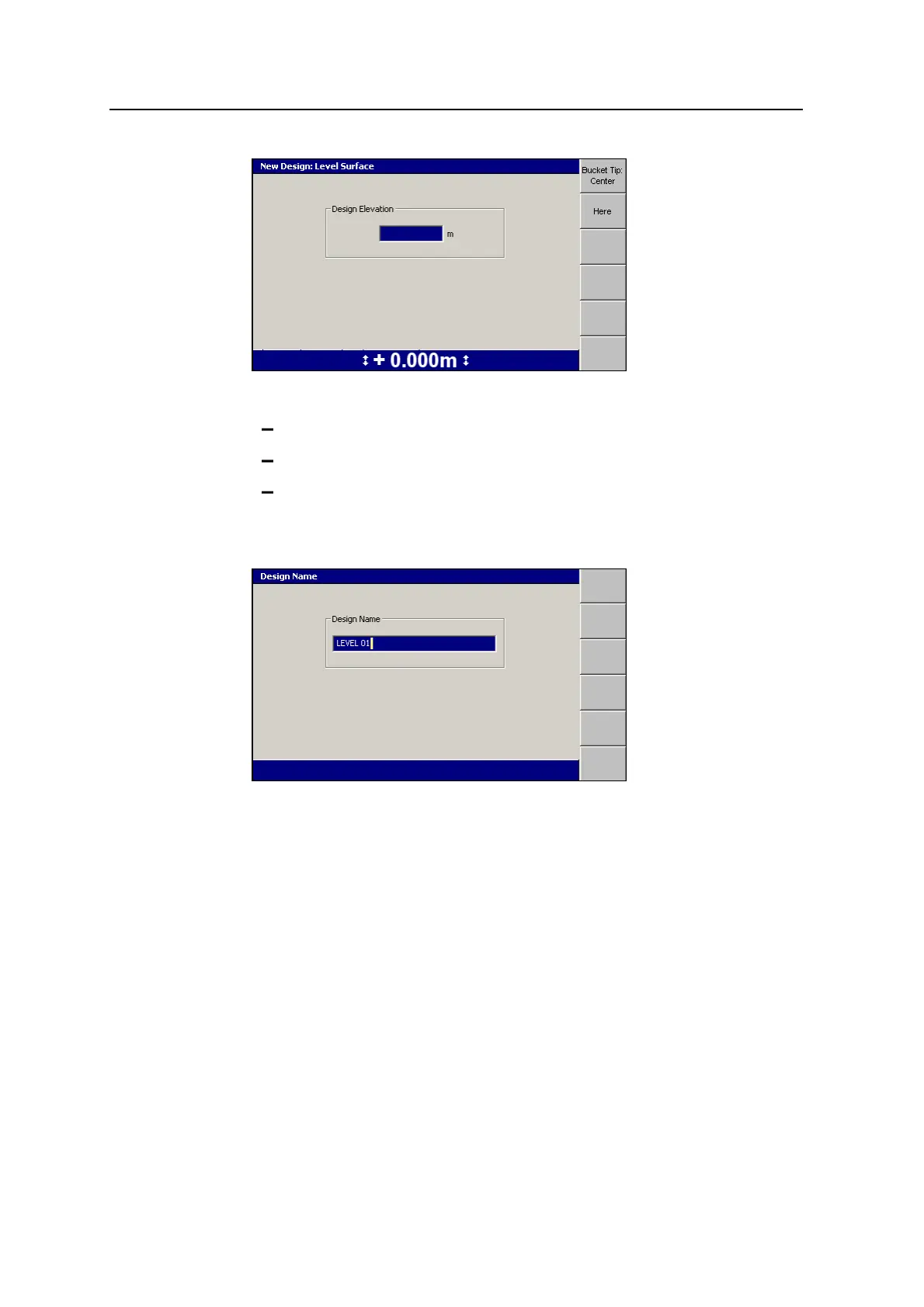
4. Use any of the following tools to specify the design elevation:
Edit the Design Elevation field directly.
To use the current elevation of the focus point, press Here.
To change the focus point, press either Bucket Tip:Left, Bucket Tip:Center,
or Bucket Tip:Right.
5.
To confirm the settings, press \.
The system gives the design a default name.
6.
If required, edit the default name and press \. The Select Design File dialog
appears. The design just created is highlighted.
7.
To load the new level surface design, press \. The Setup Menu –
Configuration menu appears.
GCS900 Grade Control System for Excavators Operator's Manual 123



 To Next Page