5 Using 3D Guidance in theField
Problem Solution
Lane guidance unavailable This flashing message is displayed when:
l there is no SVD surface beneath one or both of the lane sides;
or
l the machine position is beyond the end of the lane; or
l the lane width is less than 0.3 meters (12 inches)
Using lane guidance
Note – Lane guidance is only available when an SVD/SVL design has been loaded.
Use one of the following methods to select a lane:
l Position the machine with the guidance focus in the required lane and press
Select Lane. To de-select the lane, press Select Lane again.
Tip – After de-selecting a lane and moving the machine to an area of the design where
the guidance focus is no longer in the same lane, when you press Select Lane again a
different lane will be selected.
l To choose the lane boundaries, press and hold Select Lane. This enables you to
select any linework to define the lane, provided the lines do not diverge 90° or
more away from the master alignment.
To configure lane guidance and select a lane:
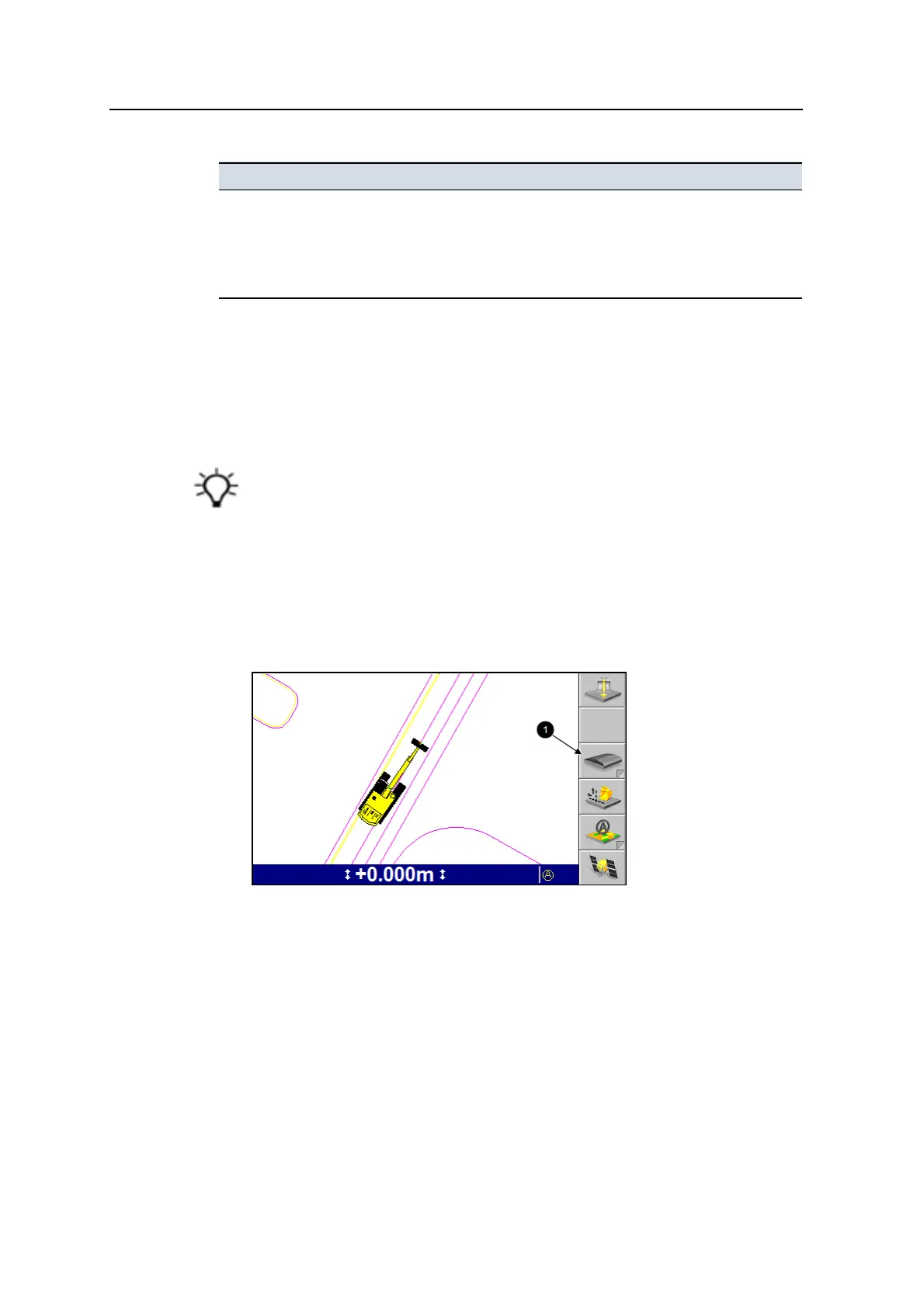
1. From any guidance screen, press and hold Select Lane (1).
Or from the Setup Menu – Configuration menu, select Select Lane.
If there is no master alignment in the design the following full screen warning
message is displayed.
130 GCS900 GradeControl System for Excavators Operator's Manual



 To Next Page