Using 3D Guidance in the Field 5
Press \ to continue.
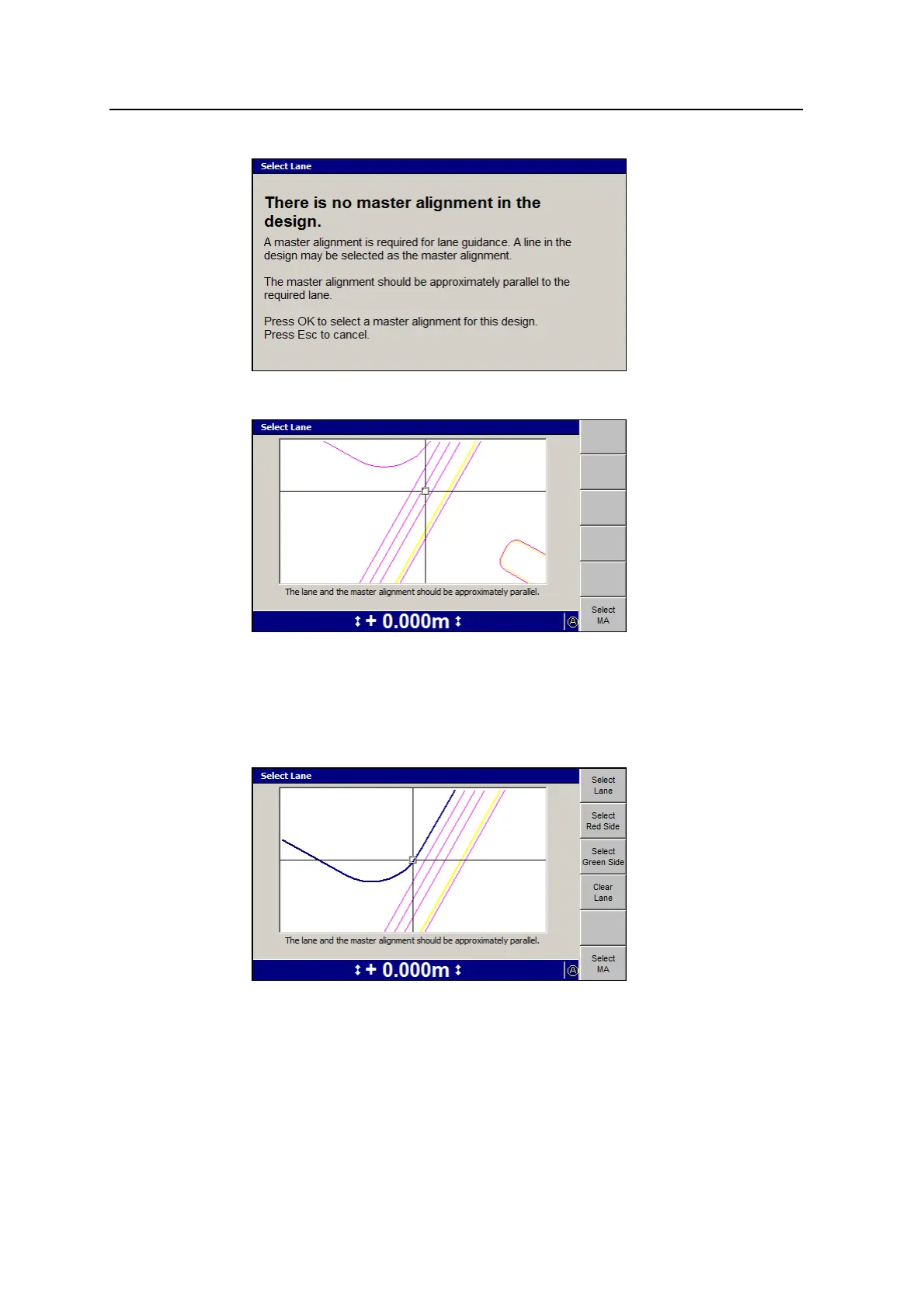
Note – When there is no master alignment in the current design, only the Select
MA softkey is displayed.
2. To select a master alignment, move the cross-hairs to the required line and
press Select MA. To move the cross-hairs around the screen, use the arrow
keys.
The selected line is shaded double-thick blue and the lane guidance softkeys
are displayed.
GCS900 Grade Control System for Excavators Operator's Manual 131



 To Next Page