Using theControl Box and Lightbars 2
Plan view
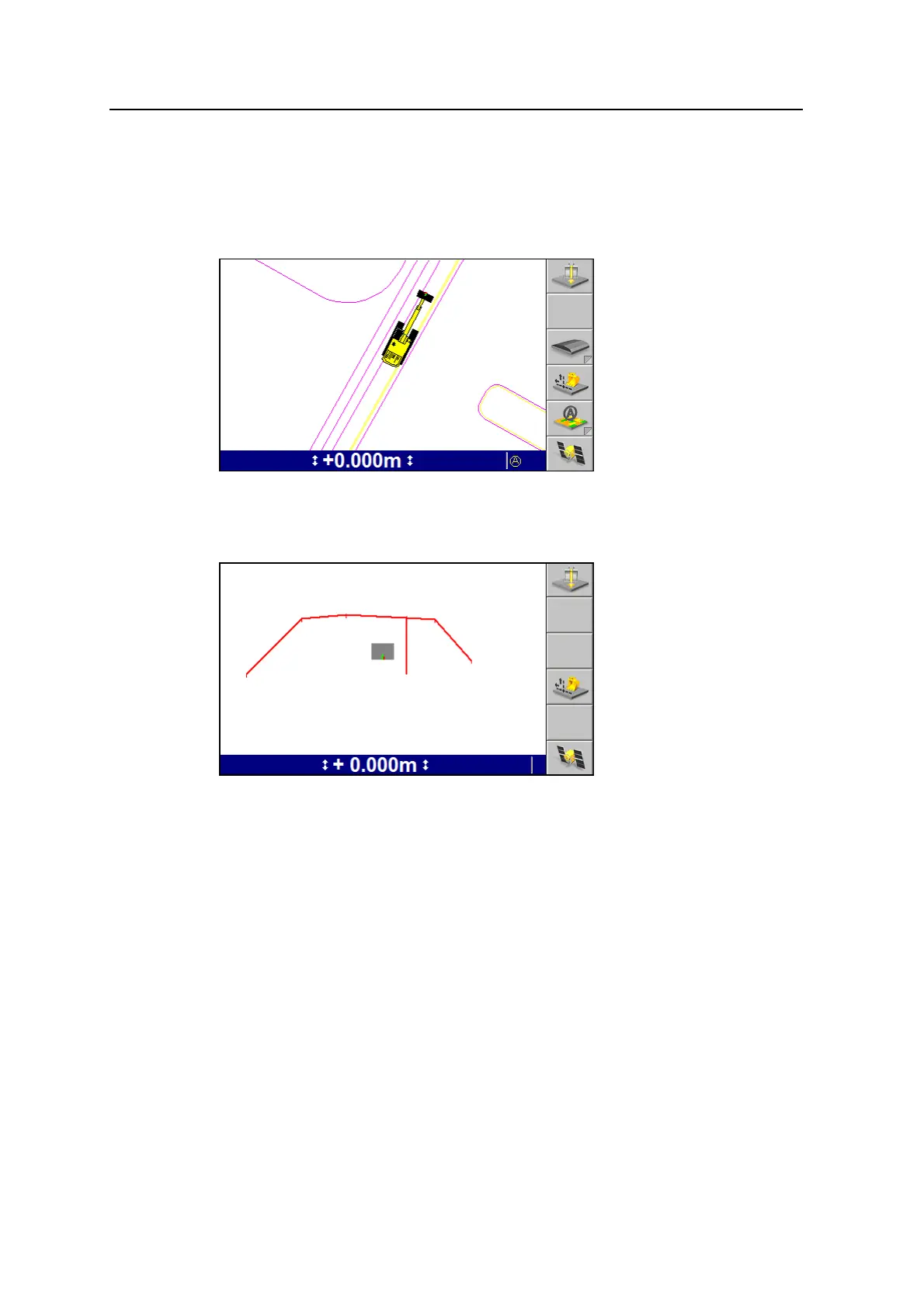
Plan view is the default view shown on a guidance screen.
Plan view shows the machine in a top-down view on the design.
Cross-section view
Cross-section view shows the cutting edge relative to the guidance surface.
Note – The system can be configured for either Split View or for Profile View and
Cross-section View. Split View is not available when the system is set for Cross-
section View.
GCS900 Grade Control System for Excavators Operator's Manual 37



 To Next Page