2 Using the Control Box and Lightbars
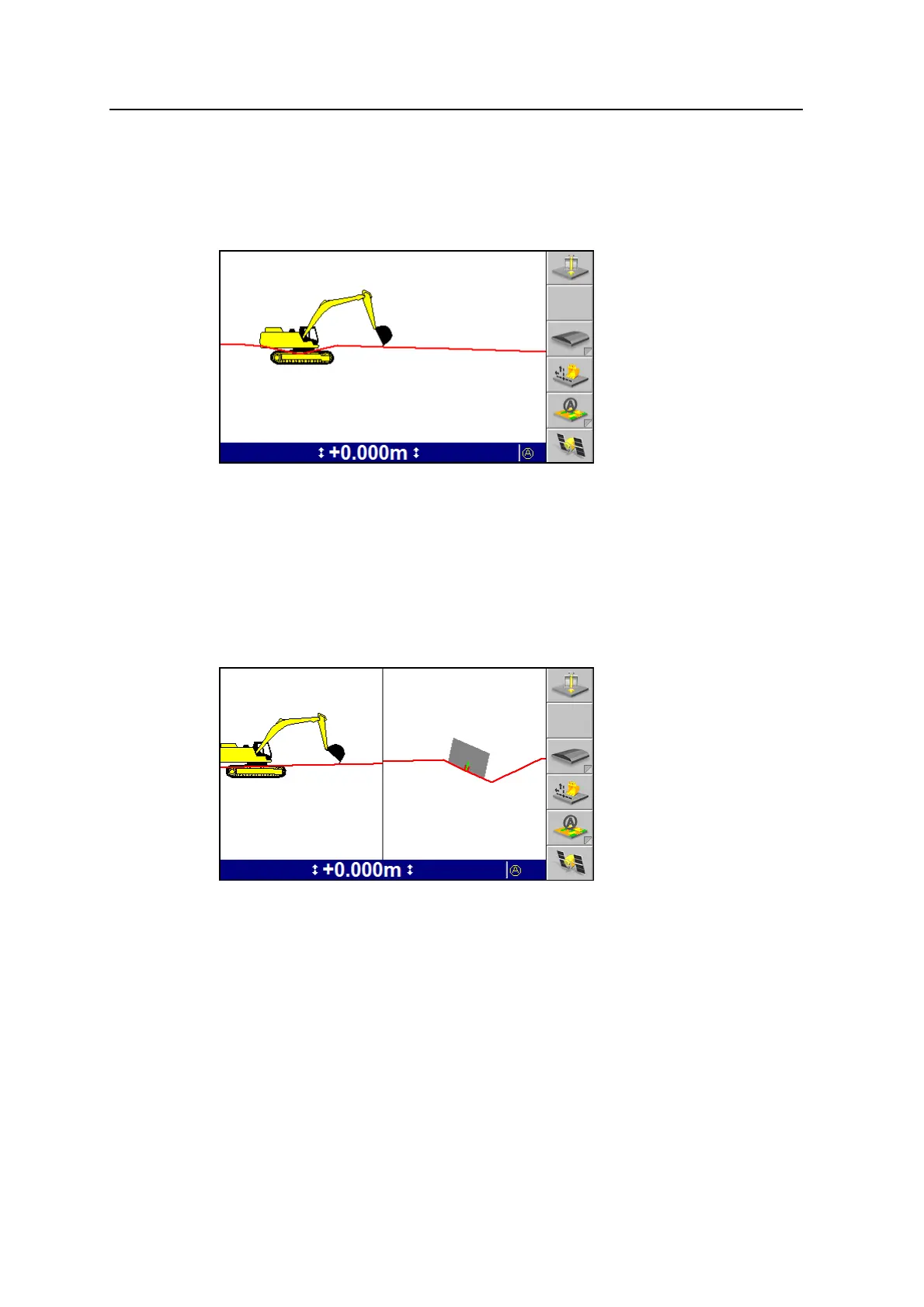
Profile view
Profile view shows the machine as a side on view to the design to show the
machine relative to the guidance surface.
Note – The system can be configured for either Split View or for Profile View and
Cross-section View. Split View is not available when the system is set for Profile
View.
Split view
Split view displays both the profile view and cross-section view in a single screen.
Split view is useful for monitoring the position of the cutting edge, relative to the
guidance surface.
Note – Split view replaces both the cross-section and profile views. When split view
is available, you cannot view the cross-section and profile views as full screen
views.
Level (bubble) view
Level view displays the current pitch and roll of an excavator, and is useful for
helping you to level the machine.
38 GCS900 Grade Control System for Excavators Operator's Manual



 To Next Page