11
Chapter 1: Introduction
Types of users
The Console Server supports two classes of users:
I. Administrative users: Those who will be authorized to configure and control the Console Server; and to access and control
all the connected devices. These administrative users will be set up as members of the admin user group. Any user
in this class is referred to generically in this manual as an Administrator. An Administrator can access and control the
ConsoleServerusingthecongutility,theLinuxcommandlineorthebrowser-basedManagementConsole.Bydefault
the Administrator has access to all services and ports to control all the serial connected devices and network connected
devices(hosts).
II. Users:EmbracesthosewhohavebeensetupbytheAdministratorwithspeciclimitsontheiraccessandcontrol
authority.Theseusersaresetupasmembersoftheuser’susergroup(orsomeotherusergroupstheAdministratormay
haveadded).Theyareonlyauthorizedtoperformspeciedcontrolsonspecicconnecteddevicesandarereferredtoas
Users.TheseUsers(whenauthorized)canaccessserialornetworkconnecteddevices;andcontrolthesedevicesusing
thespeciedservices(e.g.Telnet,HHTPS,RDP,IPMI,SerialoverLAN,PowerControl).AnauthorizedUsercanalsousethe
Management Console to access configured devices and review port logs.
Inthismanual,whenthetermuser(lowercase)isused,itisreferringtoboththeaboveclassesofusers.Thisdocument
alsousesthetermremoteuserstodescribeuserswhoarenotonthesameLANsegmentastheConsoleServer.These
remoteusersmaybeUsers,whoareontheroadconnectingtomanageddevicesoverthepublicInternet,oritmaybean
AdministratorinanotherofceconnectingtotheConsoleServeritselfovertheenterpriseVPN,ortheremoteusermaybein
thesameroomorthesameofcebutconnectedonaseparateVLANtotheConsoleServer.
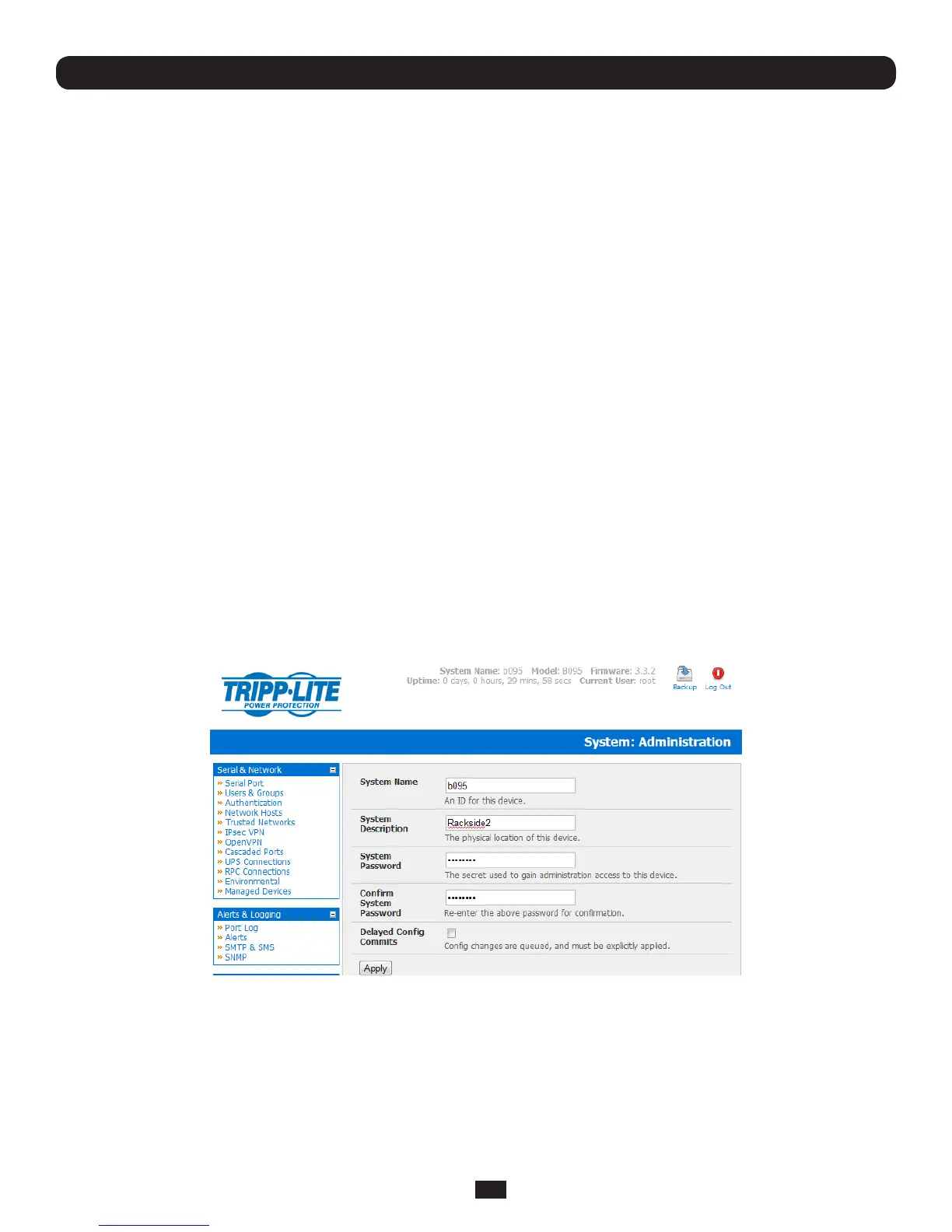
Management Console
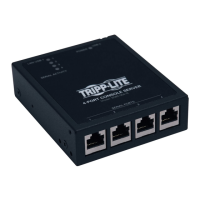
The Console Server Management Console runs in a browser. It provides a view of your Console Server Management Switch
(B096-016/048),ConsoleServerwithPowerAlert(B092-016)orConsoleServer(B095-004/003andB094-008-2E-M-F)
product and all the connected equipment.
AdministratorscanusetheManagementConsole,eitherlocallyorfromaremotelocation,toconguretheConsoleServer,set
upUsers,conguretheportsandconnectedhosts,andsetuploggingandalerts.
AnauthorizedUsercanusetheManagementConsoletoaccessandcontrolcongureddevices,reviewportlogs,usethe
in-builtWebterminaltoaccessseriallyattachedconsolesandcontrolpowertoconnecteddevices.


 To Next Page