72
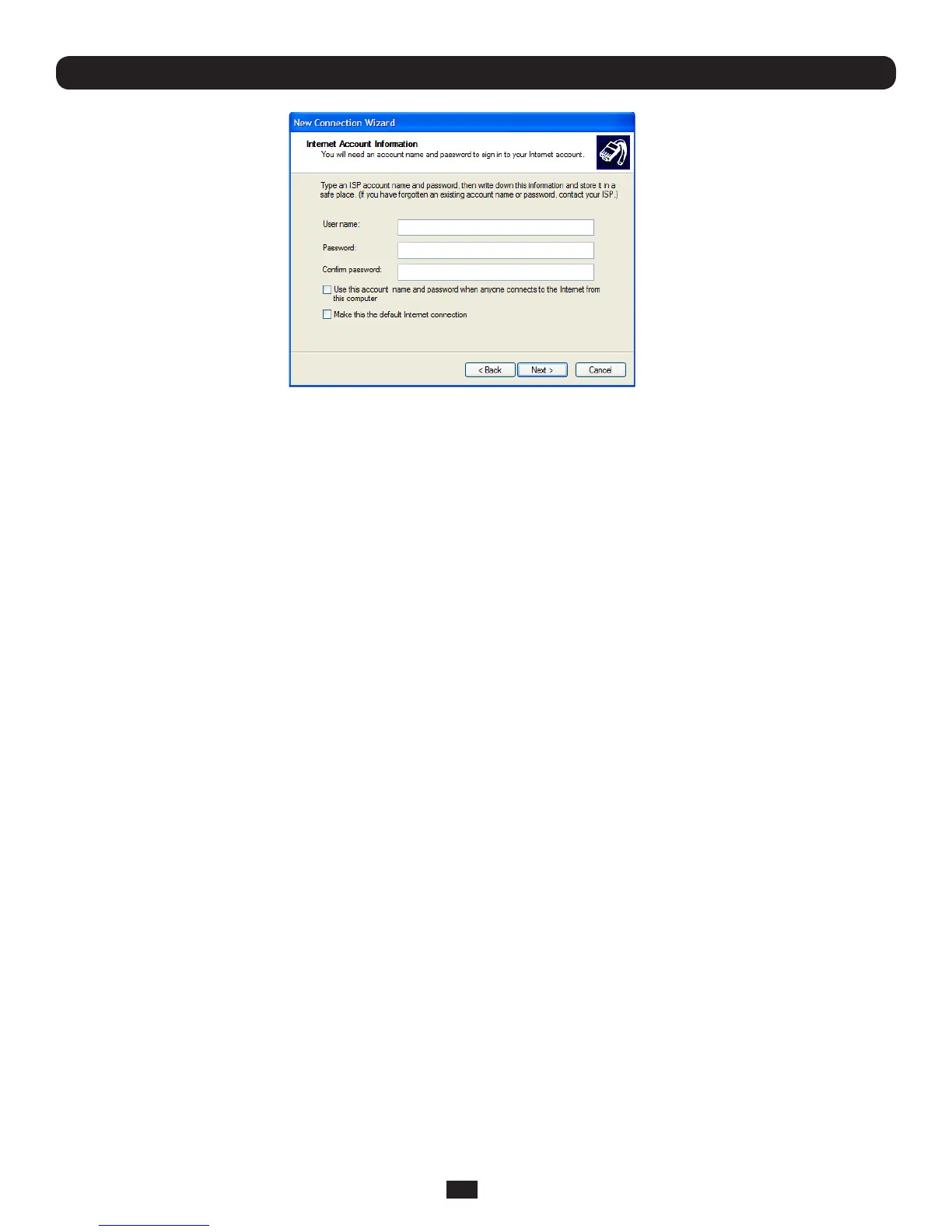
• EnterthePPPUser Name and Password for have set up for the Console Server
5.1.4 Set up earlier Windows clients for dial-in
• ForWindows2000,thePPPclientsetupprocedureisthesameasabove,exceptyougettotheDial-Up Networking
Folder by clicking the Start button and selecting Settings. Then click Network and Dial-up Connections and click
Make New Connection
• Similarly,forWindows98,youdouble-clickMy ComputerontheDesktop,thenopenDial-Up Networking and double
click Make New Connection and proceed as above
5.1.5 Set up Linux clients for dial-in
The online tutorial http://www.yolinux.com/TUTORIALS/LinuxTutorialPPP.html presents a selection of methods for establishing a
dial up PPP connection:
• CommandlinePPPandmanualconguration(whichworkswithanyLinuxdistribution)
• UsingtheLinuxconfcongurationtool(forRedHatcompatibledistributions).Thisconguresthescripts ifup/ifdown to start
and stop a PPP connection
• UsingtheGnomecontrolpanelcongurationtool-
• WVDIALandtheRedhat"Dialupcongurationtool"
• GUIdialprogramX-isp.Download/Installation/Conguration
Note: For all PPP clients:
• Set the PPP link up with TCP/IP as the only protocol enabled
• Specify that the Server will assign IP address and do DNS
• Do not set up the Console Server PPP link as the default for Internet connection
Chapter 5: Firewall, Failover and Out-of-Band



 To Next Page