141
Chapter 9: Authentication
FredWhite Cleartext-Password:=”WhiFre62”
Framed-Filter-Id=”:group_name=testgroup1,users:”
JanetLong Cleartext-Password:=”LonJan57”
Framed-Filter-Id=”:group_name=admin:”
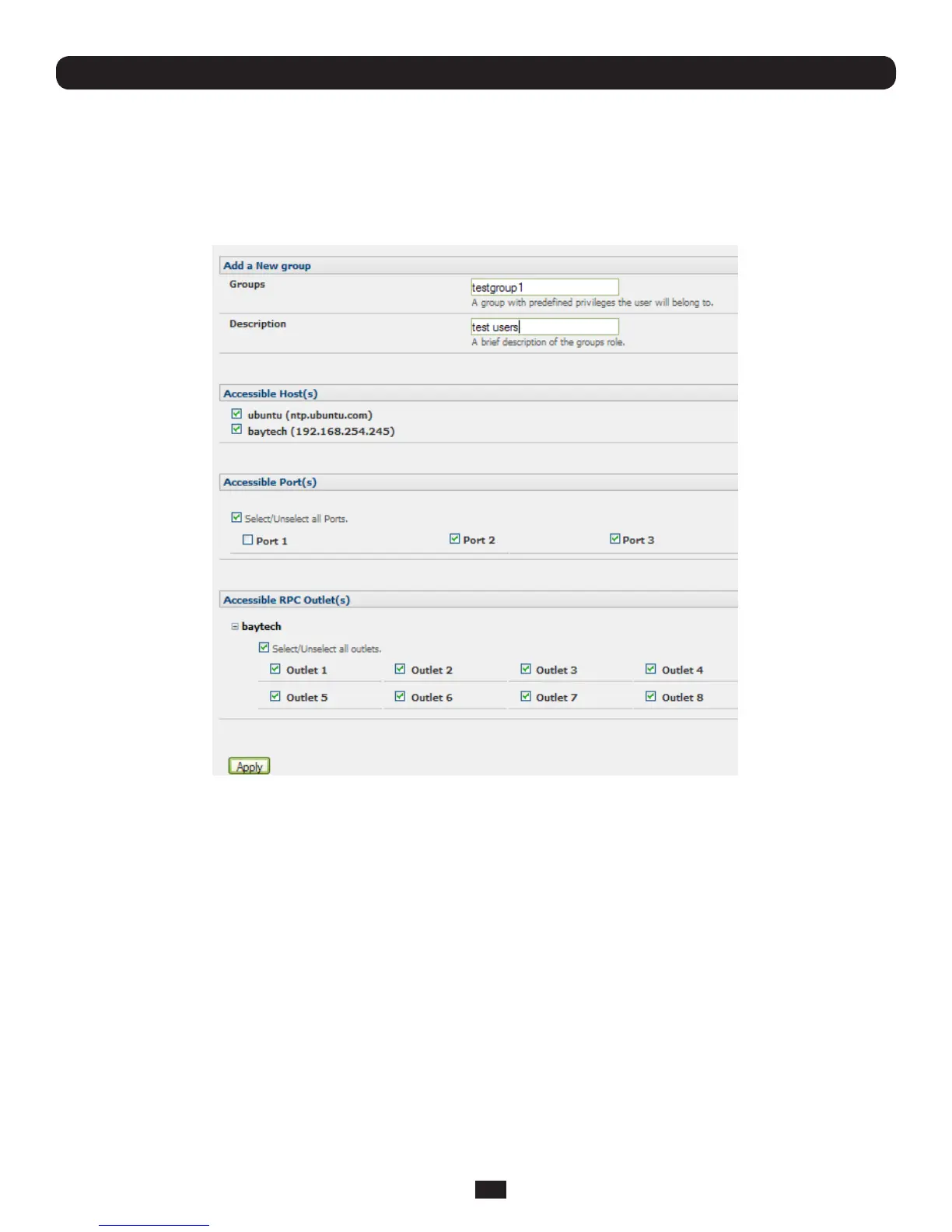
• Additionallocalgroupssuchastestgroup1 can be added via Users & Groups: Serial & Network
9.1.8 Remote groups with LDAP authentication
UnlikeRADIUS,LDAPhasbuiltinsupportforgroupprovisioning,whichmakessettingupremotegroupseasier.Theconsole
serverwillretrievealistofalltheremotegroupsthattheuserisadirectmemberof,andcomparetheirnameswithlocal
groups on the Console Server.
Note: Any spaces in the group name will be converted to underscores.
Forexample,inanexistingActiveDirectorysetup,agroupofusersmaybepartofthe“UPS Admin”and“Router Admin”
groups.OntheConsoleServer,theseuserswillberequiredtohaveaccesstoagroup“Router_Admin”,withaccesstoport
1(connectedtotherouter),andanothergroup“UPS_Admin”,withaccesstoport2(connectedtotheUPS).OnceLDAPis
setup,usersthataremembersofeachgroupwillhavetheappropriatepermissionstoaccesstherouterandUPS.
Currently,theonlyLDAPdirectoryservicethatsupportsgroupprovisioningisMicrosoftActiveDirectory.Supportisplannedfor
OpenLDAPatalatertime.
ToenablegroupinformationtobeusedwithanLDAPserver:
• CompletetheeldsforstandardLDAPauthenticationincludingLDAPServerAddress,ServerPassword,LDAPBaseDN,
LDAPBindDNandLDAPUserNameAttribute
• EntermemberOfforLDAP Group Membership Attribute as group membership is currently only supported on Active
Directoryservers
• Ifrequired,enterthegroupinformationforLDAP Console Server Group DN and/or LDAP Administration Group DN



 To Next Page