89
6.2.6 Manually adding new services to the new hosts
To extend the range of services that can be used when accessing hosts with SDT Connector:
• SelectEdit: Preferences and click the Services tab. Click Add
• EnteraService Name and click Add
• UndertheGeneraltab,entertheTCPPortthatthisservicerunson(e.g.80forHTTP).Optionally,selecttheclienttobe
used to access the local endpoint of the redirection
• SelectwhichClientapplicationisassociatedwiththenewservice.Arangeofclientapplicationoptionsarepre-congured
in the default SDT Connector(RDPclient,VNCclient,HTTPbrowser,HTTPSbrowser,Telnetclientetc).Howeverifyouwish
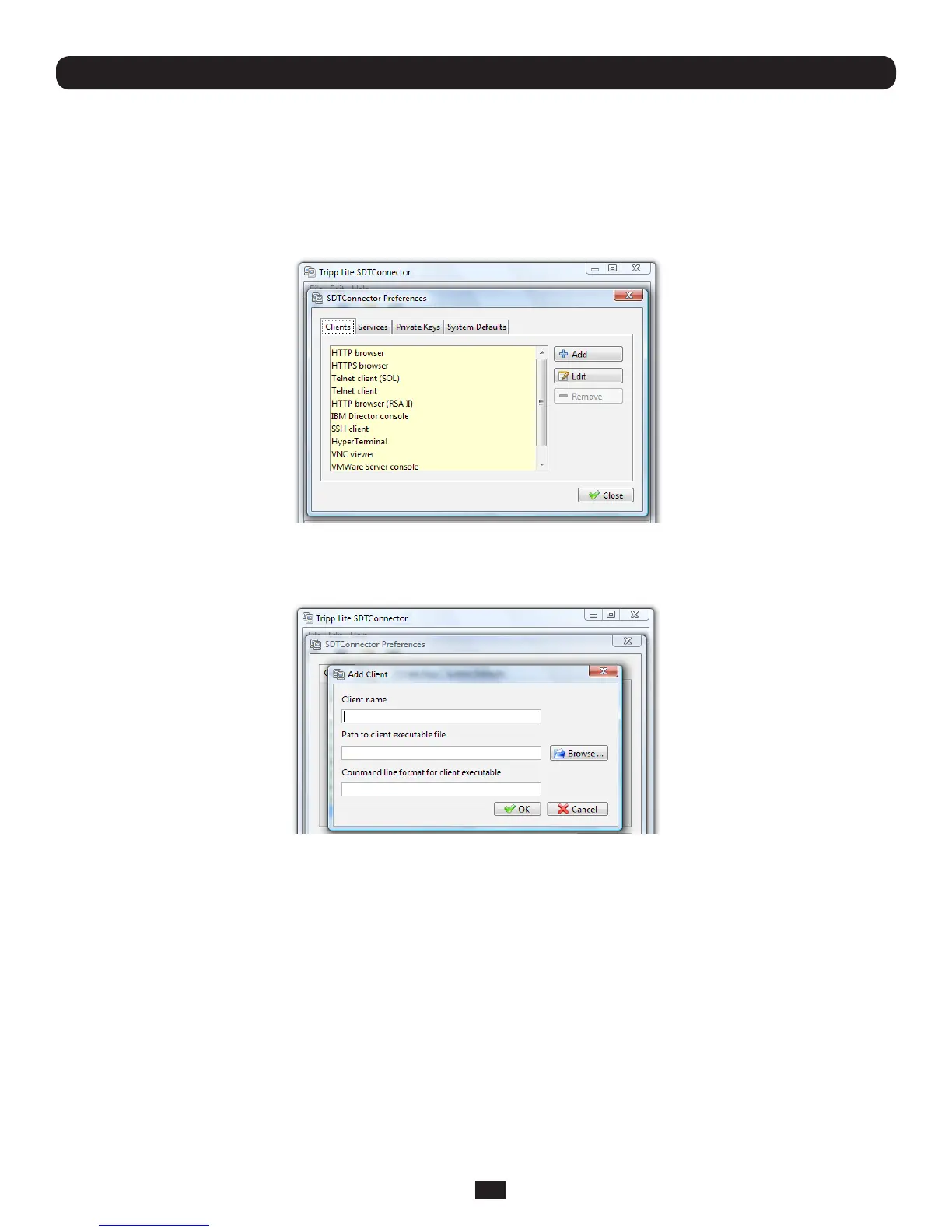
toaddnewclientapplicationstothisrange,thenproceedtothenextsection(Adding a new client)andthenreturnhere
Chapter 6: Secure SSH Tunneling & SDT Connector
• ClickOK,thenClose
A service typically consists of a single SSH port redirection and a local client to access it. However it may consist of several
redirections; some or all of which may have clients associated with them.
AnexampleistheDellRACservice.TherstredirectionisfortheHTTPSconnectiontotheRACserver:ithasaclient
associatedwithit(webbrowser)thatislaunchedimmediatelyuponclickingthebuttonforthisservice.
ThesecondredirectionisfortheVNCservicethattheusermaychoosetolaunchlaterfromtheRACwebconsole.It
automaticallyloadsinaJavaclientservedthroughthewebbrowser,soitdoesnotneedalocalclientassociatedwithit.



 To Next Page