47
Chapter 4: Serial Port, Device and User Configuration
4.5 Trusted Networks
The Trusted NetworksfacilitygivesyouanoptiontonominatespecicIPaddressesthatusers(AdministratorsandUsers)
mustbelocatedat,tohaveaccesstoConsoleServerserialports:
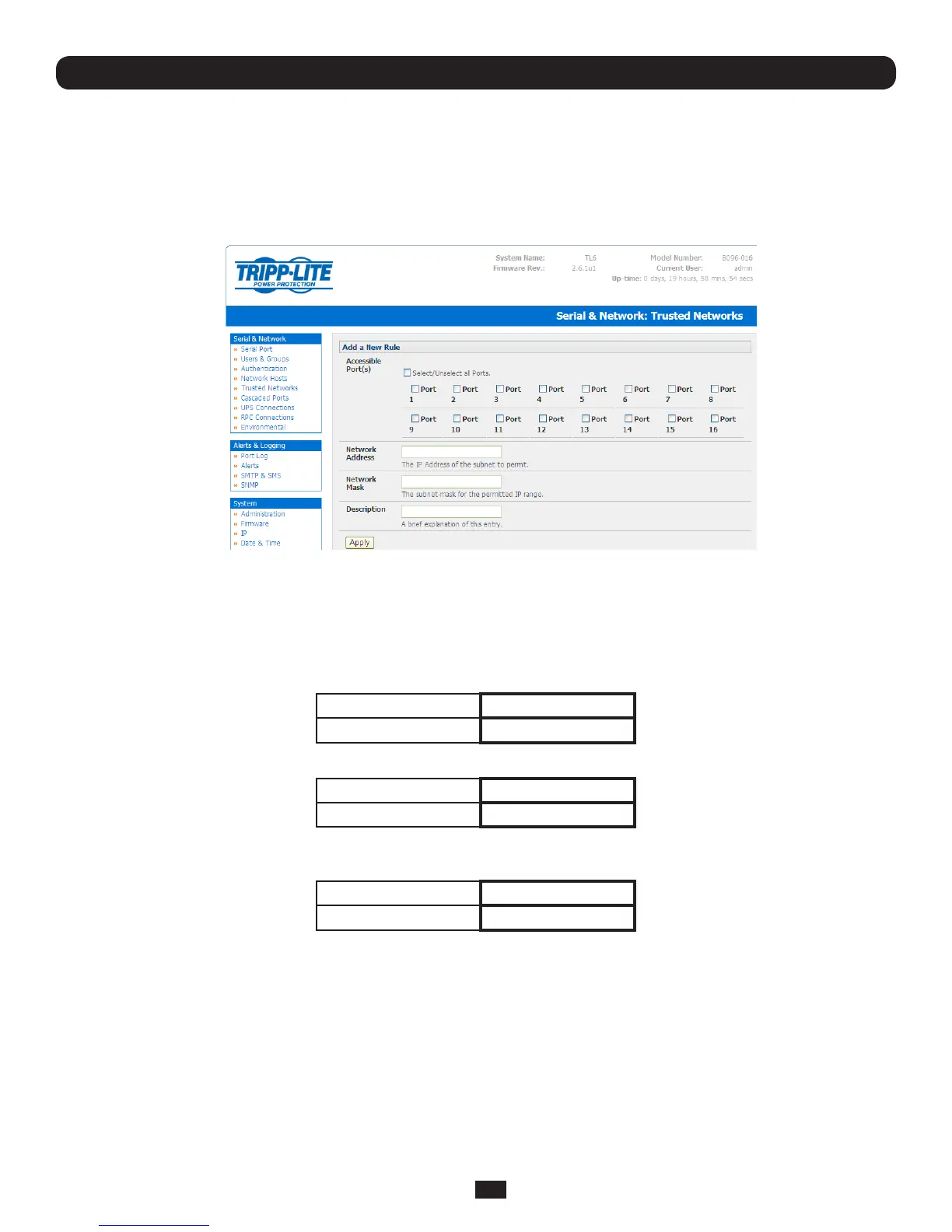
• SelectSerial & Network: Trusted Networks
• Toaddanewtrustednetwork,selectAdd Rule
• SelecttheAccessible Port(s) that the new rule is to be applied to
• ThenentertheNetwork Address of the subnet to be permitted access
• ThenspecifytherangeofaddressesthataretobepermittedbyenteringaNetwork Mask for that permitted IP range e.g.
o TopermitalltheuserslocatedwithaparticularClassCnetwork(204.15.5.0say)connectiontothenominated
portthenyouwouldaddthefollowingTrustedNetworkNewRule:
NetworkIPAddress 204.15.5.0
Subnet Mask 255.255.255.0
o IfyouwanttopermitonlytheoneuserswhoislocatedataspecicIPaddress(204.15.5.13say)toconnect:
NetworkIPAddress 204.15.5.0
Subnet Mask 255.255.255.255
o IfhoweveryouwanttoallowalltheusersoperatingfromwithinaspecicrangeofIPaddresses(sayanyofthe
thirtyaddressesfrom204.15.5.129to204.15.5.158)tobepermittedconnectiontothenominatedport:
Host /Subnet Address 204.15.5.128
Subnet Mask 255.255.255.224
o Click Apply
Note: The above Trusted Networks will limit access by Users and Administrators to the console serial ports. However they do
not restrict access by the Administrator to the Console Server itself or to attached hosts. To change the default settings for this
access, you will to need to edit the IPtables rules as described in the Chapter 14 - Advanced.



 To Next Page