59
Chapter 4: Serial Port, Device and User Configuration
4.10.1 Enable the OpenVPN
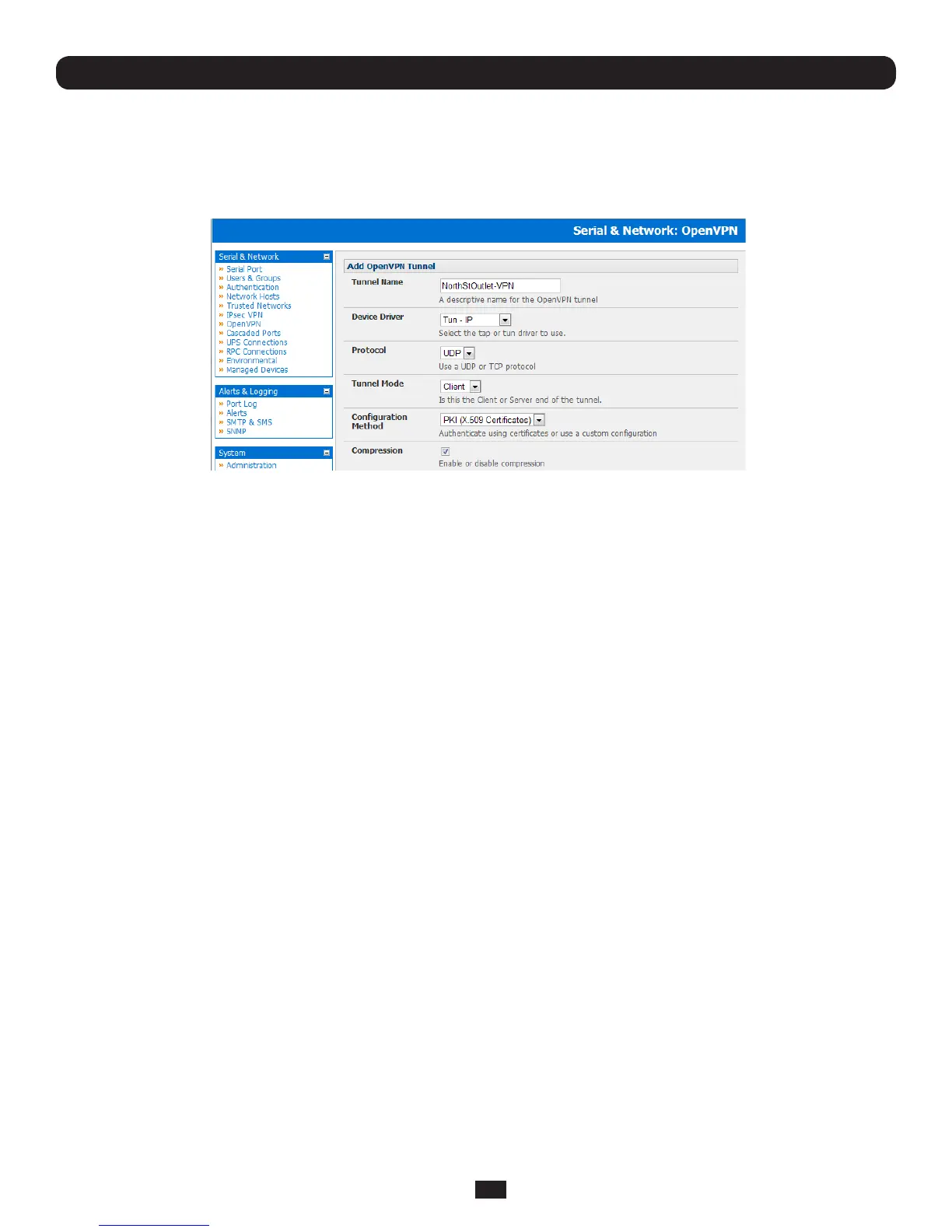
• SelectOpenVPN on the Serial & Networks menu
• ClickAdd and complete the Add OpenVPN Tunnel screen
• EnteranydescriptivenameyouwishtoidentifytheOpenVPNTunnelyouareadding,forexampleNorthStOutlet-VPN
• SelecttheDevice Drivertobeused,eitherTun-IP or Tap-Ethernet.TheTUN(networktunnel)andTAP(networktap)
driversarevirtualnetworkdriversthatsupportIPtunnelingandEthernettunneling,respectively.TUNandTAParepartof
the Linux kernel.
• SelecteitherUDP or TCPastheProtocol.UDPisthedefaultandpreferredprotocolforOpenVPN.
• InTunnel Mode,nominatewhetherthisistheClient or Serverendofthetunnel.Whenrunningasaserver,theConsole
ServersupportsmultipleclientsconnectingtotheVPNserveroverthesameport.
• InCongurationMethod,selecttheauthenticationmethodtobeused.ToauthenticateusingcerticatesselectPKI
(X.509Certicates)orselectCustomCongurationtouploadcustomcongurationles.Customcongurationsmustbe
stored in /etc/config.
Note: If you select PKI (public key infrastructure) you will need to establish:
• Separatecerticate(alsoknownasapublickey).ThisCertificate File will be a *.crt file type
• PrivateKeyfortheserverandeachclient.ThisPrivate Key File will be a *.key file type
• MasterCerticateAuthority(CA)certicateandkeywhichisusedtosigneachoftheserverandclientcerticates.This
Root CA Certificate will be a *.crt file type
For a server you may also need dh1024.pem (Diffie Hellman parameters).
Refer http://openvpn.net/easyrsa.html for a guide to basic RSA key management.
For alternative authentication methods see http://openvpn.net/index.php/documentation/howto.html#auth.
For more information also see http://openvpn.net/howto.html
• CheckorunchecktheCompressionbuttontoenableordisablecompression,respectively



 To Next Page