129
Chapter 8: Power and Environment
• Select the DriverthatwillbeusedtocommunicatewiththeUPS.Thedrop-downmenupresentsafullselectionofdrivers
fromthelatestNetworkUPSTools(NUTversion2.2.0)andadditionalinformationoncompatibleUPShardwarecanbe
found at http://www.networkupstools.org/compat/stable.html
• Click New Options in Driver Optionsifyouneedtosetdriver-specicoptionsforyourselectedNUTdriverandhardware
combination(moredetailsathttp://www.networkupstools.org/doc
• Check Log Status and specify the Log Rate(i.e.minutesbetweensamples)ifyouwishthestatusfromthisUPStobe
logged. These logs can be views from the Status: UPS Status screen
• Check Enable NagiostoenablethisUPStobemonitoredusingNagioscentralmanagement
• Click Apply
You can also customize the upsmon,upsd and upscsettingsforthisUPShardwaredirectlyfromthecommandline
8.2.2 Configure UPS powering the Console Server
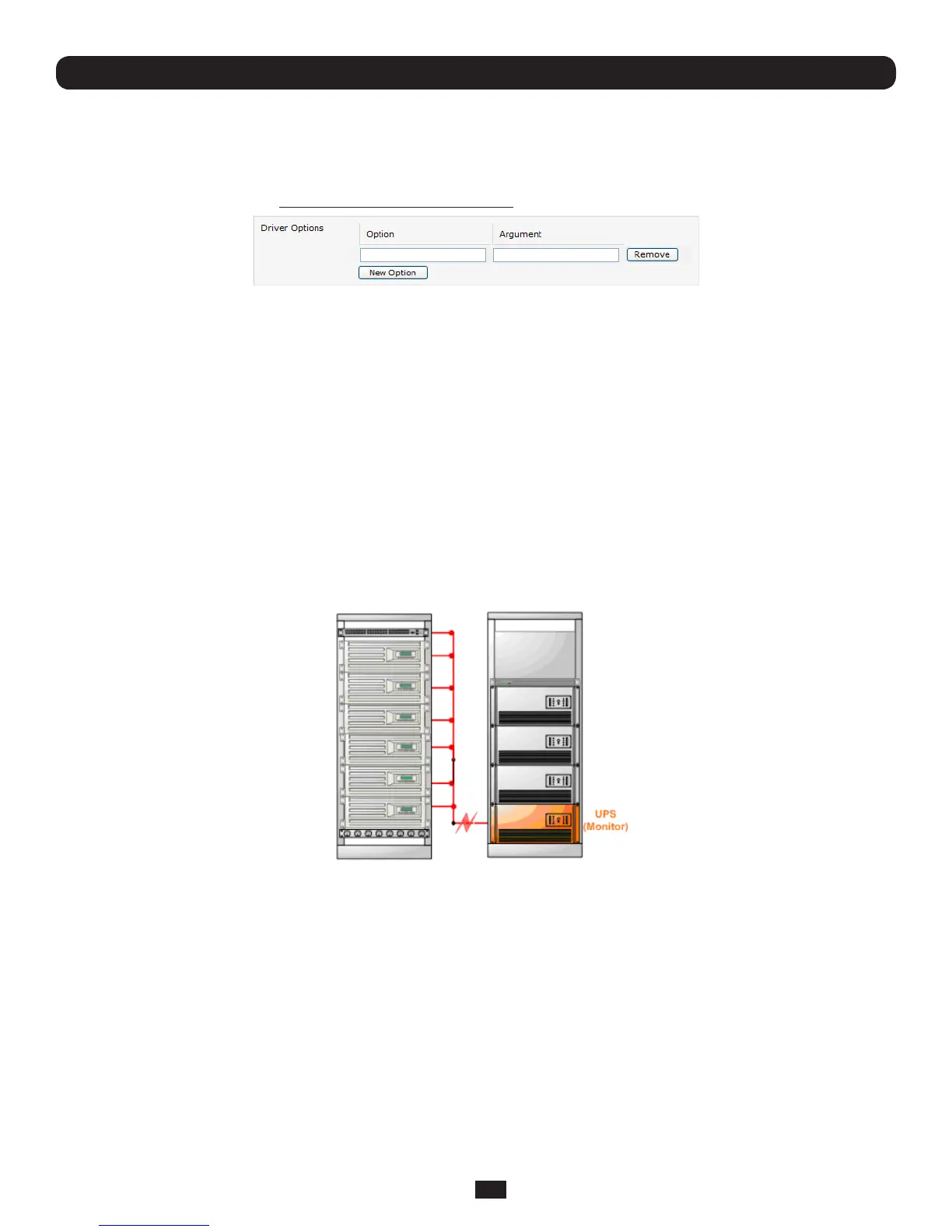
A Monitored UPSisaUPSthatisprovidingthepowertotheConsoleServer.ThepurposeofconguringaMonitoredUPS
istoprovideanopportunitytoperformany"lastgasp"actionsbeforepowerislostduringapowerfailure.Thisisachievedby
placing a script in /etc/config/scripts/ups-shutdown. You may use the /etc/scripts/ups-shutdown as a template. This script is run
whenthenUPSreachescriticalbatterystatus.
• IftheConsoleServerisdrawingpowerthroughaManagedUPSthathasalreadybeencongured,selectLocal,enterthe
Managed UPS Name and check Enabled.TheConsoleServercontinuestobethemasterofthisUPS
• IftheUPSthatpowerstheConsoleServerisnotaManagedUPSforthatConsoleServer,thentheConsoleServercan
stillconnecttoaremoteNUTserver(upsd)tomonitoritsstatusasaSlave.Inthiscase,selectRemote,andenterthe
address,usernameandpasswordtoconnect.



 To Next Page