237
Chapter 16: Thin Client
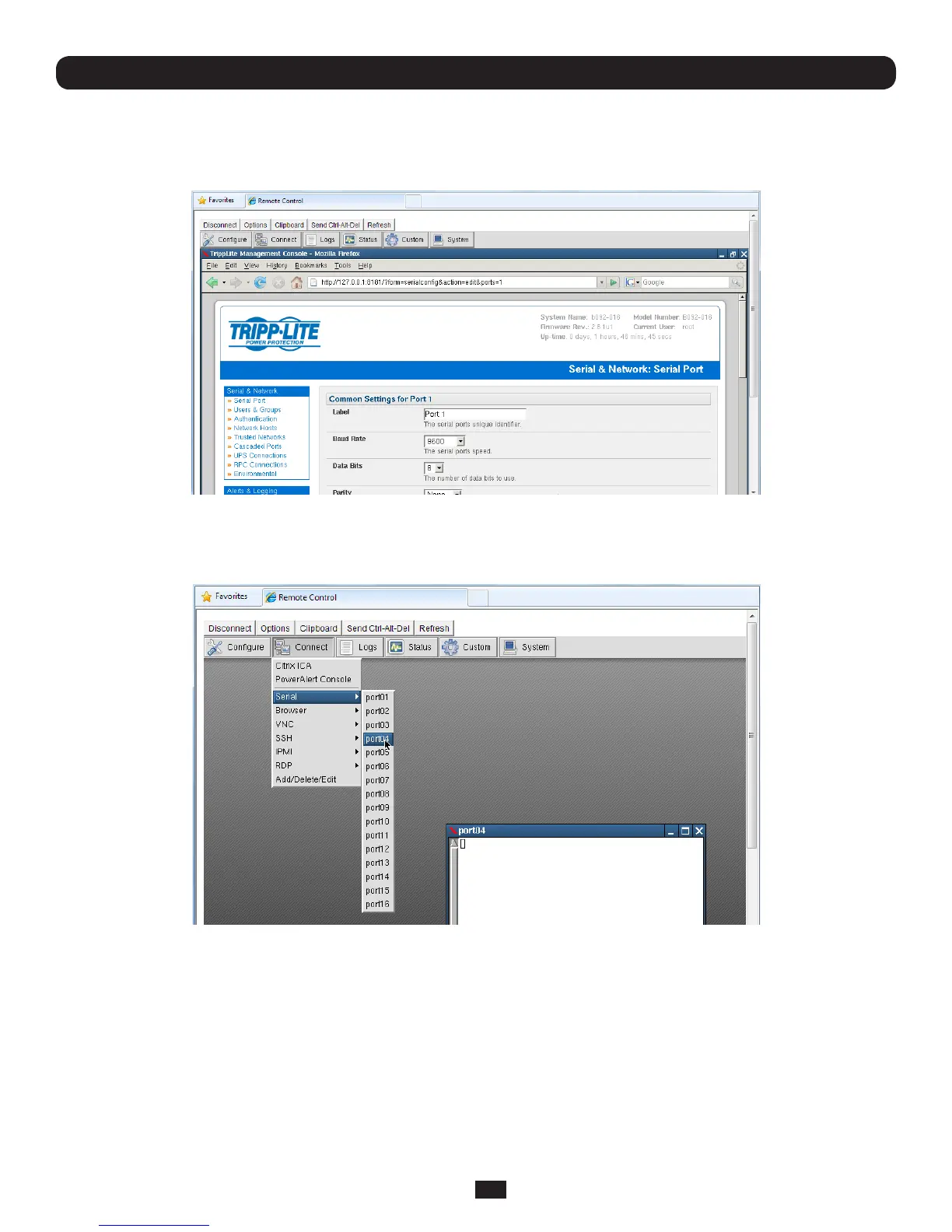
• Thesixteenserialportsarepre-conguredbydefaultinConsoleServermodefortheB096-016/B096-048Console
ServerManagementSwitchorinUPS(PowerAlert)modefortheB092-016ConsoleServerwithPowerAlertproduct.To
changethesesettings,selectCongure,whichwillloadthelocalFirefoxbrowserandruntheManagementConsole.You
canthenreconguretheserialportsasdetailedinChapter4
16.1.1 Connect: Serial Terminal
• SelectConnect: Serial on the control panel and click on the desired serial port. A window will be created with a
connection to the device on the selected serial port:
The embedded terminal emulator uses rxvt(acolorvt102terminalemulator).Youcanndmoredetailsonconguration
options in http://www.rxvt.org/manual.html



 To Next Page