92
Chapter 6: Secure SSH Tunneling & SDT Connector
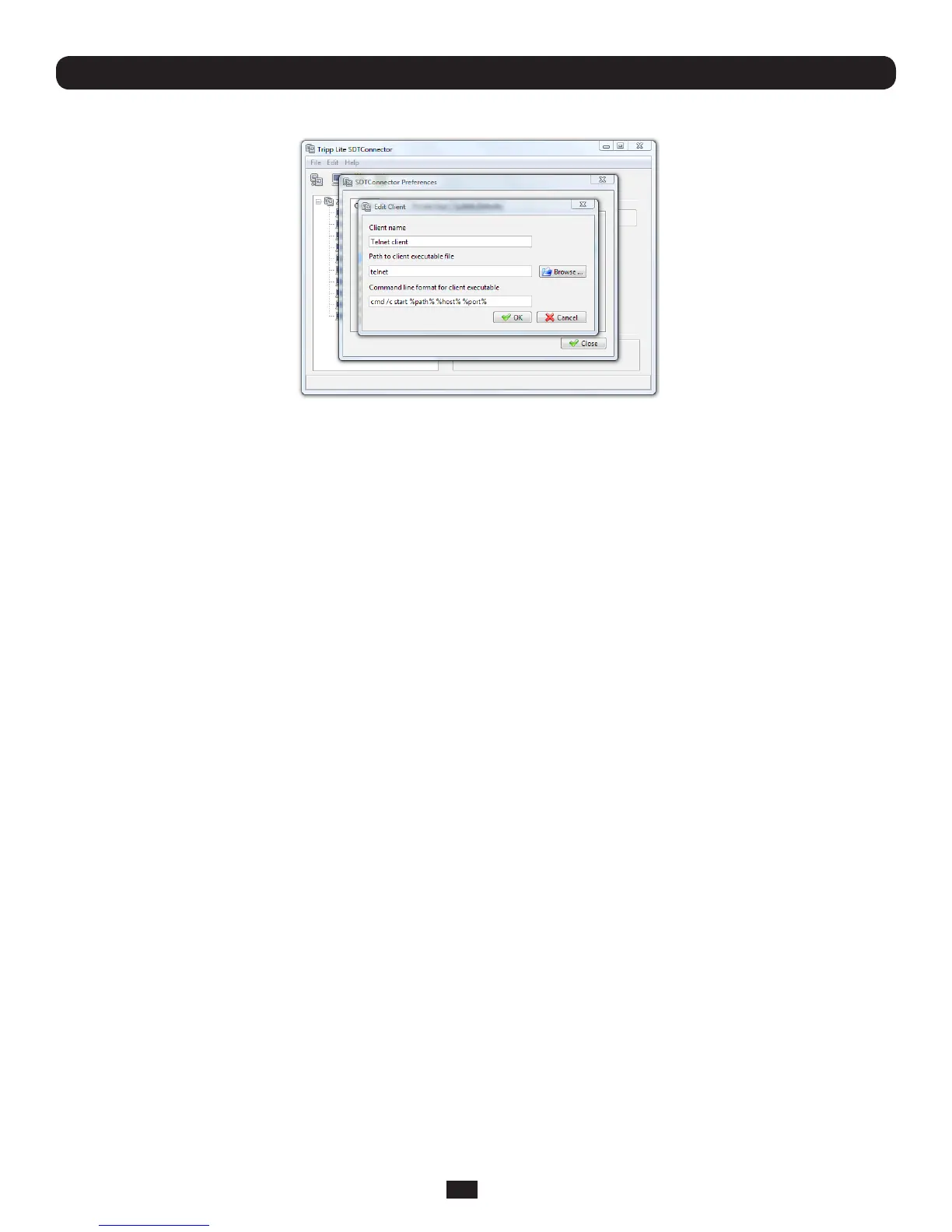
Also some clients are launched in a command line or terminal window. The Telnet client is an example of this:
• ClickOK
6.2.8 Dial-in configuration
IftheclientcomputerisdialingintoLocal/ConsoleportontheConsoleServer,youwillneedtosetupadial-inPPPlink:
• ConguretheConsoleServerfordial-inaccess(followingthestepsintheConfiguring for Dial-In PPP Access section in
Chapter 5, Configuring Dial In Access)
• SetupthePPPclientsoftwareattheremoteUsercomputer(followingtheSet up the remote Client section in Chapter 5)
Onceyouhaveadial-inPPPconnectionestablished,youcanthensetupthesecureSSHtunnelfromtheremoteClient
computer to the Console Server.



 To Next Page