170
Chapter 12: Status Reports
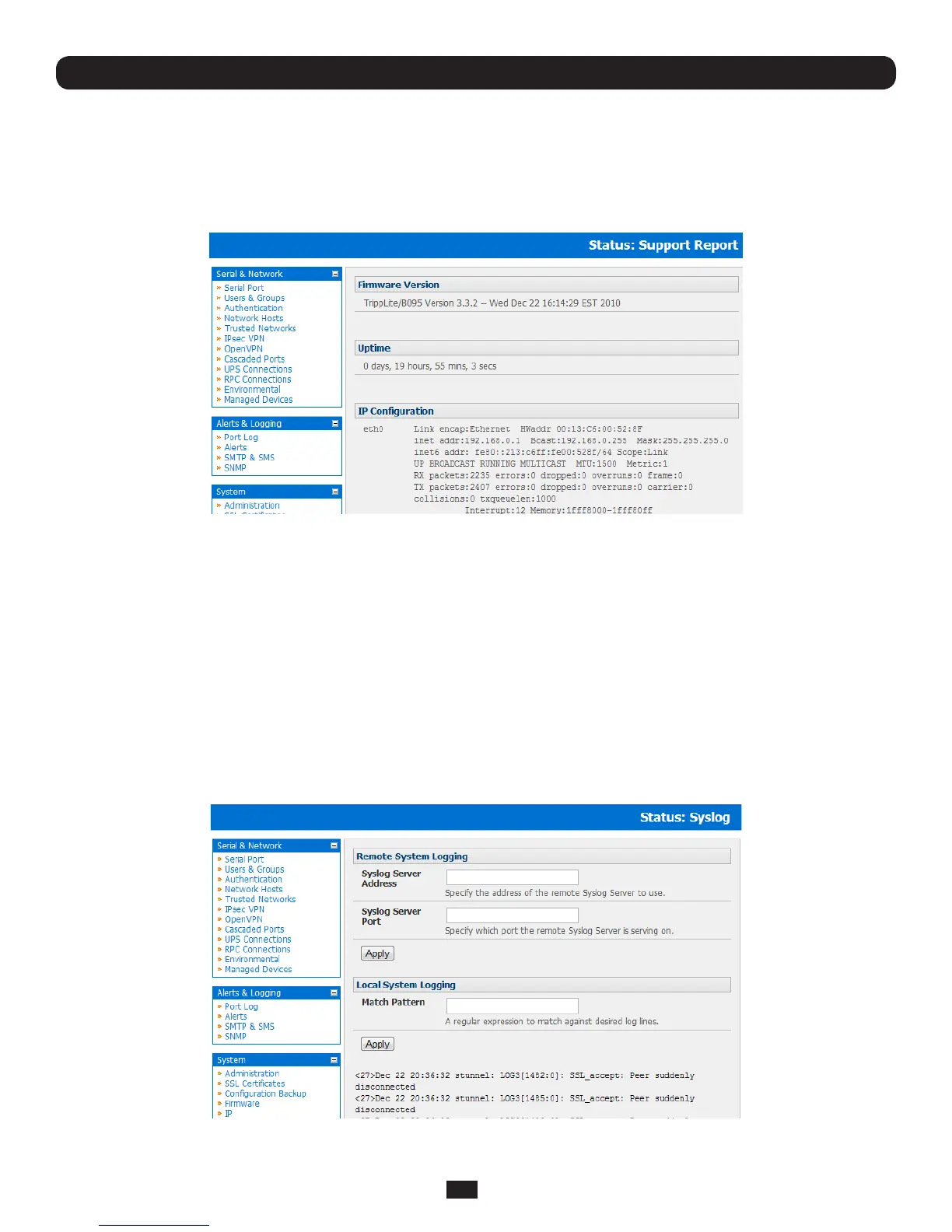
12.3 Support Reports
The Support Report provides useful status information that will assist the Tripp Lite technical support team to resolve any
issues you may experience with your Console Server.
IfyoudoexperienceanissueandhavetocontactSupport,ensureyouincludetheSupportReportwithyouremailsupport
request.TheSupportReportshouldbegeneratedwhentheissueisoccurring,andattachedinplaintextformat.
• SelectStatus: Support Report and you will be presented with a status snapshot
• Savetheleasatextleandattachittoyoursupportemail
12.4 Syslog
The Linux System Logger in the Console Server maintains a record of all system messages and errors:
• SelectStatus: Syslog
The syslog record can be redirected to a remote Syslog Server:
• EntertheremoteSyslog Server Address and Syslog Server Port details and click Apply
The console maintains a local Syslog. To view the local Syslog file:
• SelectStatus: Syslog



 To Next Page