36
4.1 Configuring Serial Ports
To configure a serial port you must first set the Common Settings(Chapter 4.1.1)thataretobeusedforthedataconnection
tothatport(e.g.baudrate)andthemodetheportistooperatein.Eachportcanbesettosupportoneofveoperating
modes:
i. Console Server Mode(Chapter 4.1.2)isthedefaultsettingandenablesgeneralaccesstotheserialconsoleporton
serially attached devices
ii. Device Mode(Chapter 4.1.3)setstheserialportuptocommunicatewithanintelligentserialcontrolledPDU,UPSor
EnvironmentalMonitorDevices(EMD)
iii. SDT Mode(Chapter 4.1.4)enablesgraphicalconsoleaccess(withRDP,VNC,HTTPSetc)tohoststhatareserially
connected
iv. Terminal Server Mode(Chapter 4.1.5)setstheserialporttoawaitanincomingterminalloginsession
v. Serial Bridge Mode(Chapter 4.1.6)enablesthetransparentinterconnectionoftwoserialportdevicesoveranetwork
To select the serial port to configure:
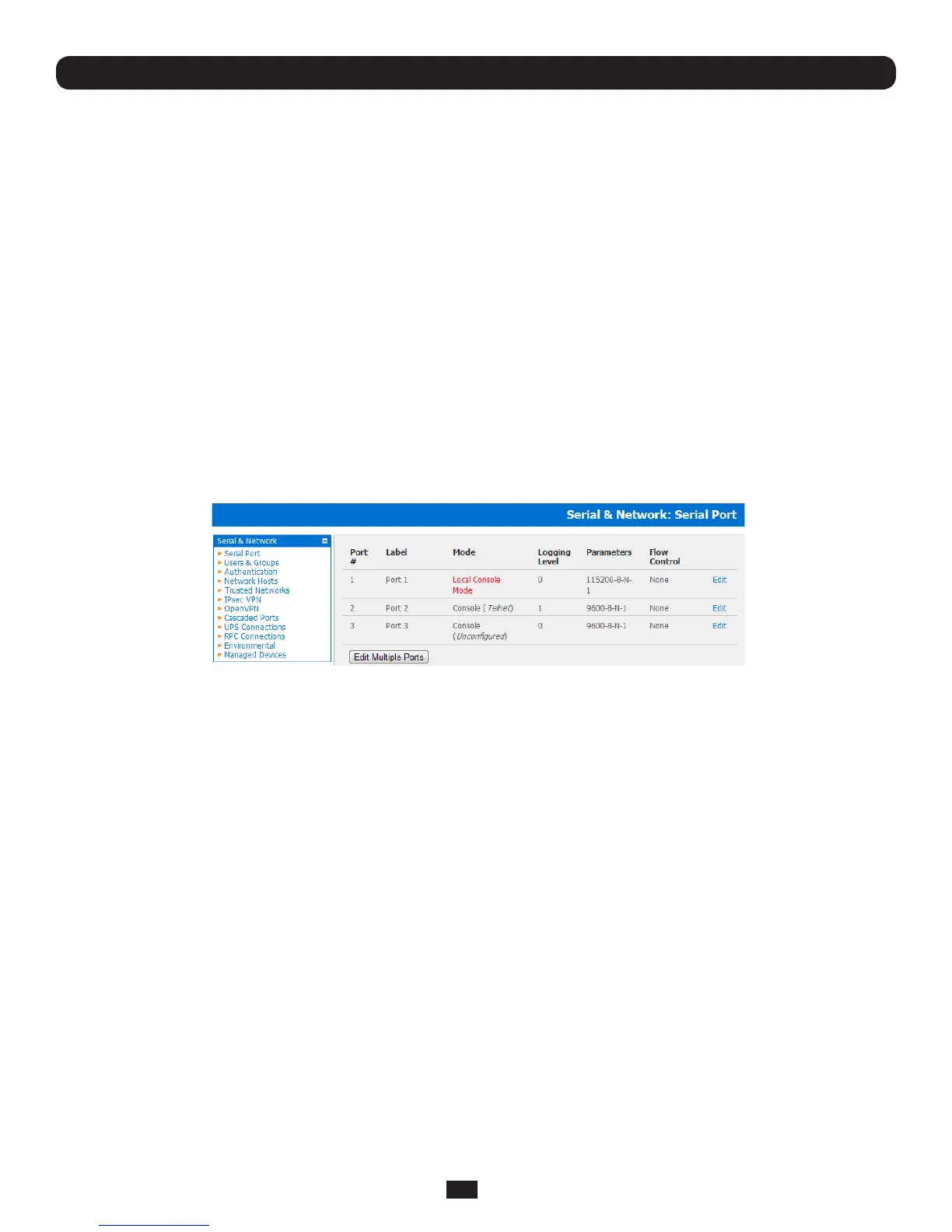
• SelectSerial&Network:SerialPortandclickEditontheporttoberecongured
Note: If you wish to set the same protocol options for multiple serial ports at once, click Edit Multiple Ports and select which
ports you wish to configure as a group
• Whenyouhaveconguredthecommonsettingsandthemodeforeachport,setupanyremotesyslog(Chapter 4.1.7),
then click Apply
• IftheConsoleServerhasbeenconguredwithdistributedNagiosmonitoringenabledthenyouwillalsobepresented
with Nagios SettingsoptionstoenablenominatedservicesontheHosttobemonitored(refertoChapter 10 – Nagios
Integration)
Chapter 4: Serial Port, Device and User Configuration



 To Next Page