145
Chapter 9: Authentication
Thelistofgroupsmayincludeanynumberofentriesseparatedbyacomma.Iftheadmingroupisincluded,theuserwillbe
made an Administrator.
IfthereisalreadyaFramed-Filter-Id,simplyaddthelistofgroup_namesaftertheexistingentries,includingtheseparatingcolon":".
9.3 Secure Management Console Access
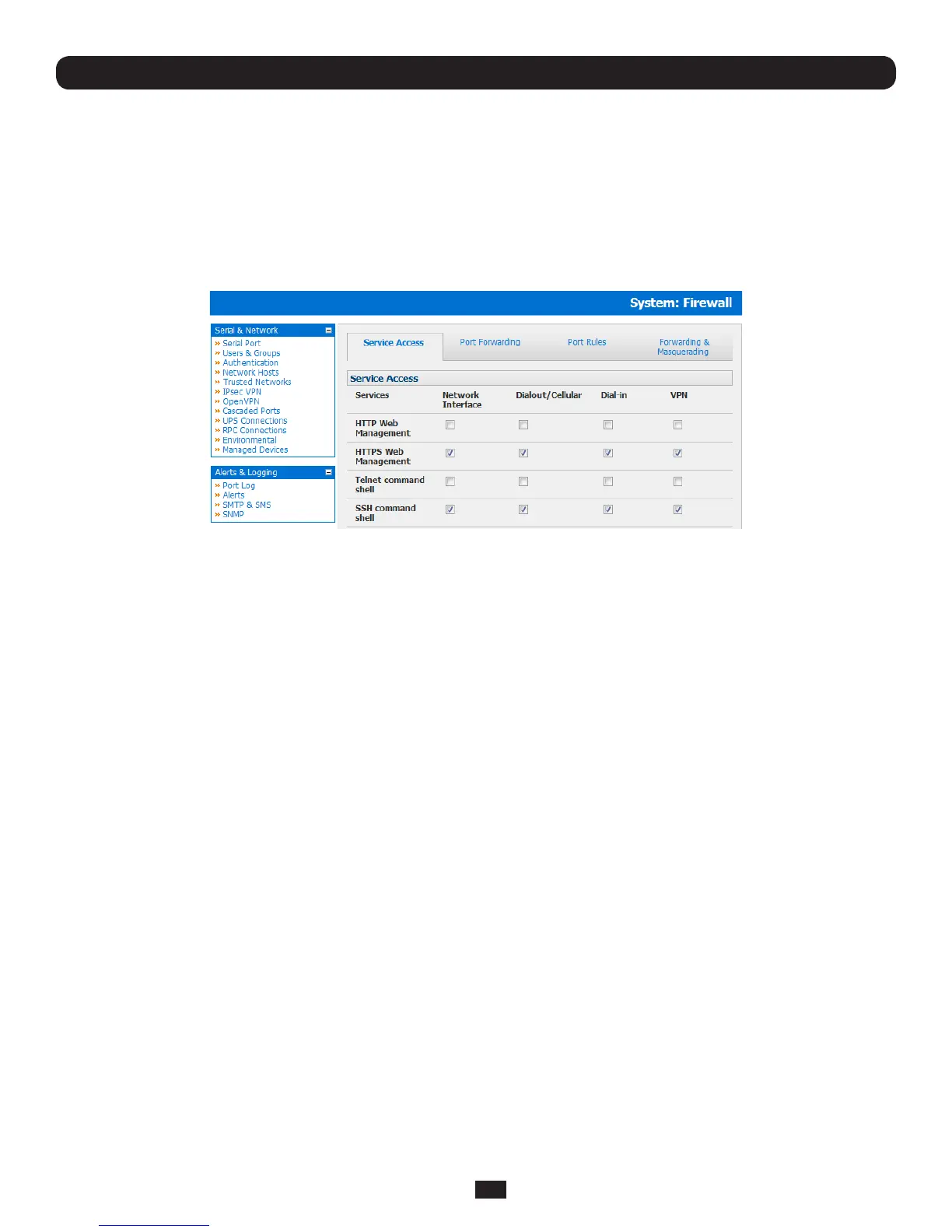
Selecting HTTPS Server in System: Services enables the Administrator to establish a secure browser connection
Management Console:
• Activateyourpreferredbrowserandenterhttps:// IP address.Forexample,iftheConsoleServerhasbeensetupwithan
IPaddressof200.122.0.12,youneedtotypehttps://200.122.0.12inyouraddressbar
• Yourbrowsermayrespondwithamessagethatveriesthesecuritycerticateisvalidbutnotesthatitisnotnecessarily
verified by a certifying authority. To proceed you need to click yes if you are using Internet Explorer or select accept this
certificate permanently (or temporarily) if you are using Mozilla Firefox.
• YouwillthenbepromptedfortheAdministratoraccountandpasswordasnormal.
WhenyouhaveasecureHTTPSconnectioninplace,theSSLsecurediconwillappearatthebottomofthebrowserscreen.
You can verify the level of encryption in place by clicking on this icon.
WhenyourstenableandconnectviaHTTPS,itisnormalthatyoumayreceiveacerticatewarning.ThedefaultSSLcerticate
inyourConsoleServerisembeddedduringtestingandisnotsignedbyarecognizedthirdpartycerticateauthority.Rather,itis
signed by our own signing authority. These warnings do not affect the encryption protection you have against eavesdroppers.



 To Next Page