91
6.2.7 Adding a client program to be started for the new service
Clients are local applications that may be launched when a related service is clicked. To add to the pool of client programs:
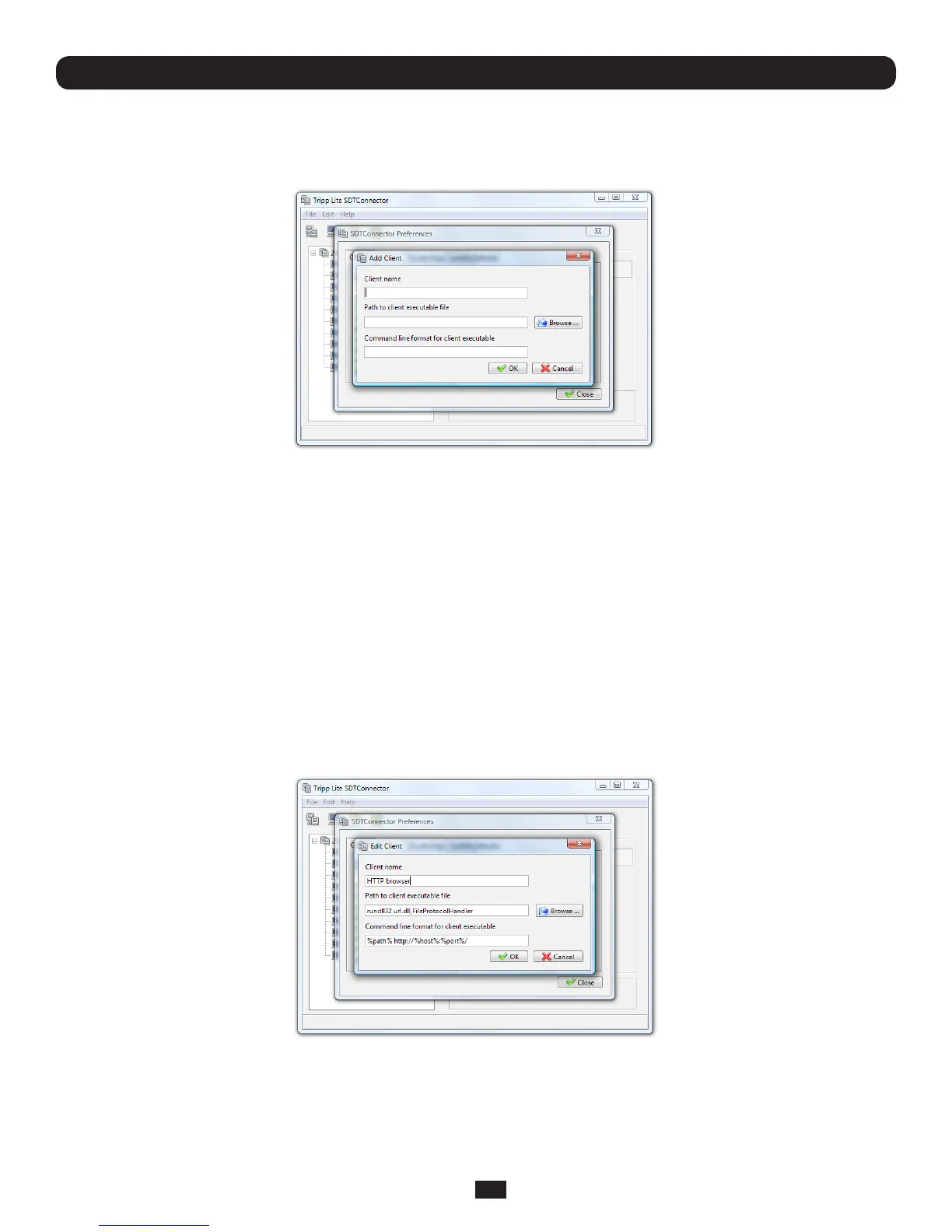
• Select Edit: Preferences and click the Client tab. Click Add
Chapter 6: Secure SSH Tunneling & SDT Connector
• EnteraName for the client. Enter the Pathtotheexecutablelefortheclient(orclickBrowsetolocatetheexecutable)
• EnteraCommand Line associated with launching the client application. SDT Connector typically launches a client
using command line arguments to point it to the local endpoint of the redirection. There are three special keywords for
specifyingthecommandlineformat.Whenlaunchingtheclient,SDT Connector substitutes these keywords with the
appropriate values:
%path%ispathtotheexecutablele,i.e.thepreviouseld.
%host%isthelocaladdresstowhichthelocalendpointoftheredirectionisbound,i.e.theLocalAddresseldforthe
Service redirection Advanced options.
%port%isthelocalporttowhichthelocalendpointoftheredirectionisbound,i.e.theLocalTCPPorteldforthe
ServiceredirectionAdvancedoptions.Ifthisportisunspecied(i.e."Any"),theappropriaterandomlyselectedportwillbe
substituted.
Forexample,SDT Connector is preconfigured for Windows installations with a HTTP service client that will connect with
whicheverlocalbrowserthelocalWindowsuserhasconguredasthedefault.OtherwisethedefaultbrowserusedisFirefox:



 To Next Page