155
Chapter 10: Nagios Integration
10.3.4 Configure selected Serial Ports for Nagios monitoring
TheindividualSerialPortsconnectedtotheConsoleServertobemonitoredmustbeconguredforNagioschecks.Referto
Chapter 4.4: Network Host ConfigurationfordetailsonenablingNagiosmonitoringforHoststhatarenetworkconnectedtothe
ConsoleServer.ToenableNagiostomonitoradeviceconnectedtotheConsoleServerserialport:
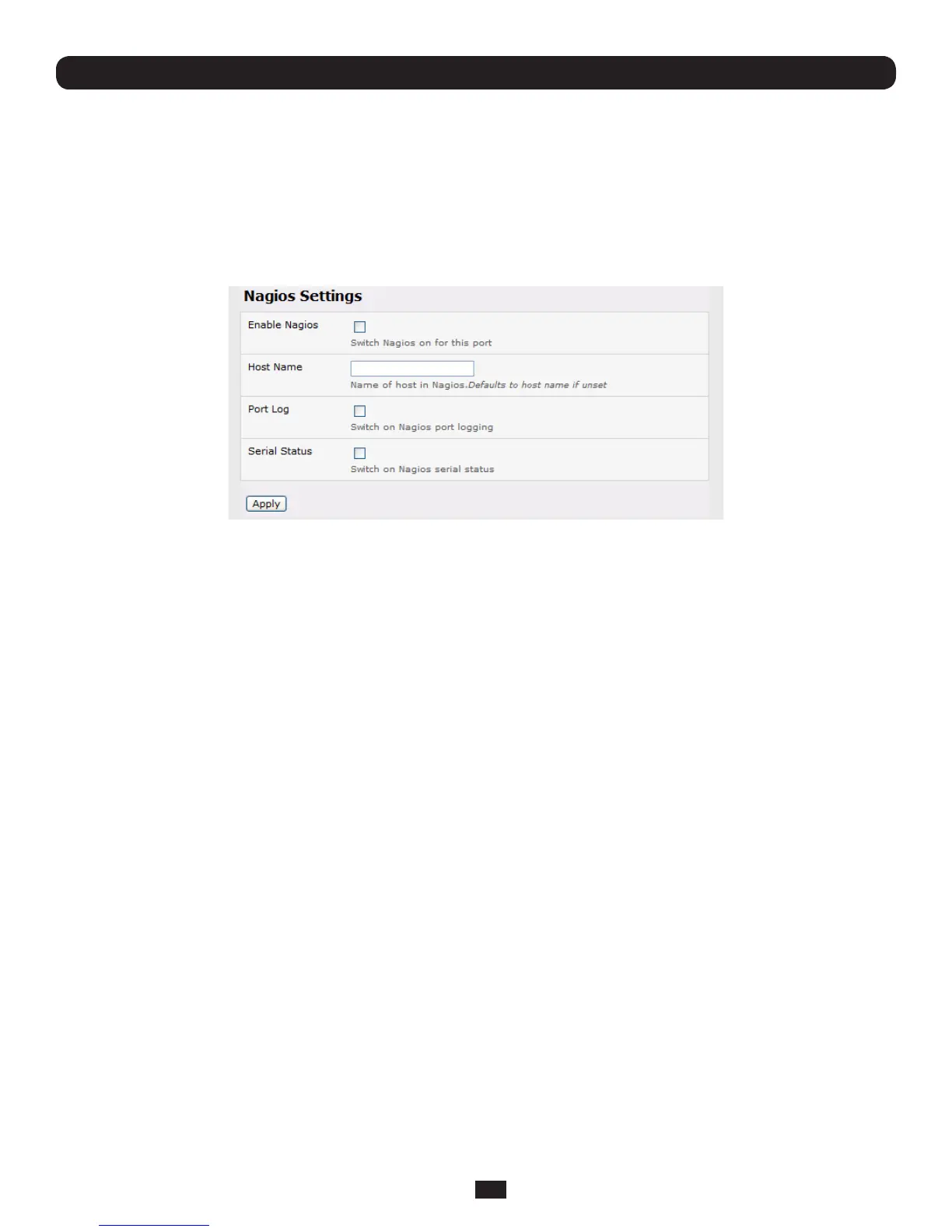
• SelectSerial & Network: Serial Port and click Edit on the serial Port # to be monitored
• Select Enable Nagios,specifythenameofthedeviceontheupstreamserveranddeterminethechecktoberunonthis
port. Serial Status monitors the handshaking lines on the serial port and Check Port monitors the data logged for the
serial port



 To Next Page