38
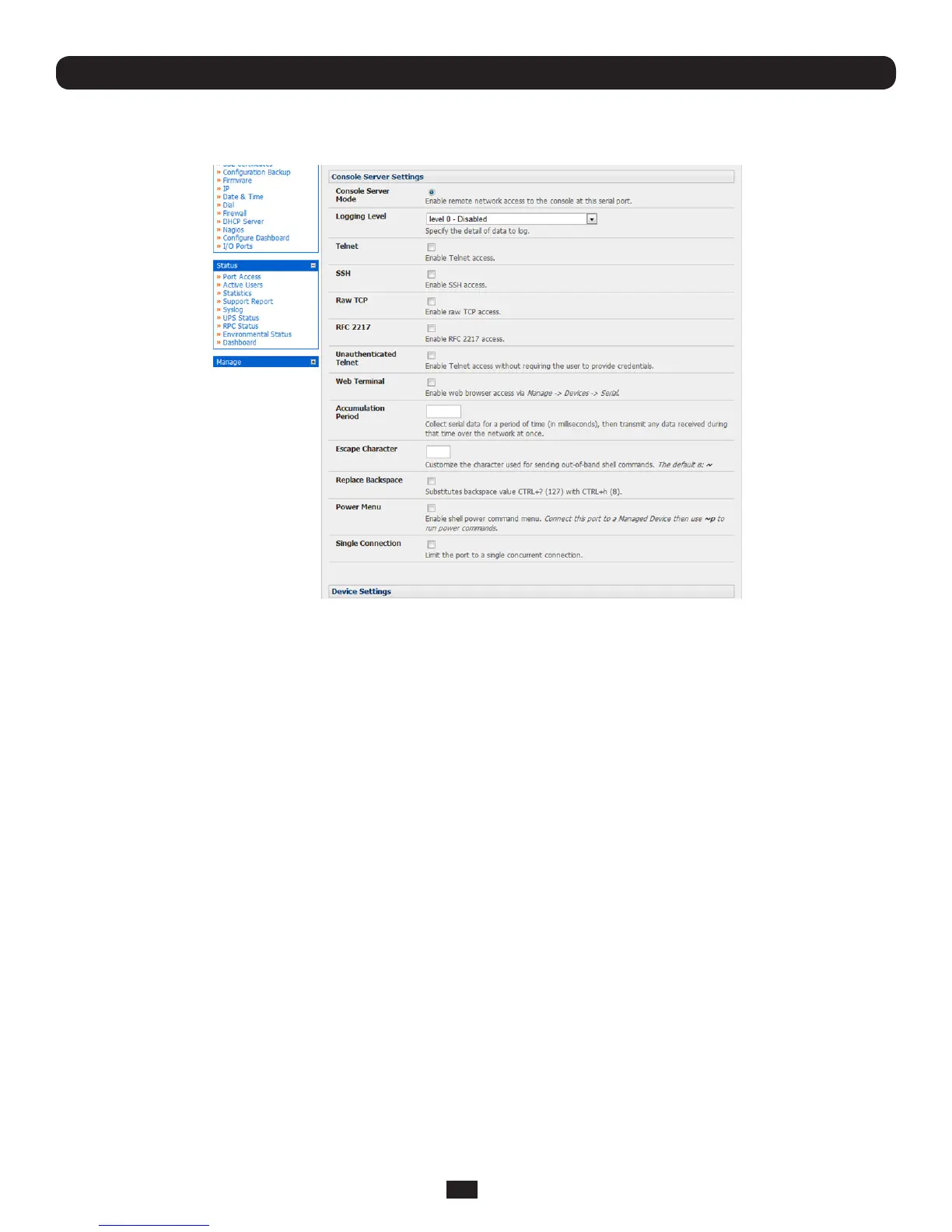
4.1.2 Console Server Mode
Select Console Server Mode to enable remote management access to the serial console that is attached to the serial port:
Chapter 4: Serial Port, Device and User Configuration
Logging Level Thisspeciesthelevelofinformationtobeloggedandmonitored(refertoChapter 7 - Alerts and Logging)
Telnet ChecktoenableTelnetaccesstotheserialport.Whenenabled,aTelnetclientonaUserorAdministrator’s
computer can connect to a serial device attached to this serial port on the Console Server. The default port
addressisIPAddress_Port(2000+serialport#)i.e.2001–2048
Telnetcommunicationsareunencrypted,sothisprotocolisgenerallyrecommendedforlocalconnections
only.However,iftheremotecommunicationsarebeingtunneledwithSDT Connector,thenTelnetcanbe
usedtosecurelyaccesstheseattacheddevices(see Note below).
WithWin2000/XP/NTyoucanrunTelnetfromthecommandprompt(cmd.exe).VistacomeswithaTelnet
clientandserverbuttheyarenotenabledbydefault.ToenableTelnet,simply:
• LoginasAdmin and go to Start/ Control Panel/Programs and Features
• Select Turn Windows Features On or Off,checktheTelnet Client and click OK



 To Next Page