41
Unauthenticated Telnet Selecting Unauthenticated Telnet enables Telnet access to the serial port without requiring the user
to provide credentials. When a user accesses the Console Server to Telnet to a serial port they are
normallygivenaloginprompt.However,withunauthenticatedTelnet,theyconnectdirectlythrough
to port with any Console Server login at all. This mode is mainly used when you have an external
system(suchasconserver)managinguserauthenticationandaccessprivilegesattheserialdevice
level.
ForUnauthenticatedTelnet,thedefaultportaddressisIPAddress_Port(6000+serialport#)
i.e.6001–6048.
Web Terminal Selecting Web Terminal enables web browser access to the serial port via Manage: Devices:
Serial using the Management Console's built in AJAX terminal. Web Terminal connects as the
currentlyauthenticatedManagementConsoleuseranddoesnotre-authenticate.Seesection
13.3 for more details.
Accumulation Period Bydefaultonceaconnectionhasbeenestablishedforaparticularserialport(suchasaRFC2217
redirectionorTelnetconnectiontoaremotecomputer)thenanyincomingcharactersonthat
port are forwarded over the network on a character by character basis. The accumulation period
changes this by specifying a period of time that incoming characters will be collected before then
being sent as a packet over the network
Escape Character This enables you to change the character used for sending escape characters. The default is ~.
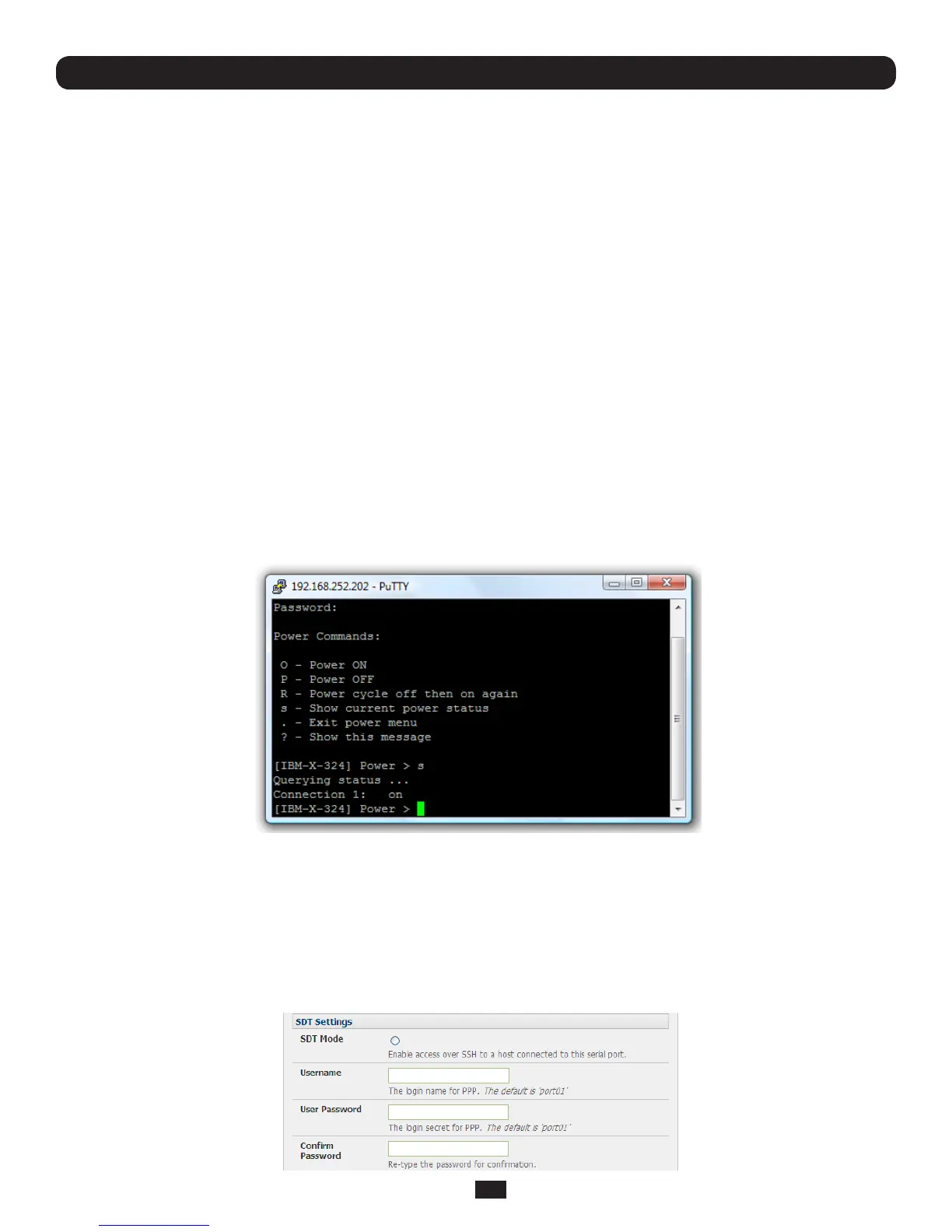
Power Menu This setting enables the shell power command so a user can control the power connection to
aManagedDevicefromcommandlinewhentheyaretelnetorSSHconnectedtothedevice.
TooperatetheManagedDevicemustbesetupwithbothitsSerialportconnectionandPower
connection configured. The command to bring up the power menu is ~p
Single Connection This setting limits the port to a single connection so if multiple users have access privileges for
aparticularportonlyoneuseratatimecanbeaccessingthatport(i.e.port“snooping”isnot
permitted)
4.1.3 SDT Mode
ThissettingallowsportforwardingofLANprotocolssuchasRDP,VNC,HTPP,HTTPS,SSHandTelnetthroughtocomputers
whichareconnectedlocallytotheConsoleServerbytheirserialCOMport.HoweversuchportforwardingrequiresaPPPlink
to be set up over this serial port.
Chapter 4: Serial Port, Device and User Configuration



 To Next Page