Chapter 8 System Options Alpha Compact 32708612
Version: 14.12.2012 page 89 of 135
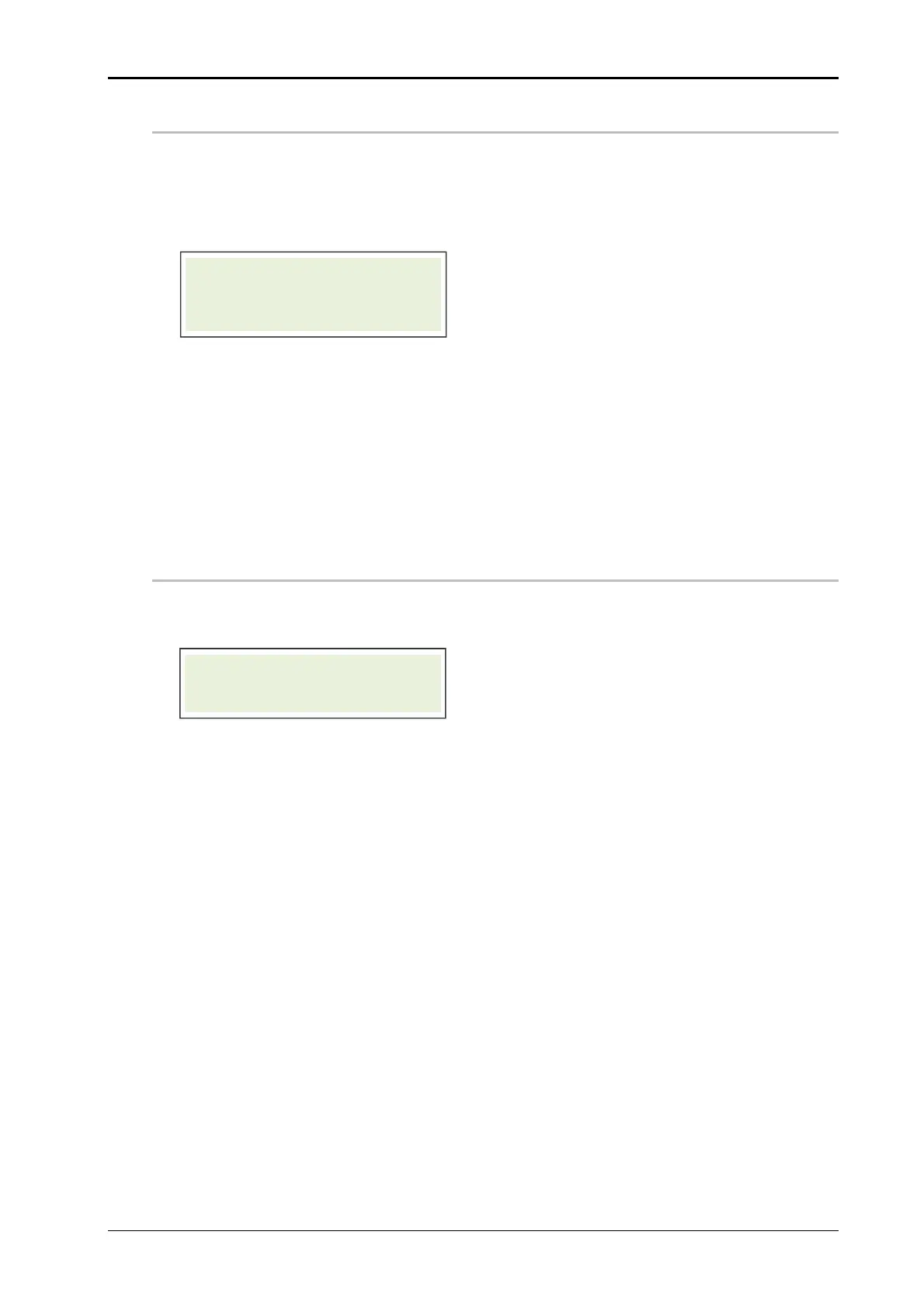
SAVE CONFIGURATION
The Alpha Compact’s controller is able to store up to 9 different configurations. This fea-
ture provides the opportunity to the user for a fast product change. Thus all topical set-
tings (also the settings from configuration menu) are stored e. g. speed, Encoder turned
on or off, application delay:
Push the *buttons [] or [] to get to the next parameter.
Push [Enter] to select ”save configuration“. A number will flash in the display. This
number is the number of data set in which the configuration should be saved.
Push the buttons [] or [] to select the required data set.
Push [Enter] to save the configuration in the selected data set.
Push [Start] or [Stop] to leave the parameter setting.
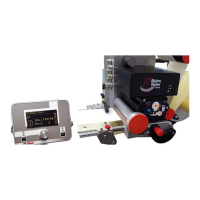
LOAD CONFIGURATION
If a configuration is saved, it can be loaded and activated.
Push the *buttons [] or [] to get to the next parameter.
Push [Enter] to load the required data set in the controller again. A number will
flash in the display. This number is the number of the data set.
Push the buttons [] or [] to select the required data set.
Push [Enter] to load the configuration of the selected data set in the controller.
Push [Start] or [Stop] to leave the parameter setting.
FUNCTION-MENU
SAVE CONFIGURATION
FUNCTION-MENU
LOAD CONFIGURATION


 To Next Page