85
TECHNICAL MANUAL
0
10467
61P
2P
0
12671
0
T
C
- OR-
10000
14771
13551
.
.
The meter will not receive a reading if the output value is changing
([IN] or [OUT] key being held down). Fine tune in smaller
increments as you approach the target output value.
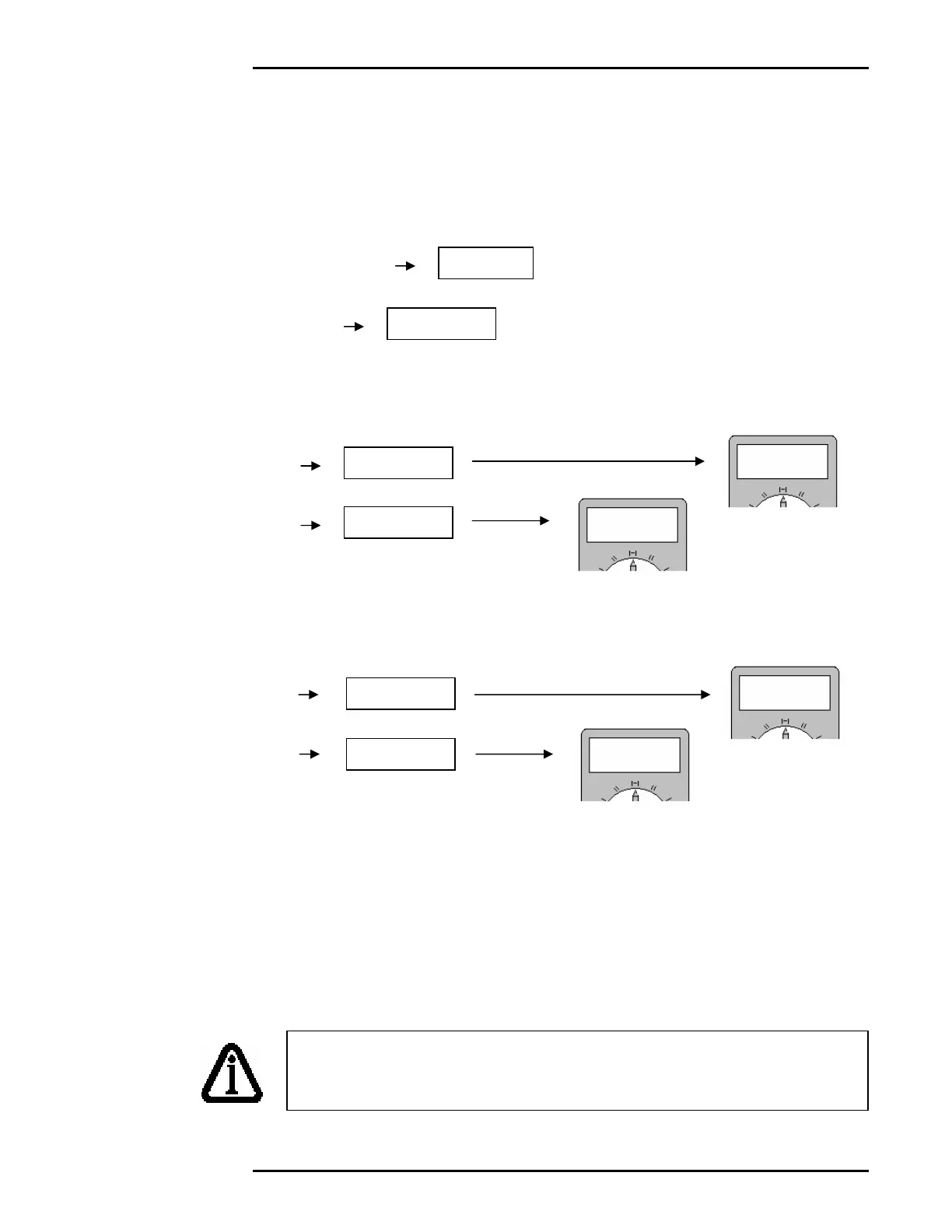
4. Adjust the current loop output offset for zero (Parameter 61).
• Watch the Meter readings.
• Use the Hot Keys (course adjustment) to select an output value that
gives a reading close to 4 mA. (Should be around 1, 2, or 3)
• If the closest reading is less than 4 mA, press the [IN] key to
increase the output value.
• If the closest reading is greater than 4 mA, press the [OUT] key to
decrease the output value.
• Holding down the [IN] or [OUT] keys cause the output value to
change faster.
• Press [TARE] to save the current output value. To abort without
saving, press [CLEAR].
3
80
3
95
4
30
4
00



 To Next Page