HIGH SPEED DIGITAL WEIGHT INDICATORS
86
0
50897
62P
6P
0
52671
0
T
C
- OR-
50000
52671
51532
.
.
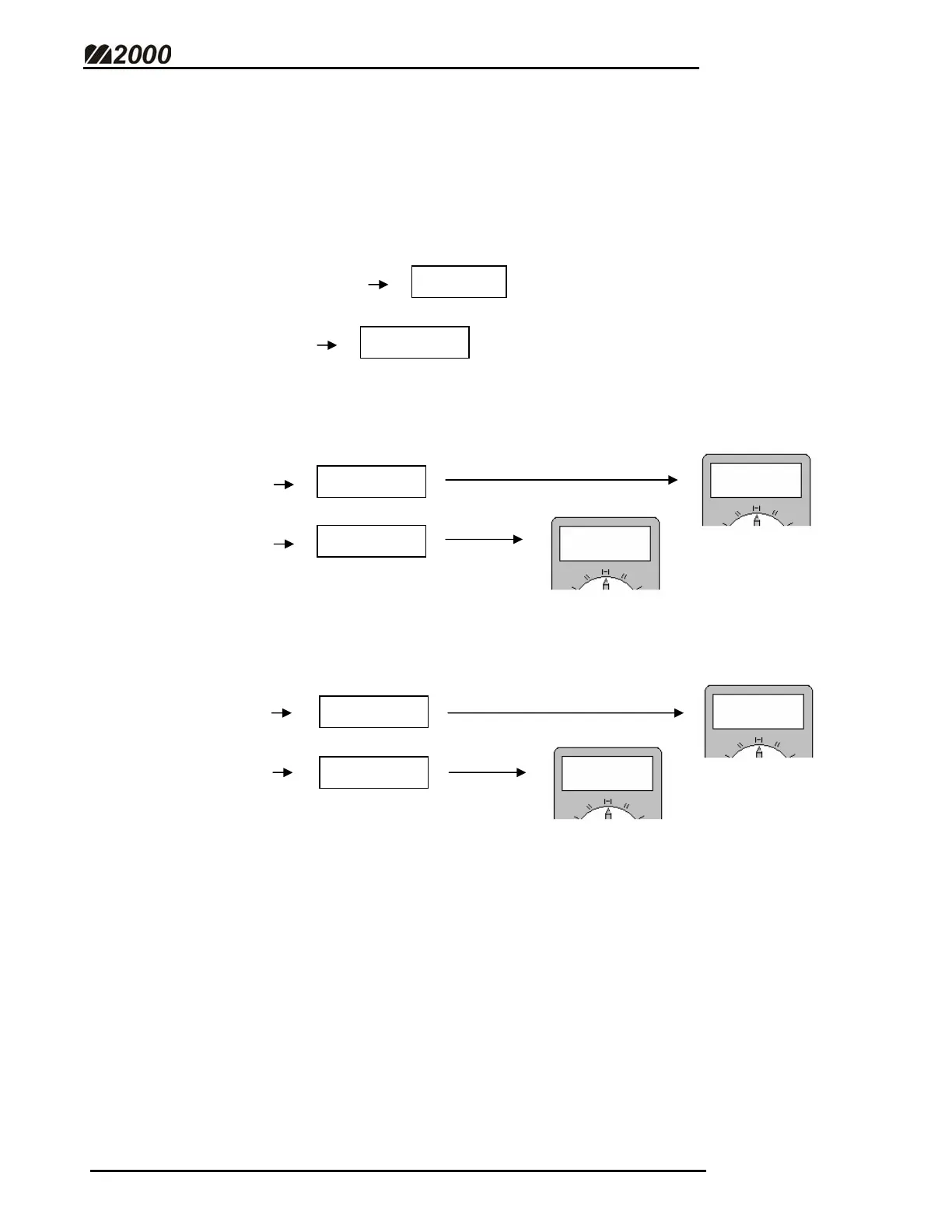
5. Adjust the current loop output offset for scale capacity. (Parameter 62)
• Watch the Meter readings.
• Use the Hot Keys (course adjustment) to select an output value that
gives a reading close to 20 mA. (Should be around 5, 6, or 7)
• If the closest reading is less than 20 mA, press the [IN] key to increase
the output value.
• If the closest reading is greater than 4 mA, press the [OUT] key to
decrease the output value.
• Holding down the [IN] or [OUT] keys cause the output value to change
faster.
• Press [TARE] to save the current output value. To abort without
saving, press [CLEAR].
19
80
20
95
20
95
20
00



 To Next Page