CELL-DYN 3000 System Operator’s Manual 5-13
9140240E — May 1995
Chapter 5 Operating Instructions
This section discusses the procedures that are used to set up the QC files.
The keys are discussed in the order they are used to set up a QC file.
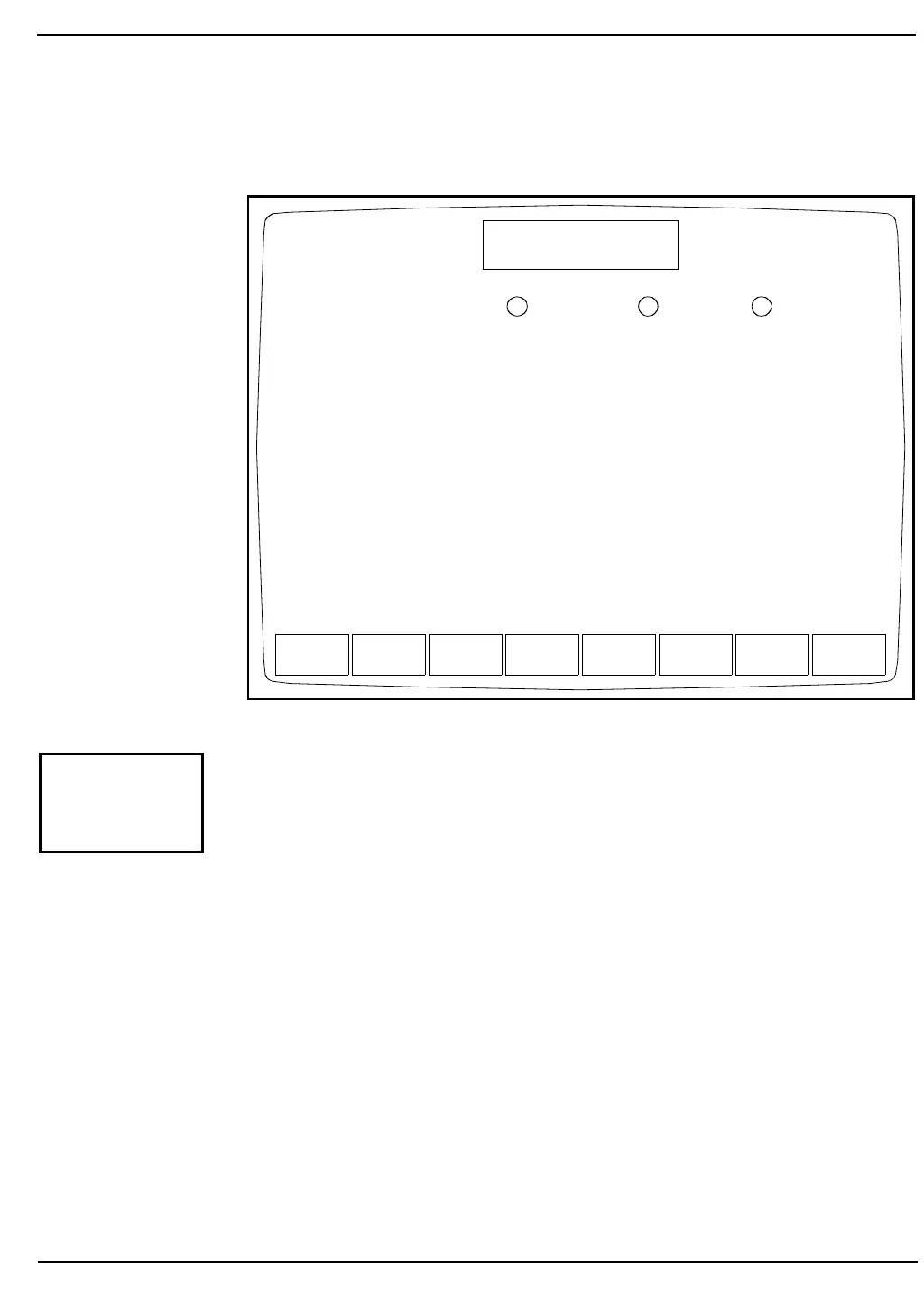
Figure 5.7: X-B Setup Screen
The [X-B SETUP] key is used to select the X-B SETUP Screen. (See
Figure 5.7.) This screen is used to enter upper and lower acceptance
limits, target values and action limits for the X-B Moving Average QC
Program. The following soft key labels are displayed when the [X-B
SETUP] key is pressed:
TURN X-B ON or
TURN X-B OFF (The key label alternates
between these two selections
when the soft key is pressed.)
PRINT
RETURN
TURN
X-B OFF
PRINT RETURN
X-B SETUP
Ready
Dec 08 1992
Operator ID
Sequence #
16:10
734
0067
Parameter
MCV
MCH
MCHC
Lower/Upper Limits
55.0/125.
20.0/40.0
24.0/44.0
Target Value Action Limit
fL
pg
g/dL
90.0
30.0
34.0
fL
pg
g/dL
3.0 %
3.0 %
3.0 %
321
The X-B program is ON.
X-B
SETUP



 To Next Page