CELL-DYN 3000 System Operator’s Manual 5-37
9140240E — May 1995
Chapter 5 Operating Instructions
The [CUSTOMIZE REPORT] key is used to customize the displayed
and printed report. Three options are available:
CUSTOMIZE DISPLAY
CUSTOMIZE PRINTOUT
CUSTOMIZE HEADER
The [CUSTOMIZE REPORT] key may also be accessed from the
RUN Screen and the DISPLAY SPECIMEN Screen in the Data Log.
When the [CUSTOMIZE REPORT] key is pressed, the screen that was
used for the last entry is displayed. For ease of explanation, each option
is discussed individually.
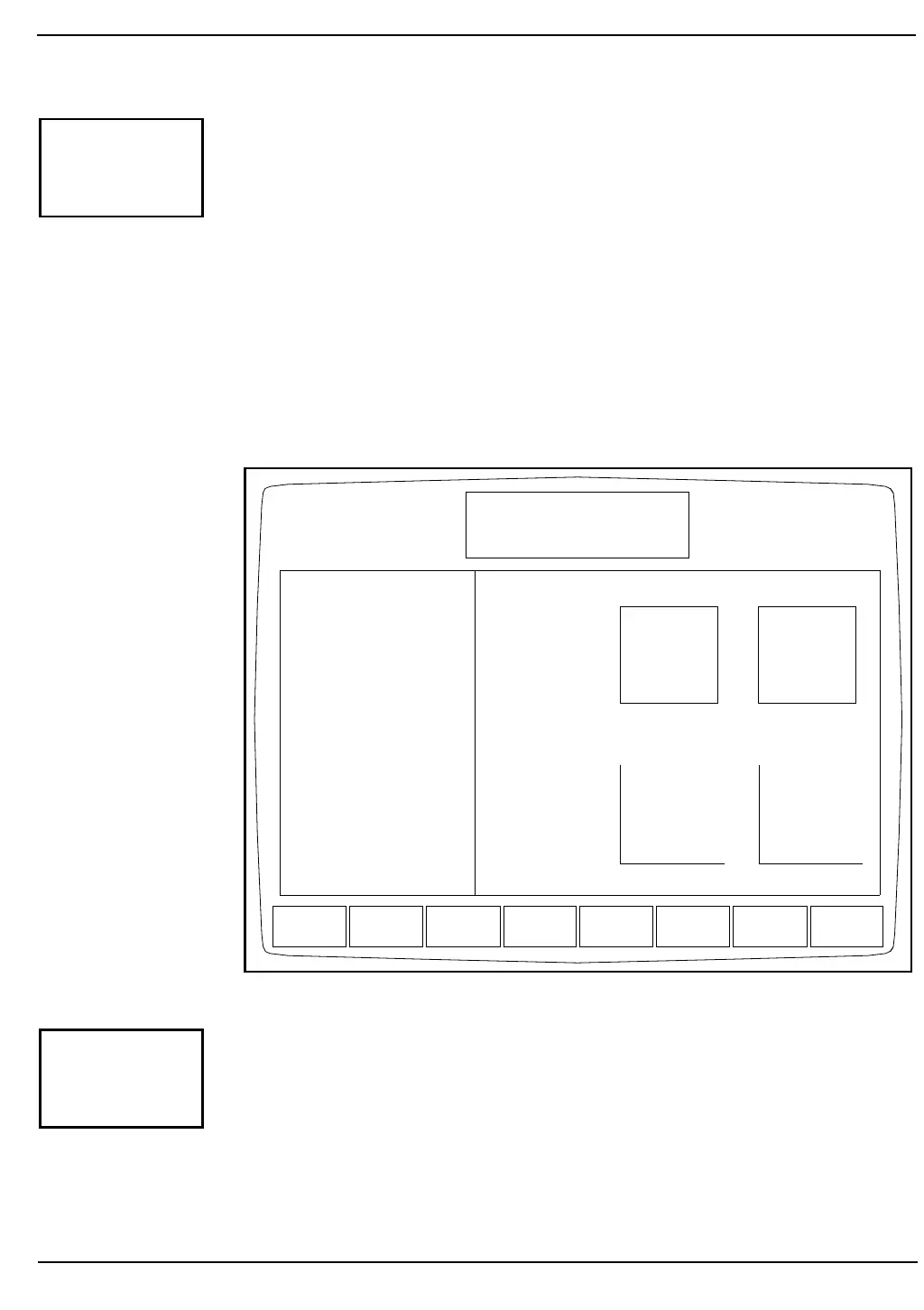
Figure 5.19: Customize Displayed Report Screen
The CUSTOMIZE DISPLAYED REPORT Screen appears (see
Figure5.19) for the indicated parameter set, and the following soft key
labels are displayed when the [CUSTOMIZE DISPLAY] key is
pressed:
PARAM SET 1*
CUSTOMIZE
REPORT
PARAM
SET 2
PARAM
SET 3
PARAM
SET 4
CUSTOMIZE
PRINTOUT
CUSTOMIZE
HEADER
SELECT
GRAPH
SETUP
CUSTOMIZE DISPLAYED REPORT
Ready
May 11 1992
Operator ID
Sequence #
11:09
734
3452
ONWBC
ONNEU ON%N
ONLYM ON%L
ONMONOON %M
ONEOS ON %E
ONBASO ON %B
ONRBC
ONHGB
ONHCT
ONMCV
ONMCH
ONMCHC
ONRDW
ONPLT
ONMPV
PARAMETER SET 1 SELECTED
Size-Cmp Scatter
Orthognl Scatter
10 deg-90 deg
0 deg-90 deg
10 deg-Depol
0 deg-Depol
L-B-M Histogram
M-P Histogram
RBC Histogram
PLT Histogram
Empty
Size-Cmp Scatter Orthognl Scatter
RBC Histogram PLT Histogram
CUSTOMIZE
DISPLAY



 To Next Page