CELL-DYN 3000 System Operator’s Manual 5-45
9140240E — May 1995
Chapter 5 Operating Instructions
6.Press the Enter key on the keyboard to save the entry and advance
the cursor.
7.Repeat steps 5 and 6 for each line of the header.
8.Press [SETUP] to return to the SETUP MENU Screen.
Two options are available when the [TICKET PRINTER] key is
pressed:
PRE-PRNTD TICKET or
BLANK TICKET (The key label alternates
between these two selections
when the soft key is pressed.)
The [PRE-PRNTD TICKET] key is used to customize the printed
report for a preprinted ticket. The [BLANK TICKET] key is used to
customize the printed report for a blank ticket.
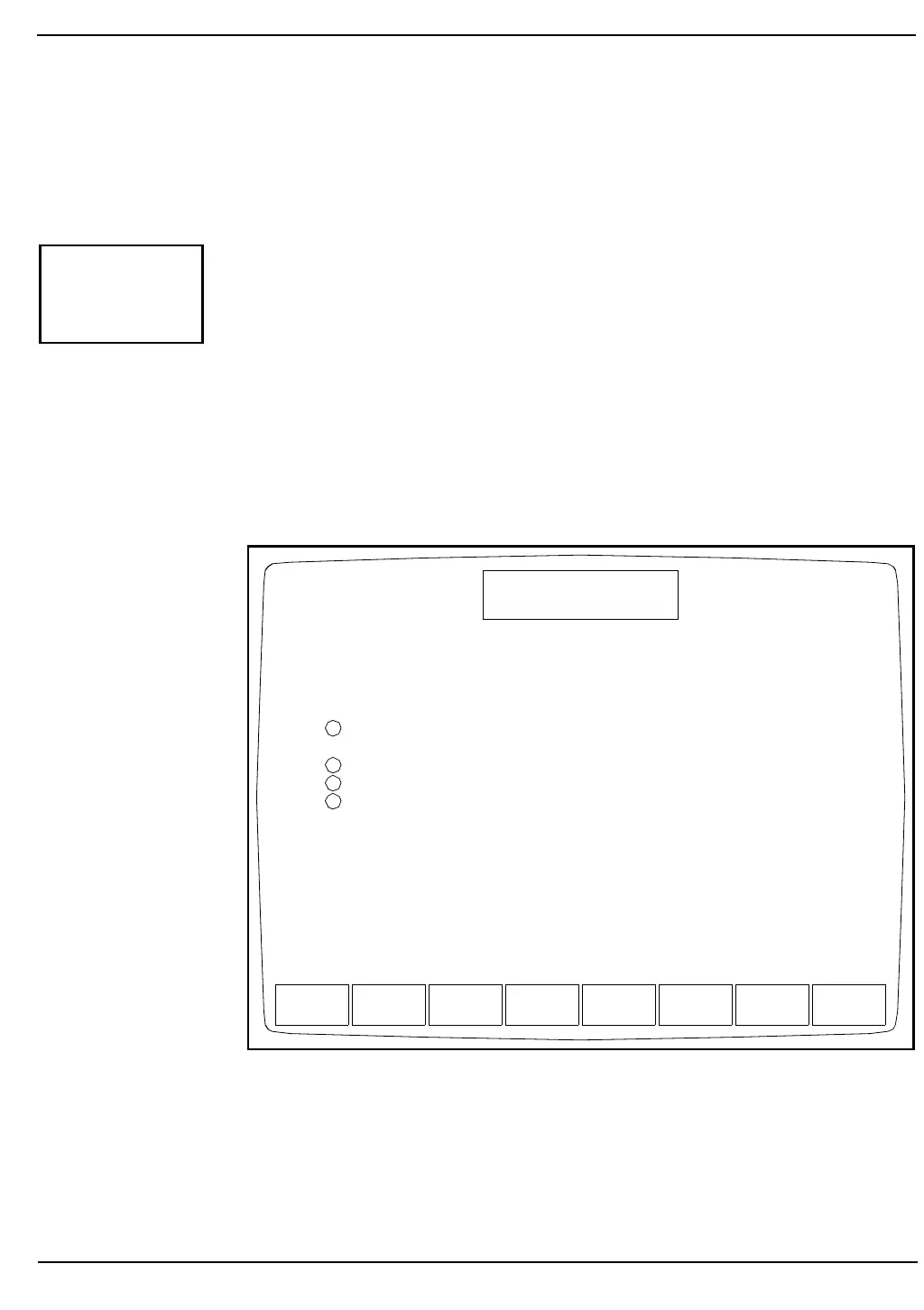
Figure 5.22: Customize Printed Report Screen for Pre-Printed Tickets
TICKET
PRINTER
BLANK
TICKET
GRAPHICS
PRINTER
CUSTOMIZE
DISPLAY
STOP
PRINTING
CUSTOMIZE
HEADER
TOGGLE
ON/OFF
SETUP
CUSTOMIZE PRINTED REPORT
Ready
Dec 18 1992
Operator ID
Sequence #
08:58
734
0630
OFF
OFF
OFF
OFF
TICKET PRINTER - PRE-PRINTED TICKET
AUTO-PRINT results for ALERTED specimens
AUTO-PRINT results for NON-ALERTED specimens
Print PCT, PDW results
1
2
3
4



 To Next Page