5-30 CELL-DYN 3000 System Operator’s Manual
9140240E — May 1995
Operating Instructions Chapter 5
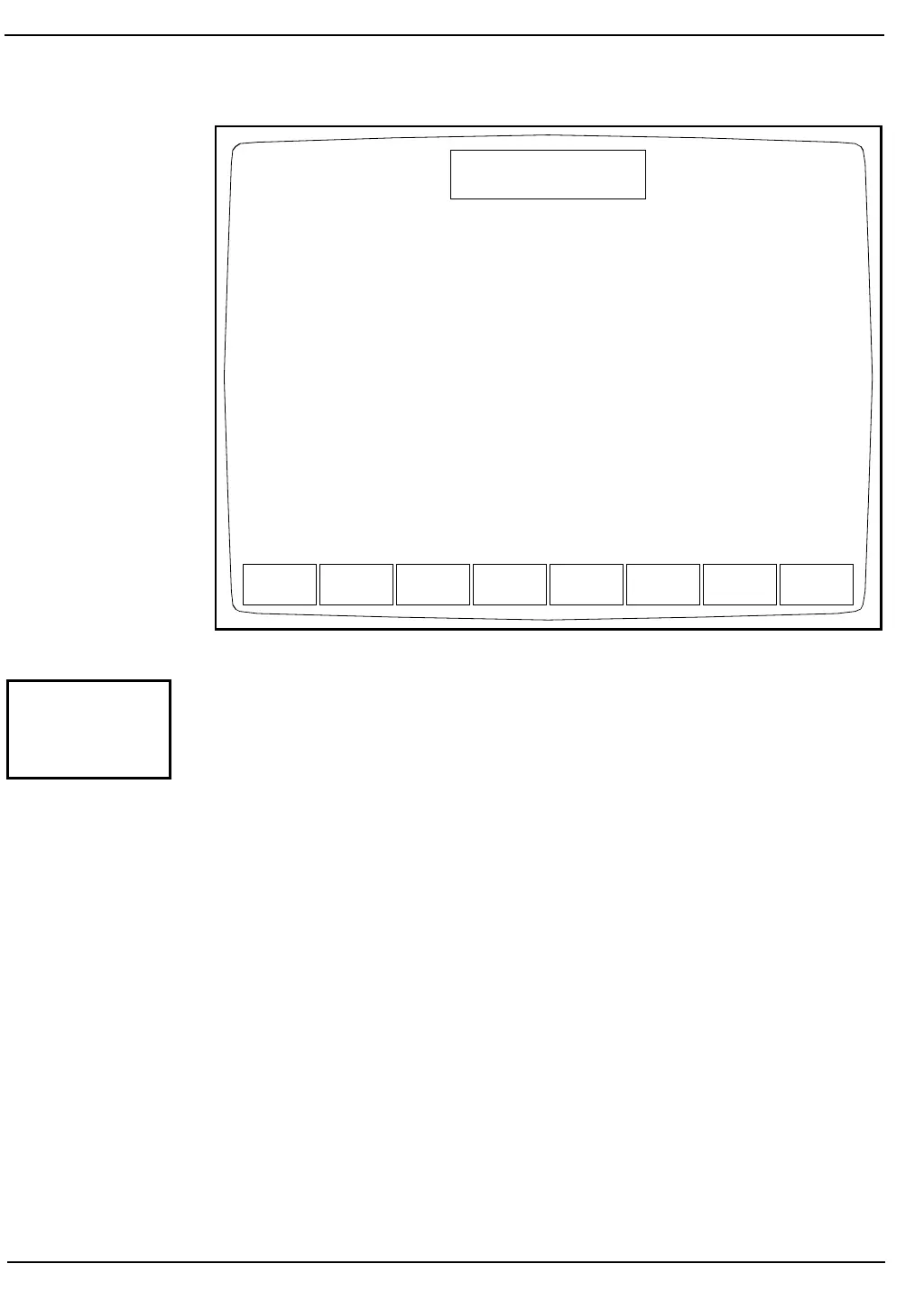
Figure 5.15: Operation Setup Menu Screen
The OPERATION SETUP MENU Screen (see Figure 5.15) allows the
operator to configure the transmission to an on-line computer. The
following soft key labels are displayed when the [OPERATION
SETUP] key is pressed:
BAR CODE SETUP
COMPUTER SETUP
RETURN
BARCODE
SETUP
COMPUTER
SETUP
RETURN
OPERATION SETUP MENU
Ready
Dec 08 1992
Operator ID
Sequence #
16:11
734
0067
OPERATION
SETUP



 To Next Page